How to use rewemind
Anything that takes more than one step is a project
Change the tyres, fix your teeth, get the kids ready for school, go to Lisbon. Everything about it gathers in one place. And when it's done, it leaves together.
Change the tyres
Any task goes this way. Instead of tyres it could be a washing machine that needs a new seal: the steps are the same.
- 1
Start a project
"Change tyres". Add a deadline if there is one: before the first snow, say.
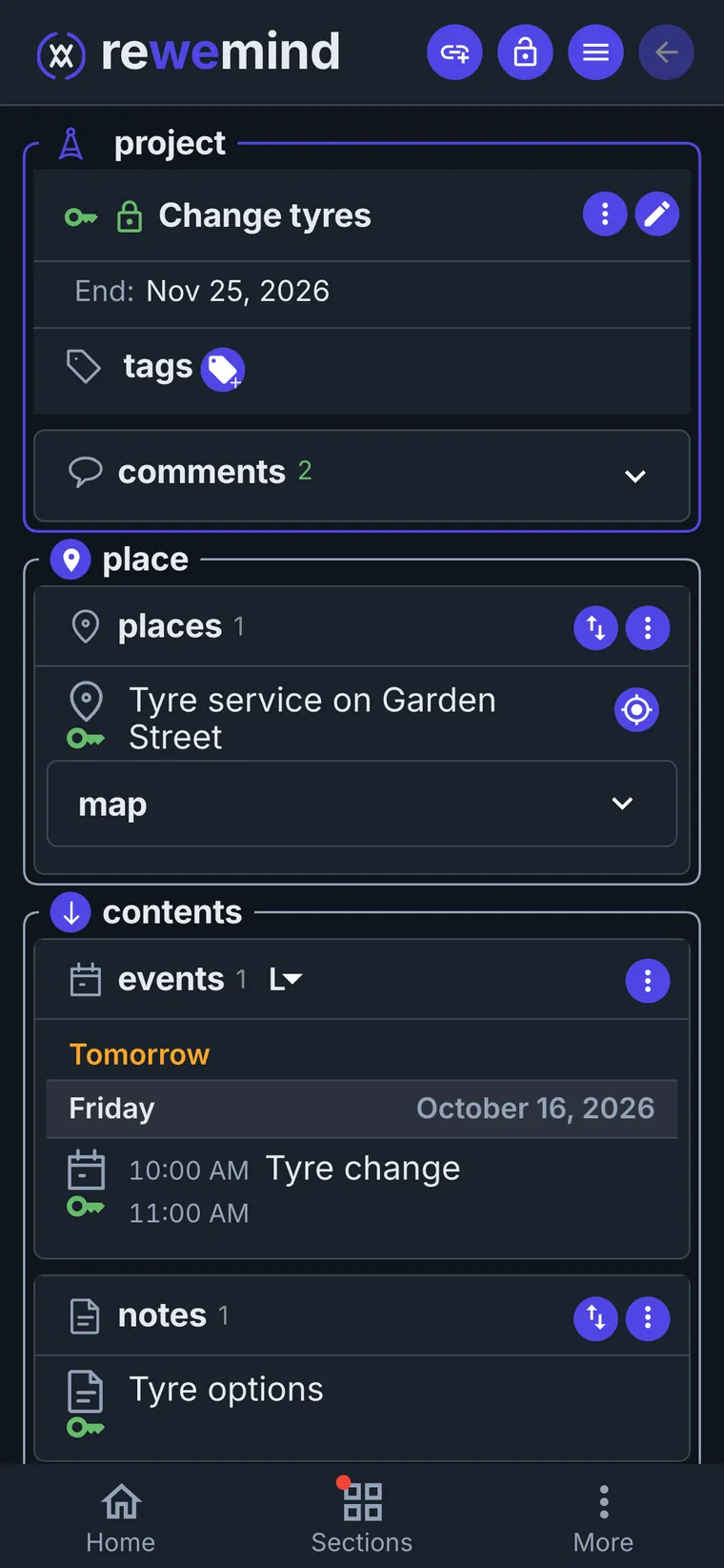
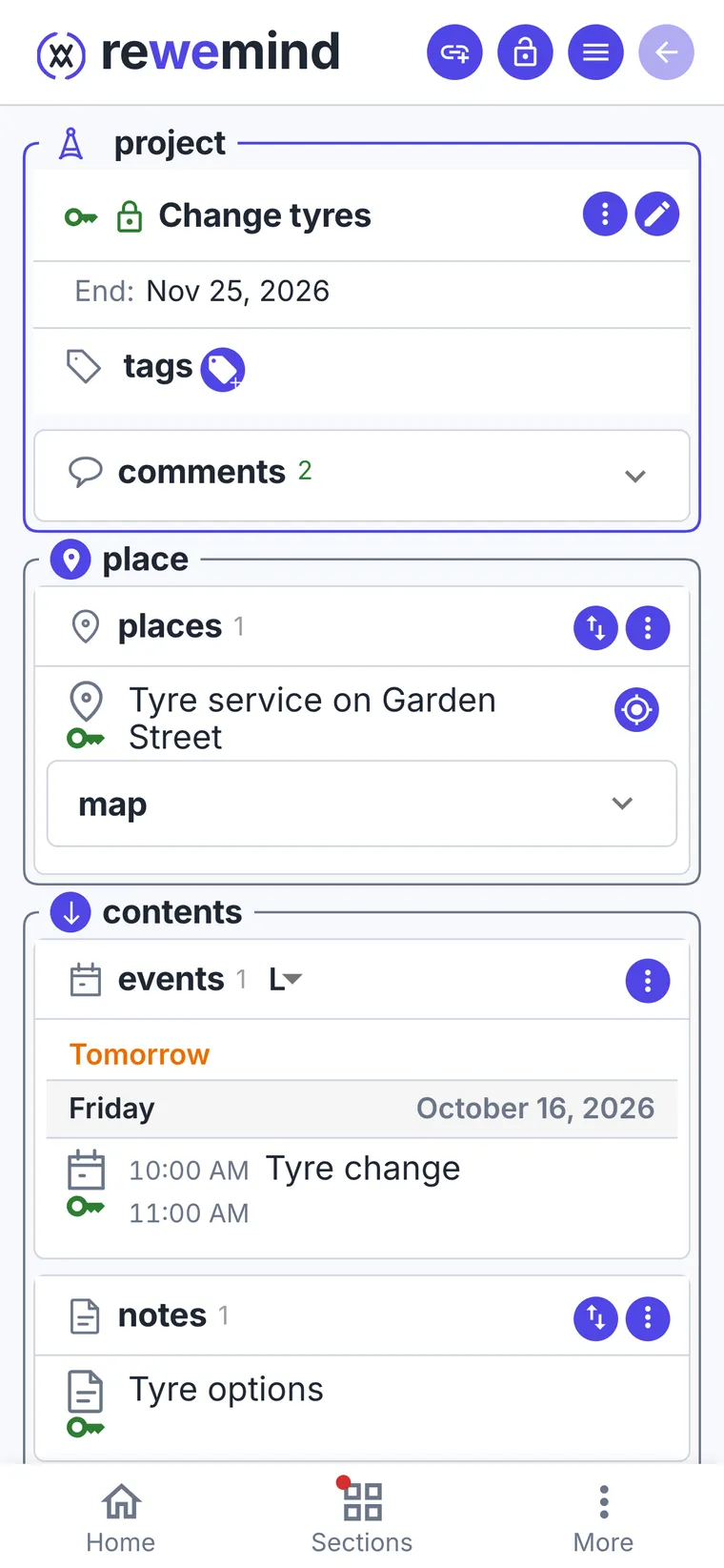
- 2
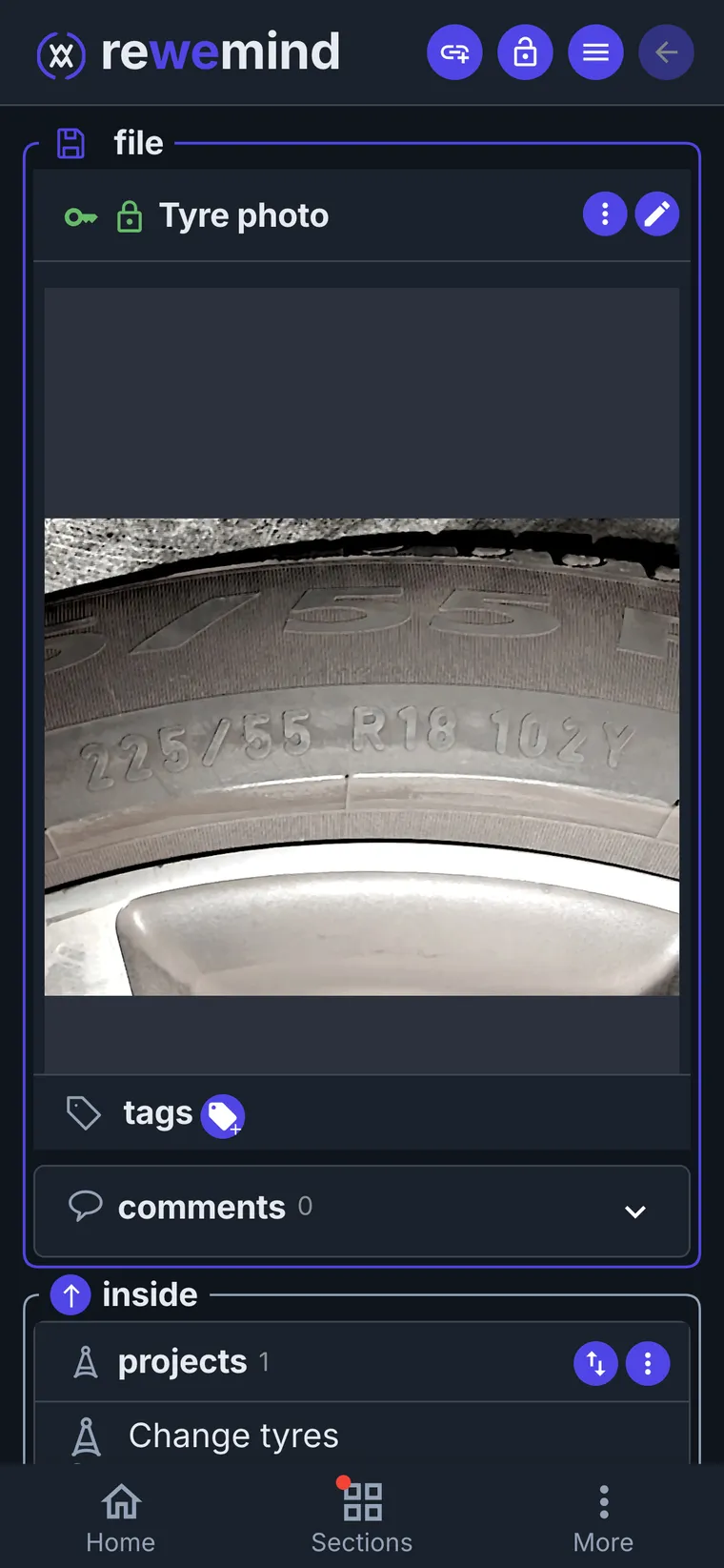
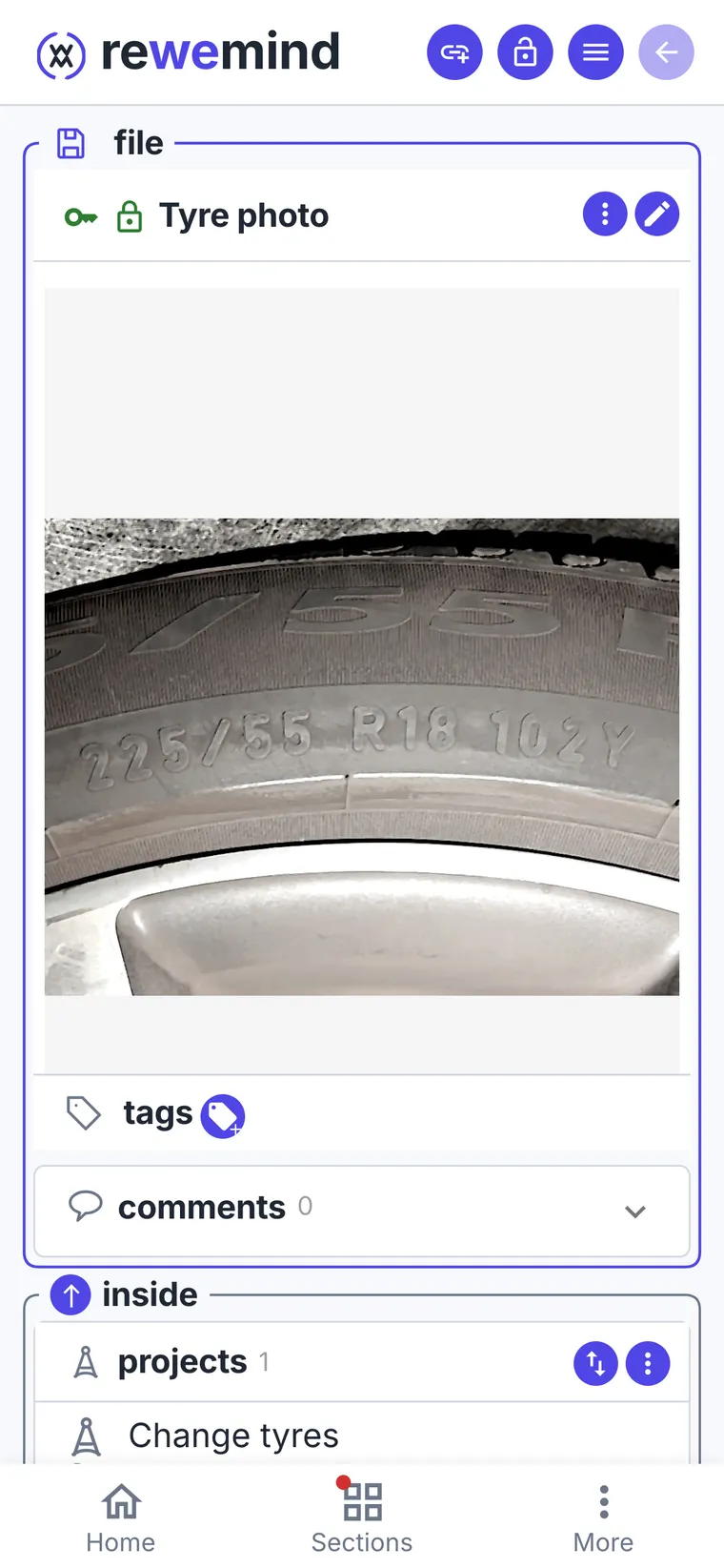
Photograph what you're replacing
The tyre with the size on its sidewall. Or the washing machine's plate with the model, so you can find the right seal later.
- 3
Compare options when you have time
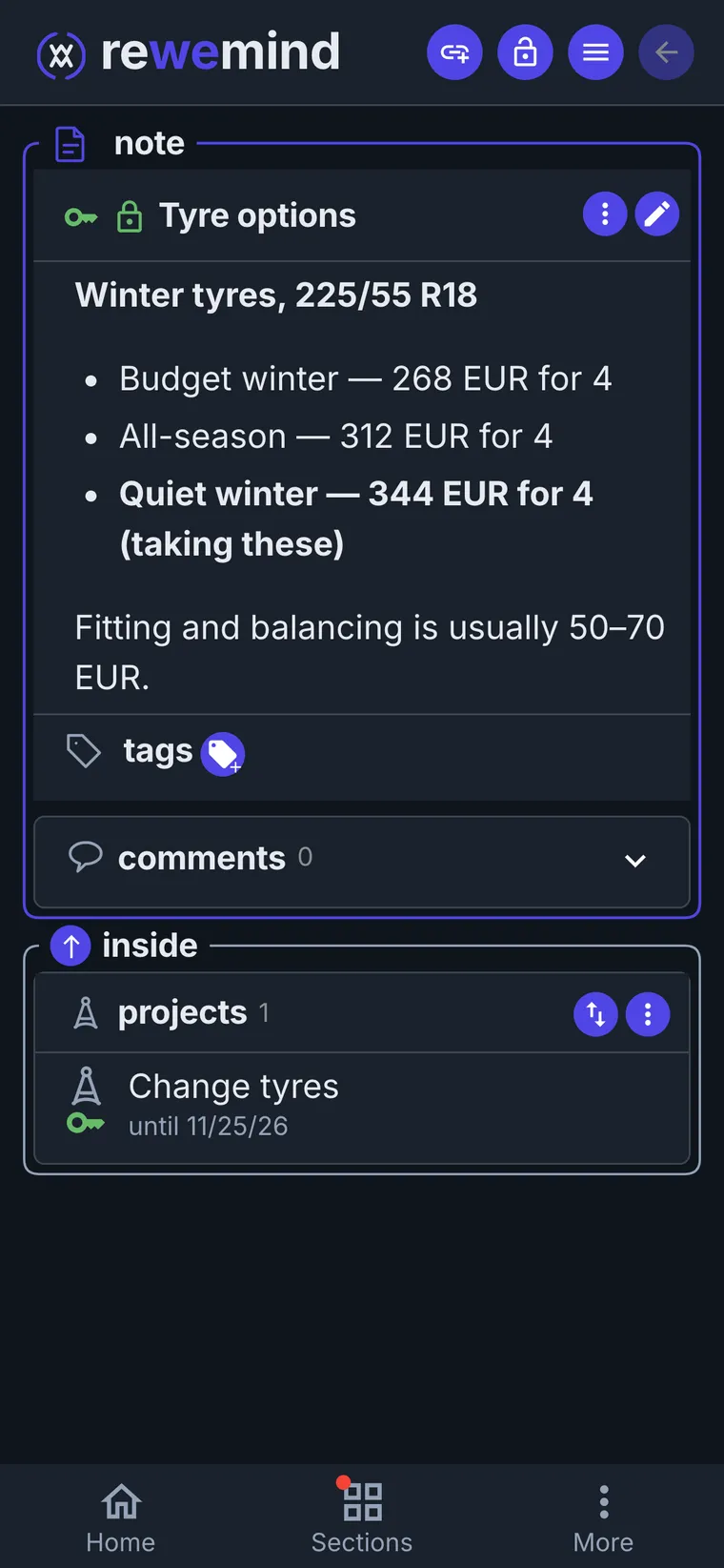
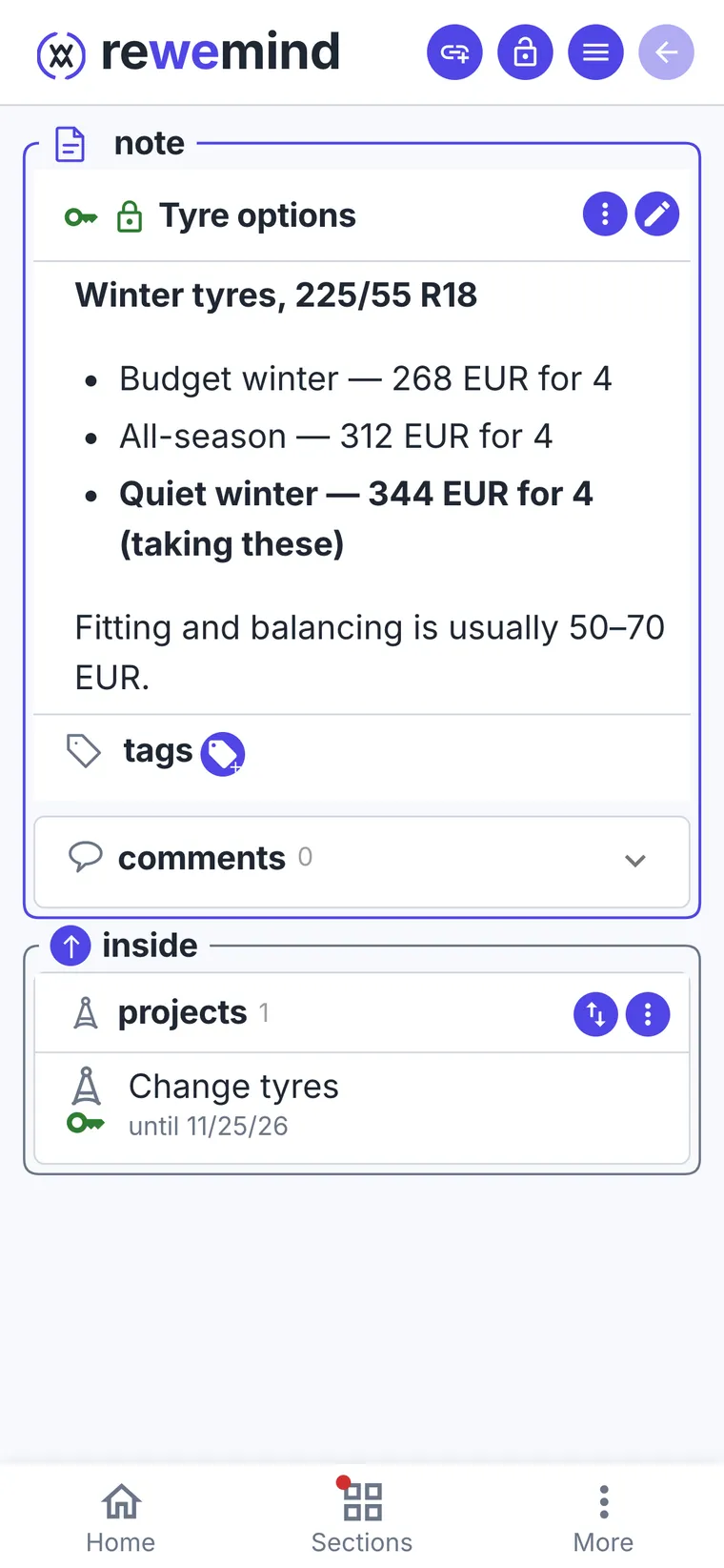
On the bus or in the evening at the computer. Lots of options - make a note with prices. Two or three - just drop links as comments on the project.
- 4
Book, and forward the confirmation
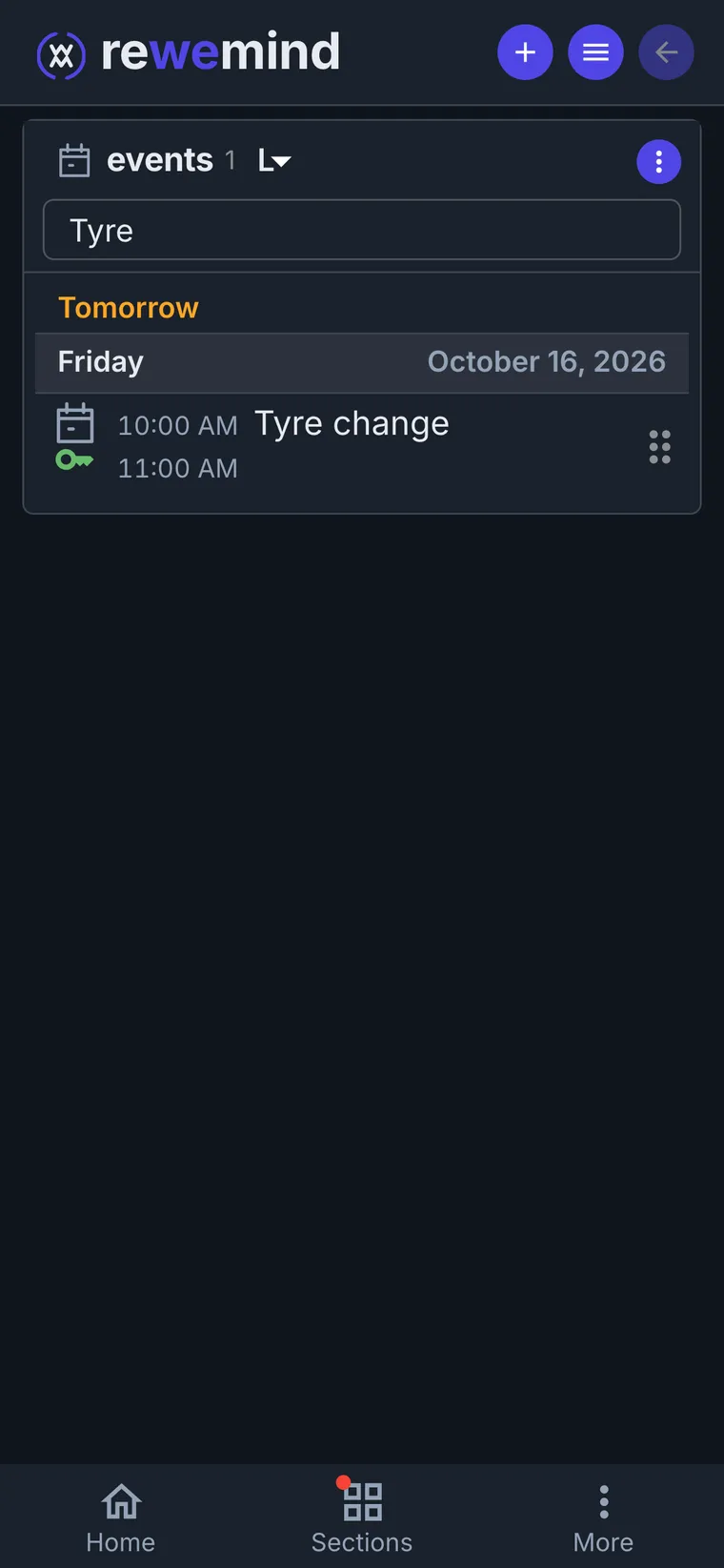
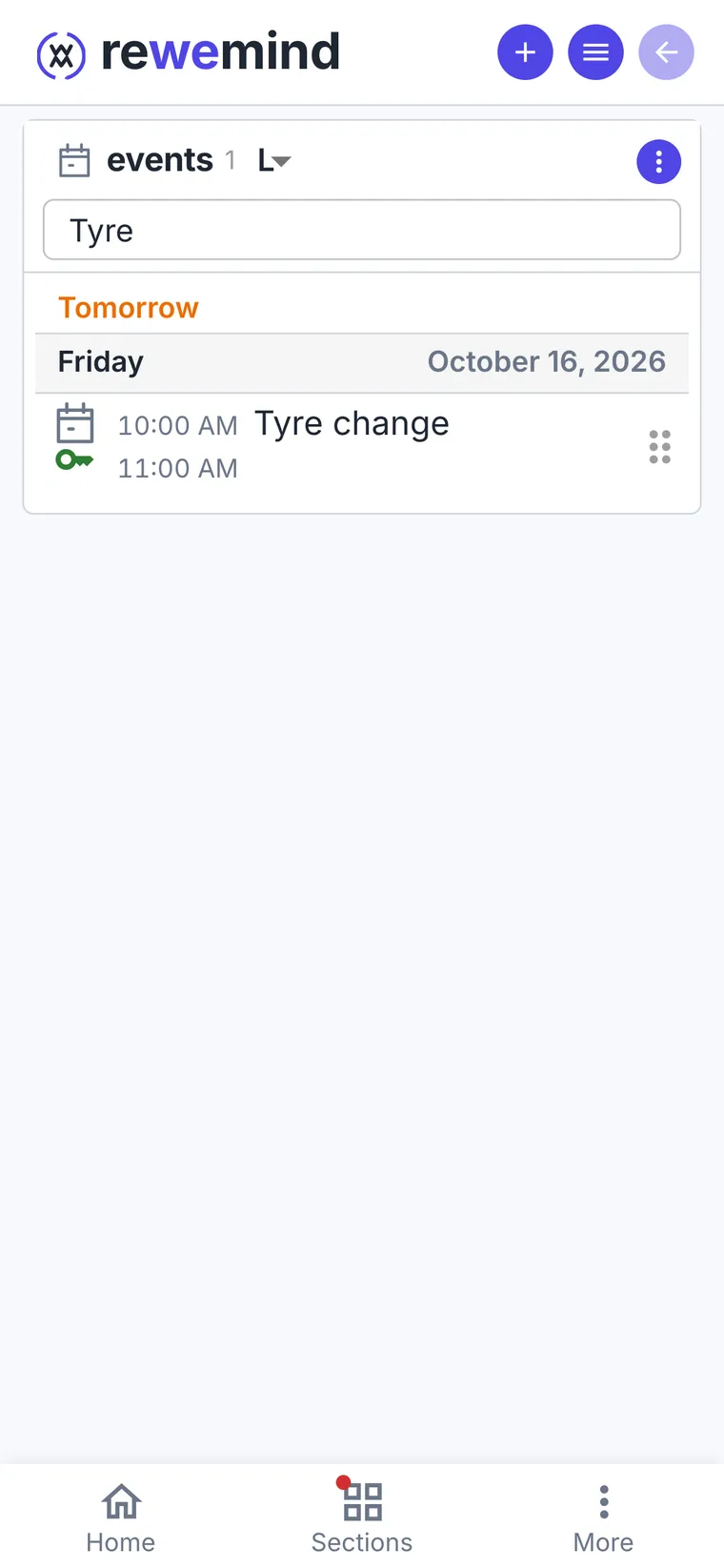
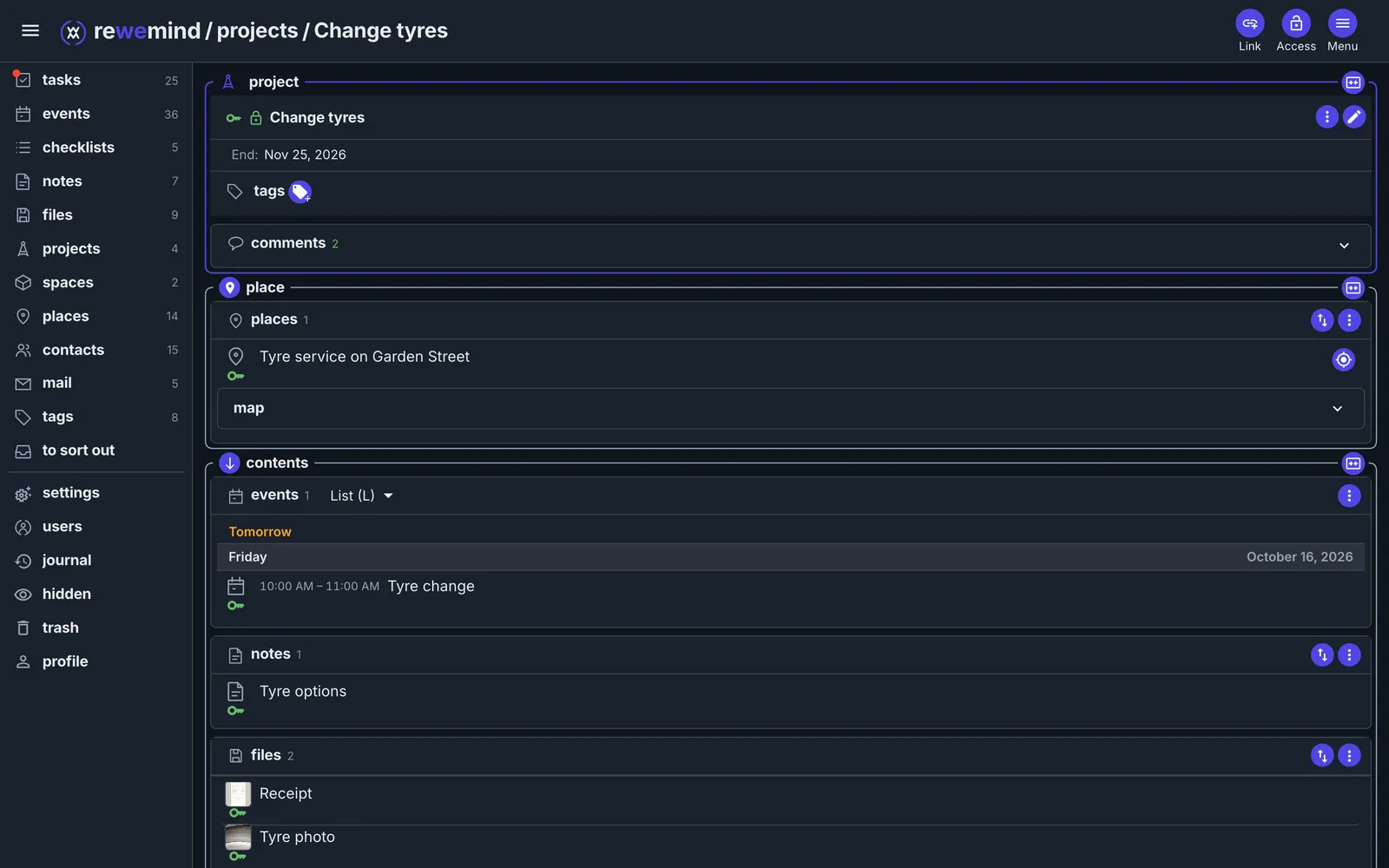
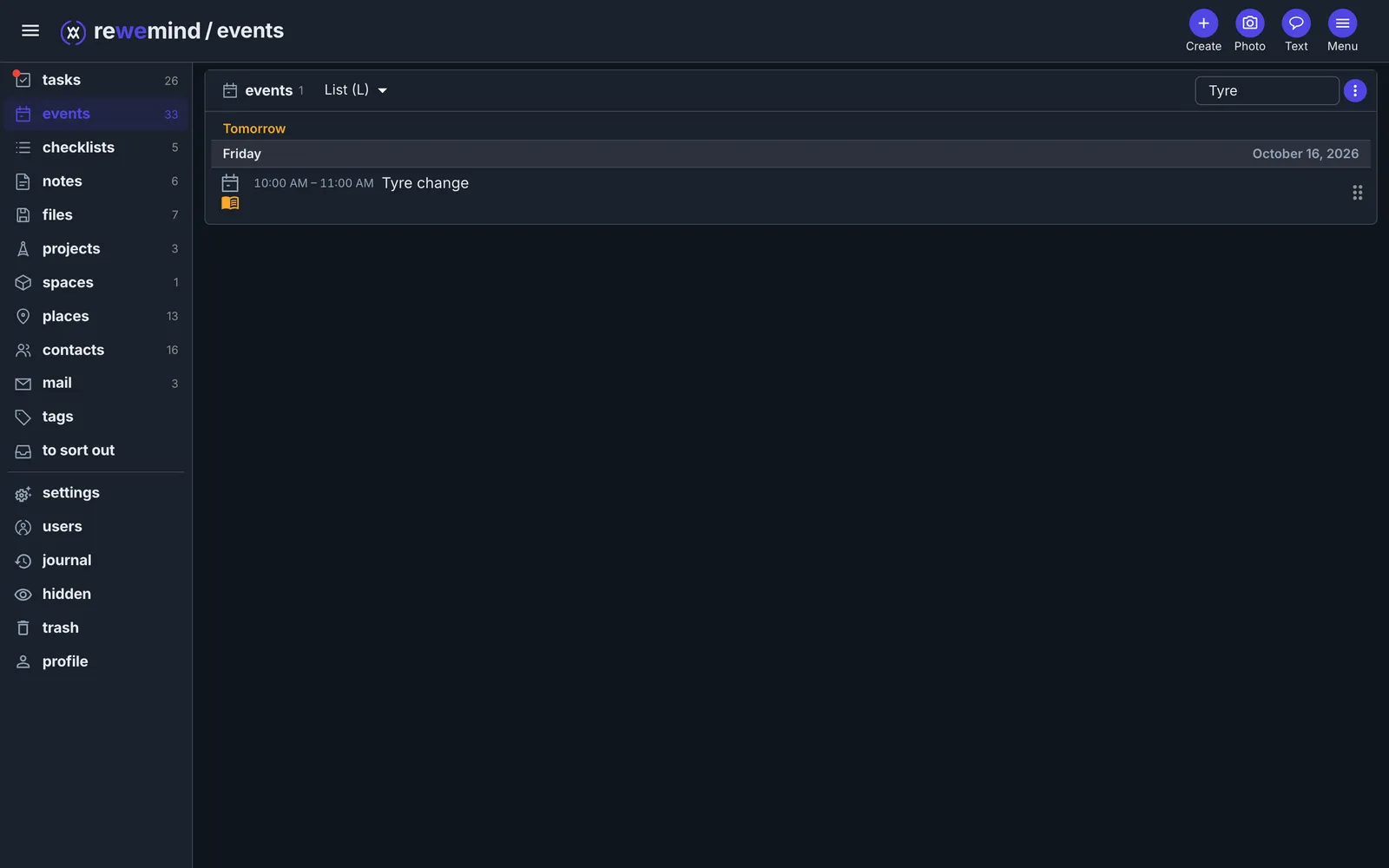
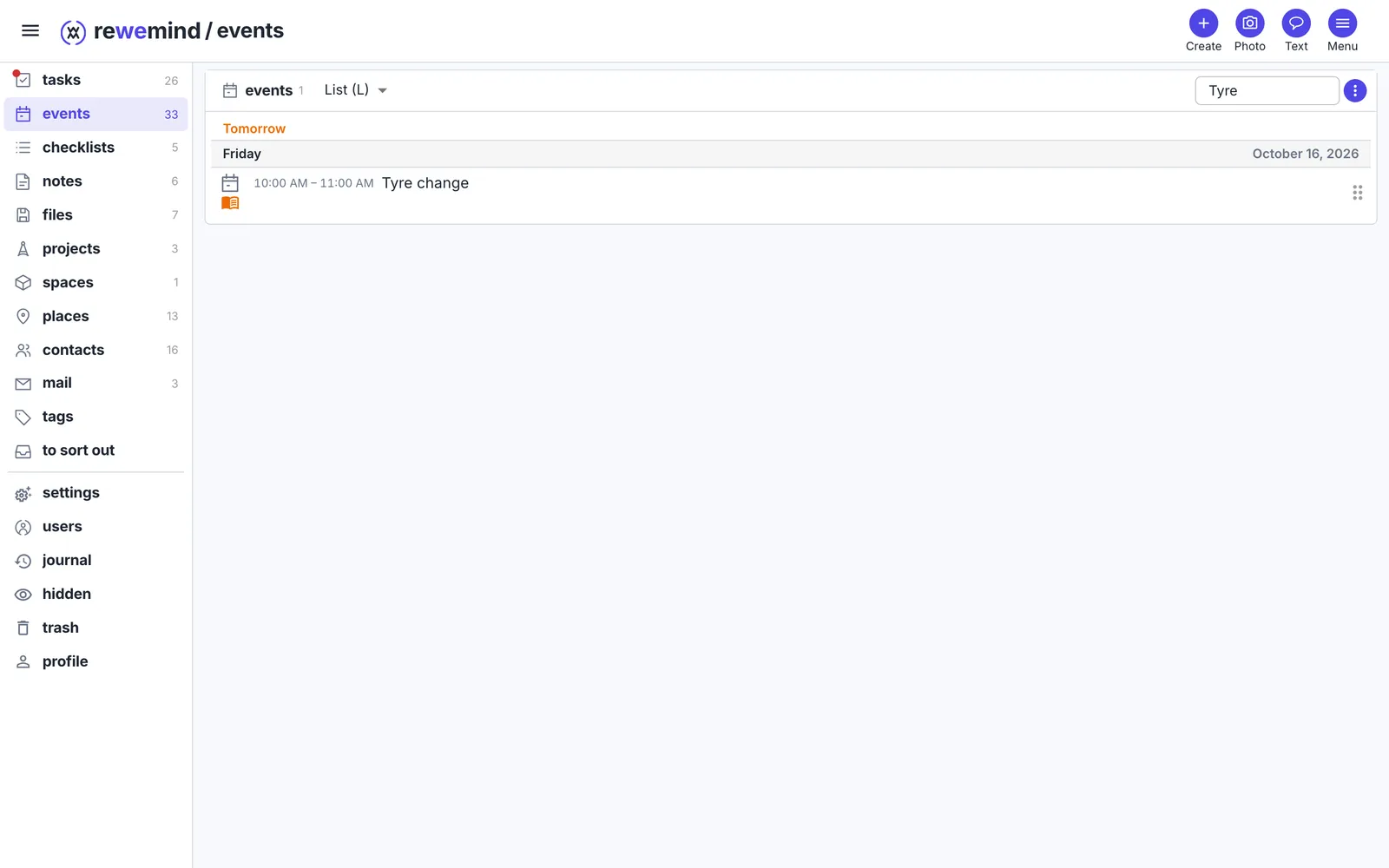
Add the workshop as a place, with the fitter, and the appointment as an event: it shows in the project and on Friday in your calendar.
The confirmation email - forward it to your rewemind address and put it in the project. Its attachments come along and stay out of your file list.
- 5
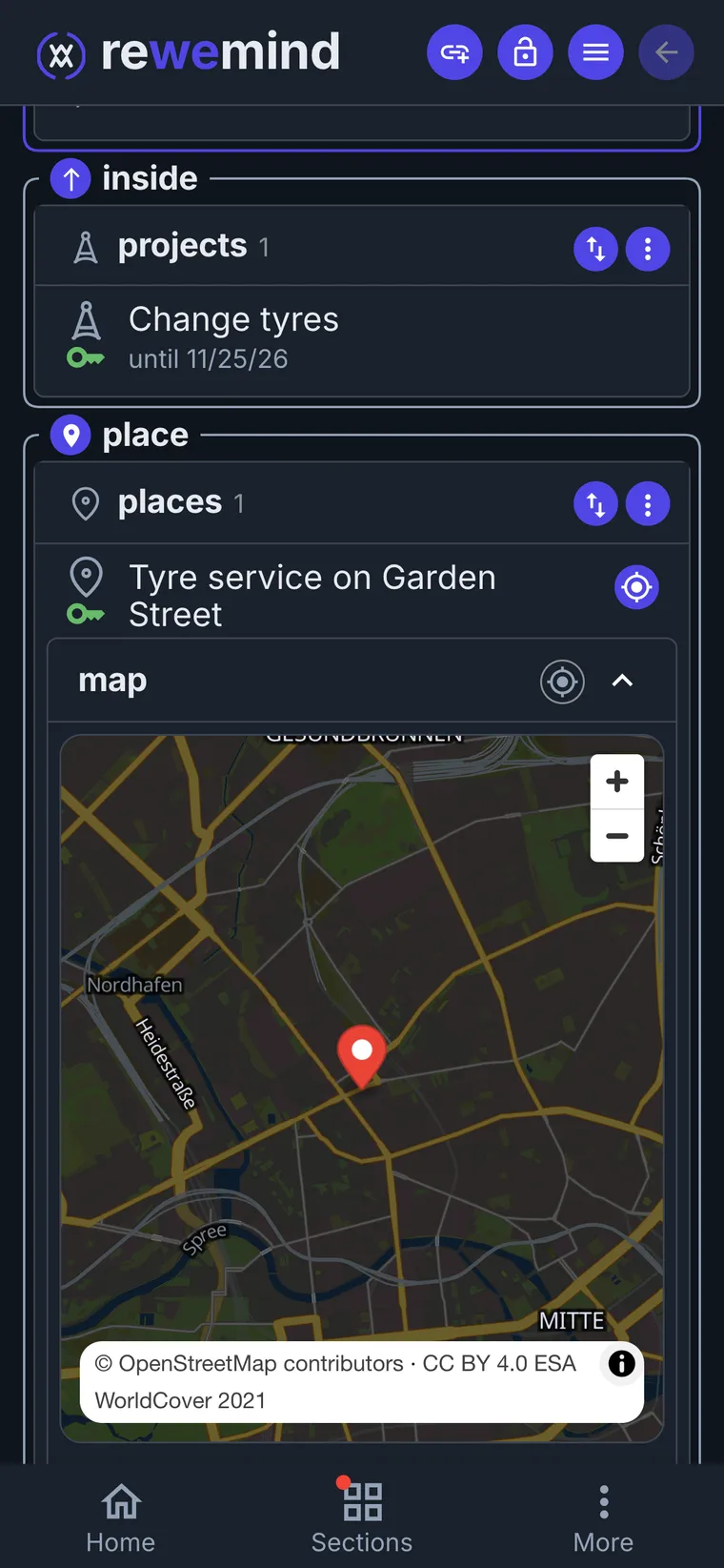
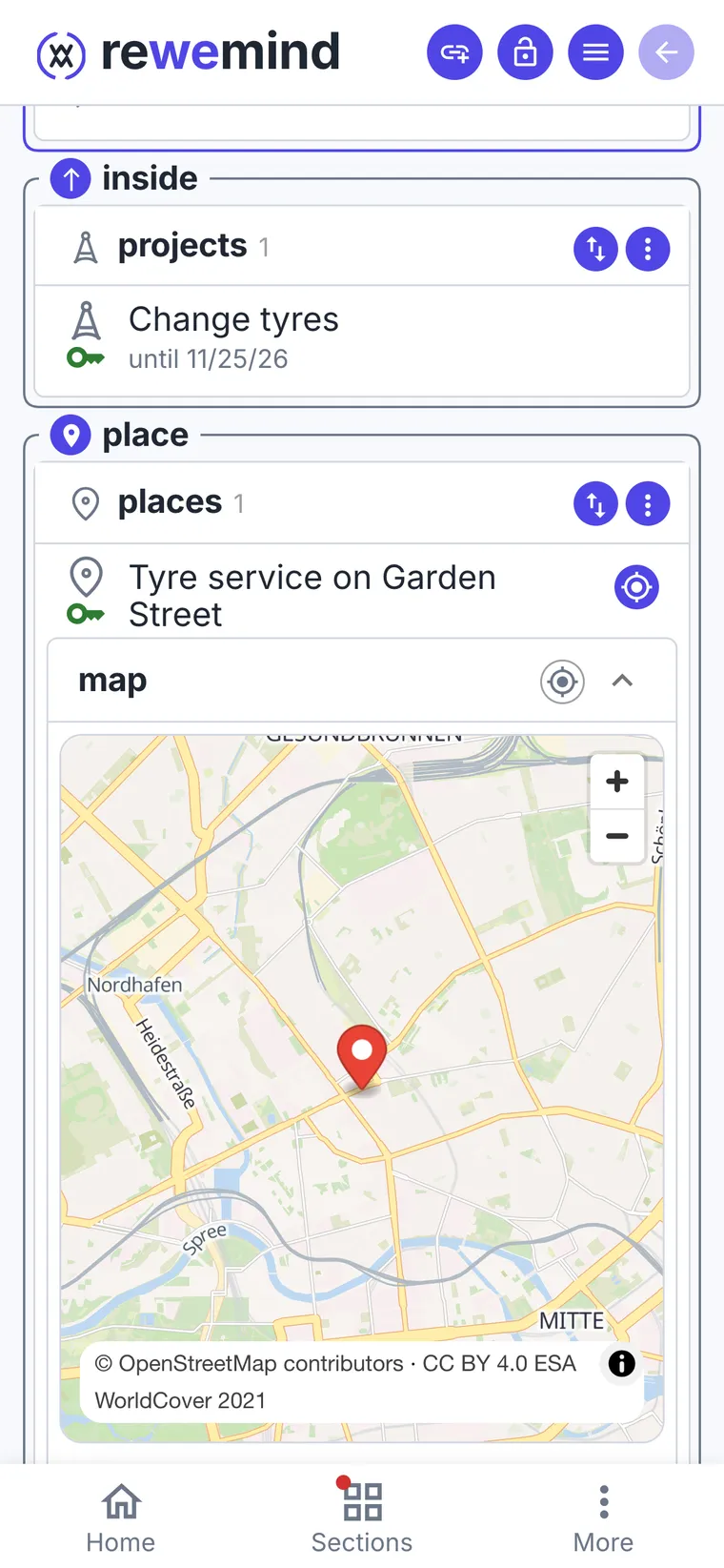
On Friday, just go
Open the event: the workshop is right there, and the route opens from it. Done - snap the receipt, it lands in the same project. If you ever need the warranty, it's where you'd look for it.
- 6
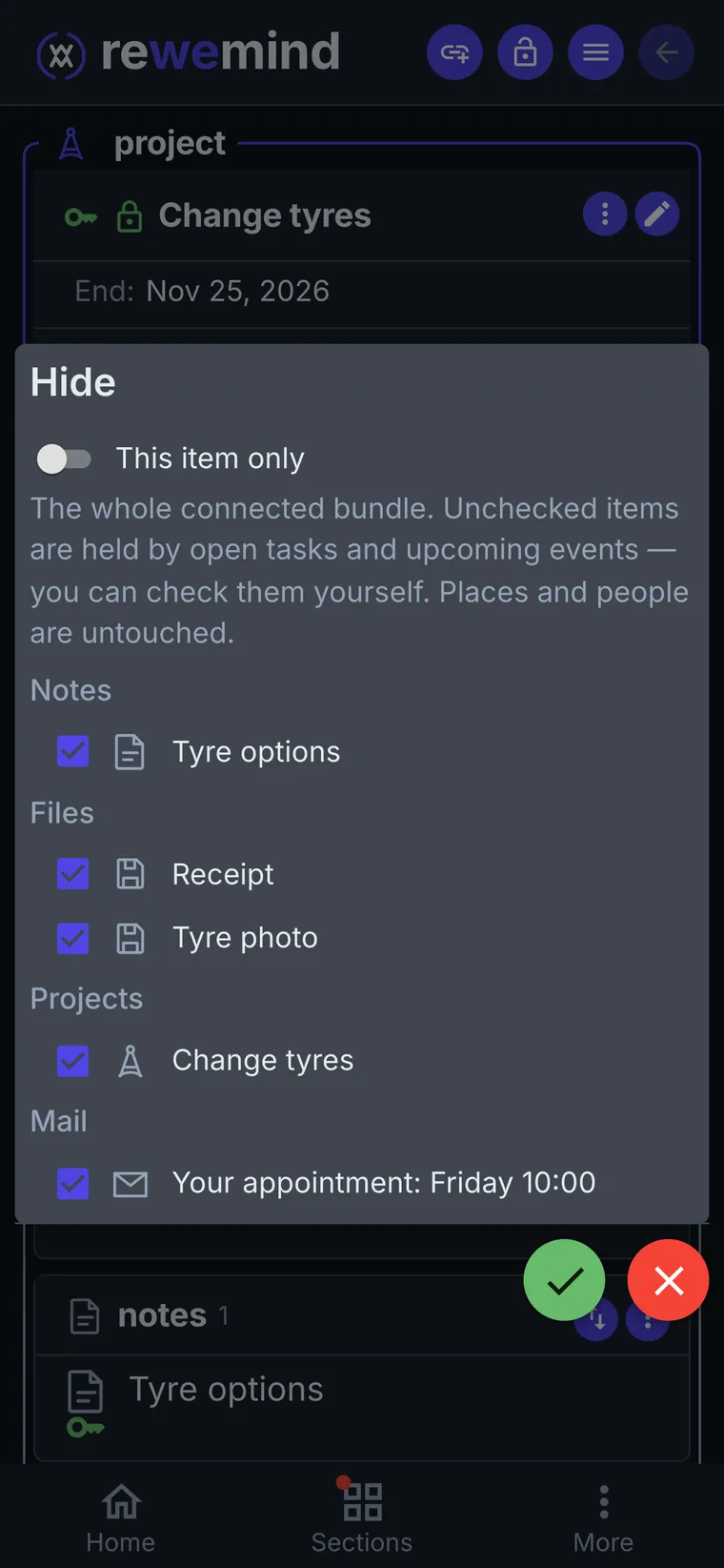
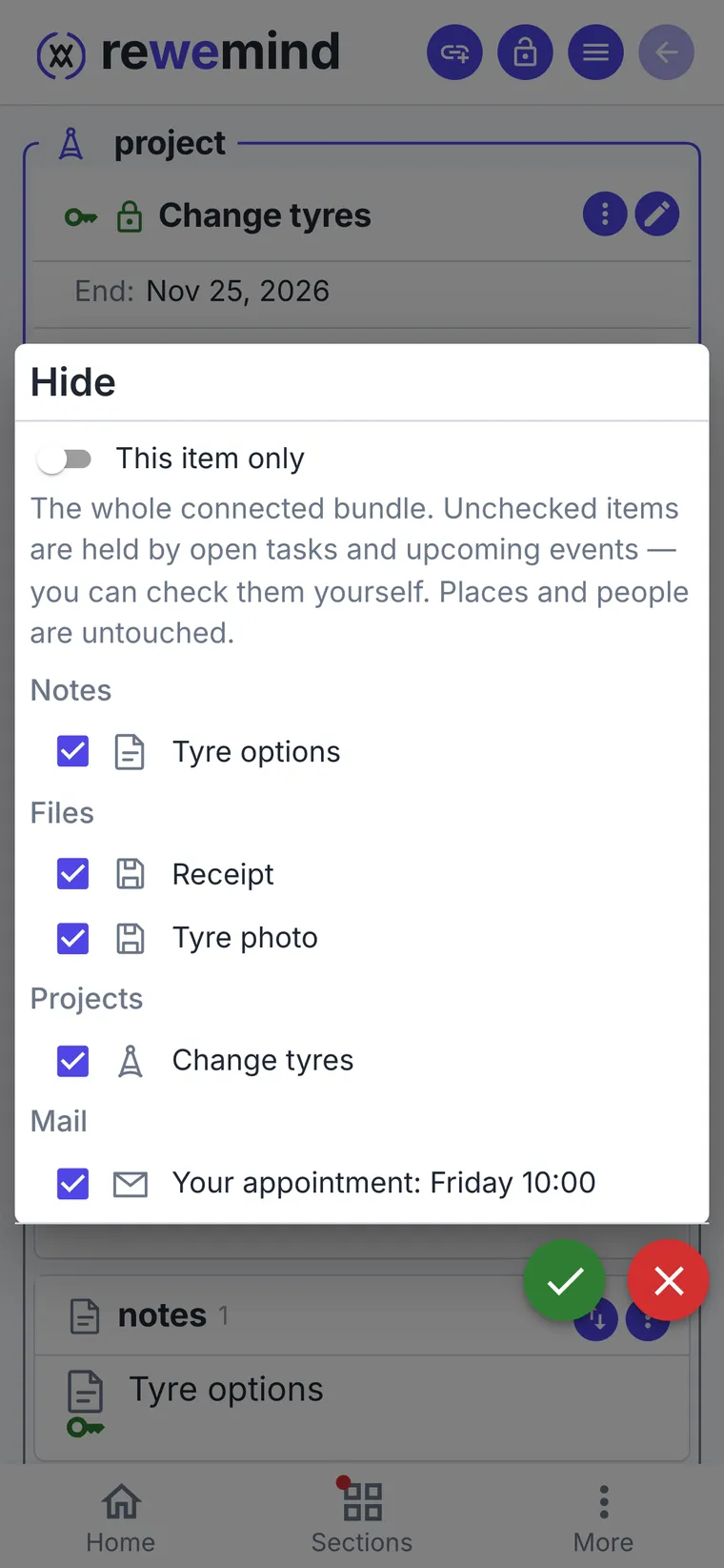
Hide the project - it all goes at once
Press "Hide" and you get a list of everything connected to the task. The upcoming appointment stays unticked until it's past; places and people aren't touched - the workshop will be handy next season.
Hiding is only yours: people you shared the project with keep everything.
The whole task on one screen
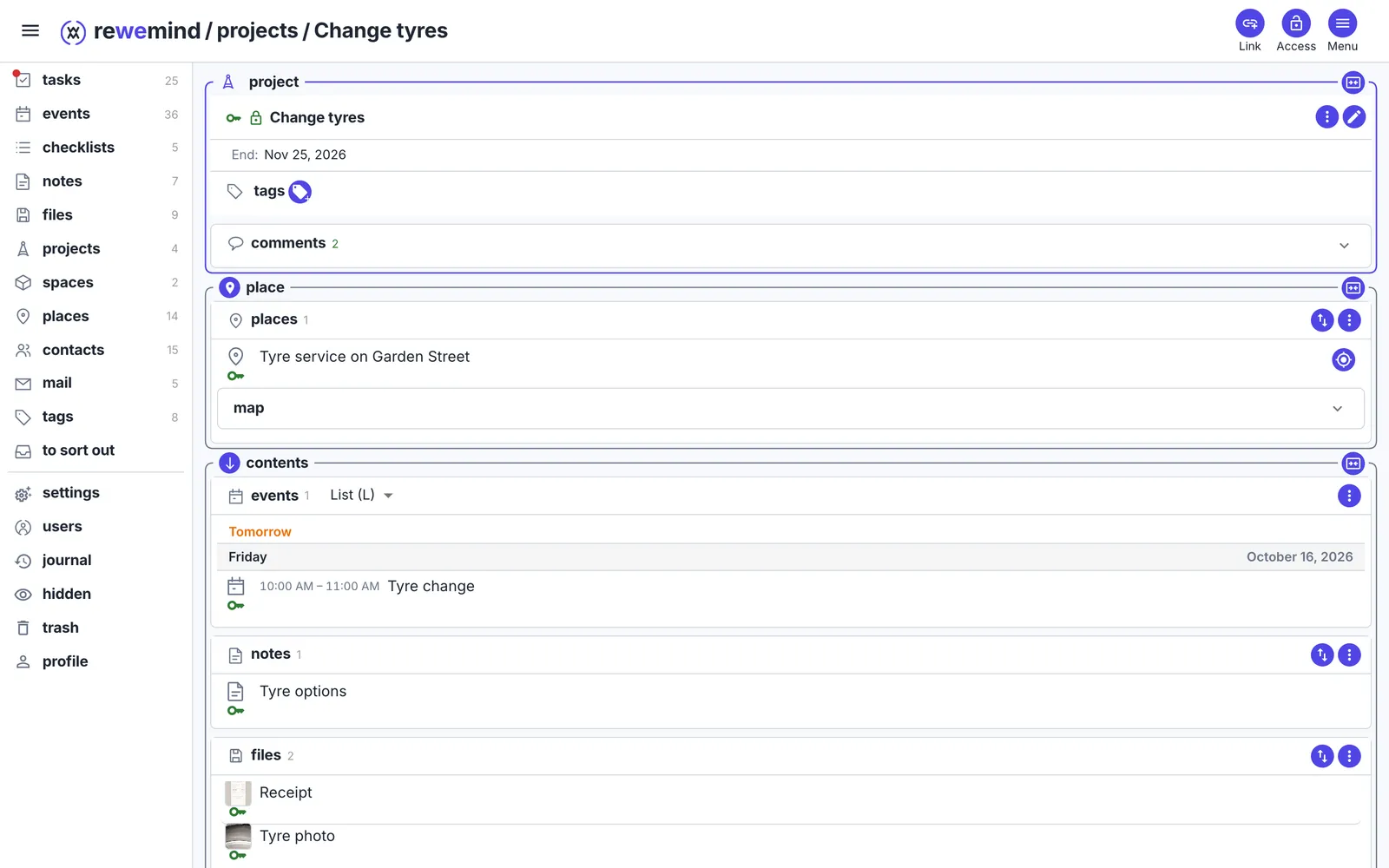
On a computer the same project opens with every section at once: the appointment, the note, the photos, the workshop and the letter.
A child's birthday party
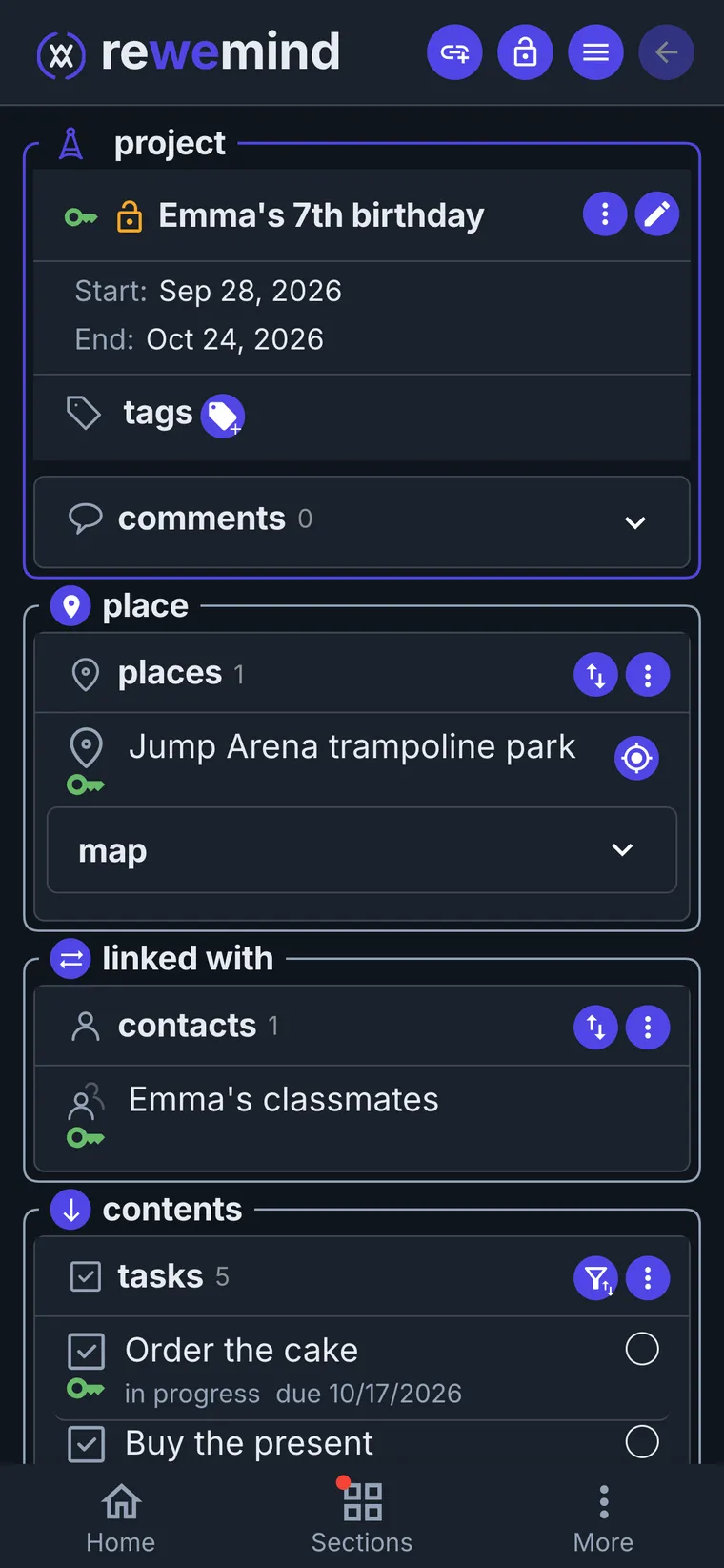
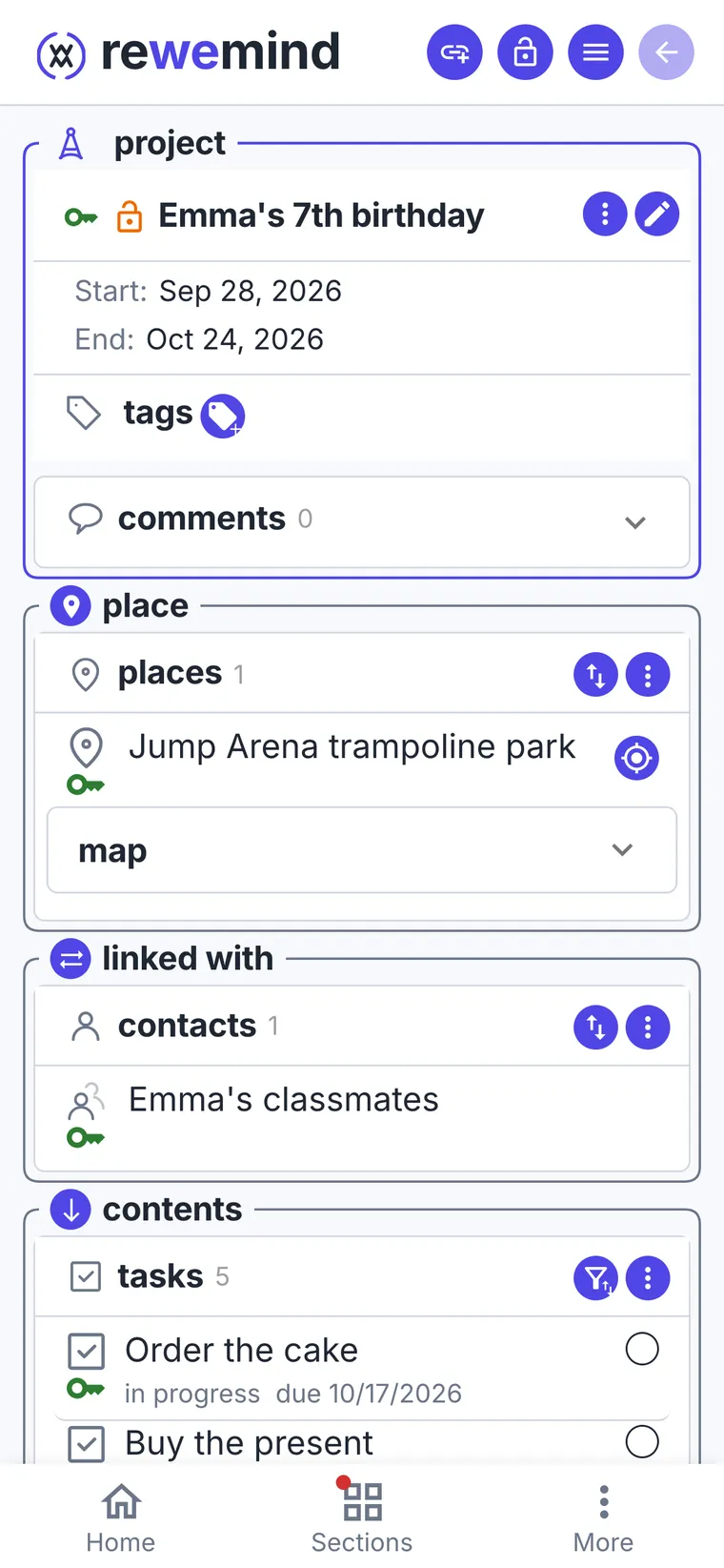
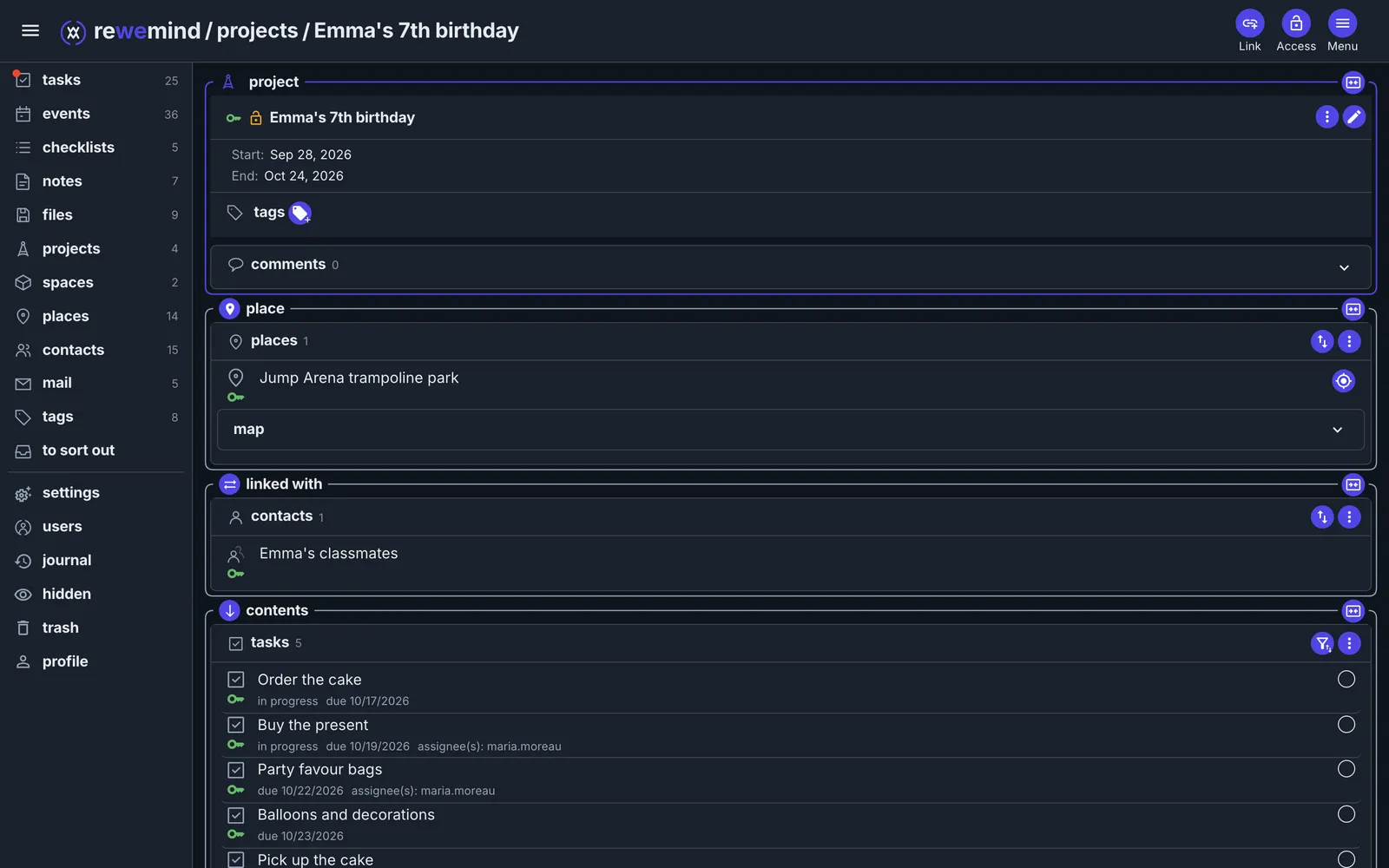
Emma turns seven. Alex and Maria plan the party in one project: each has their own tasks, and both see the same guests, shopping and plan.
- 1
Start a project and add the party
"Emma's 7th birthday". The party itself is an event on Saturday from 12 to 3, with the trampoline park as its place: the route opens right from it.
- 2
Guests are a shared collection
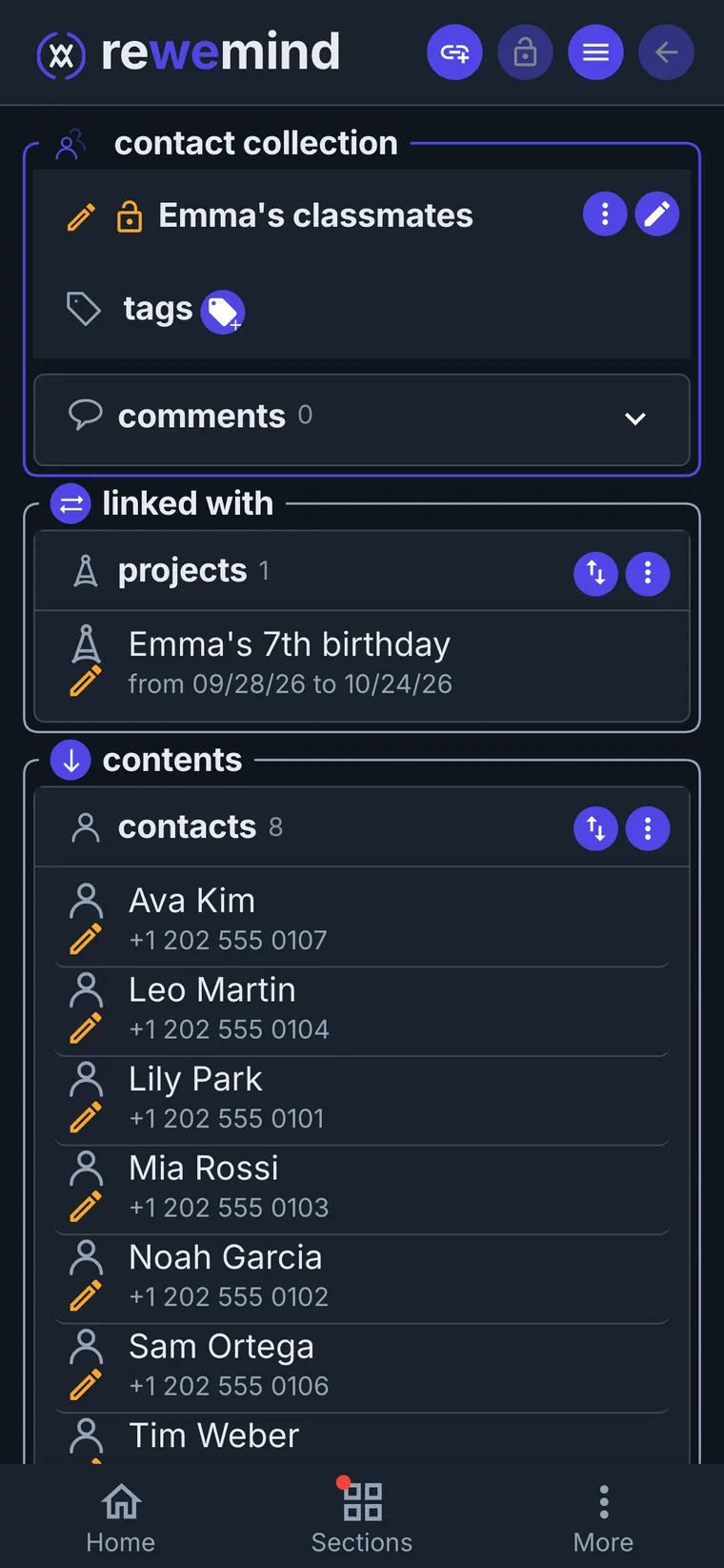
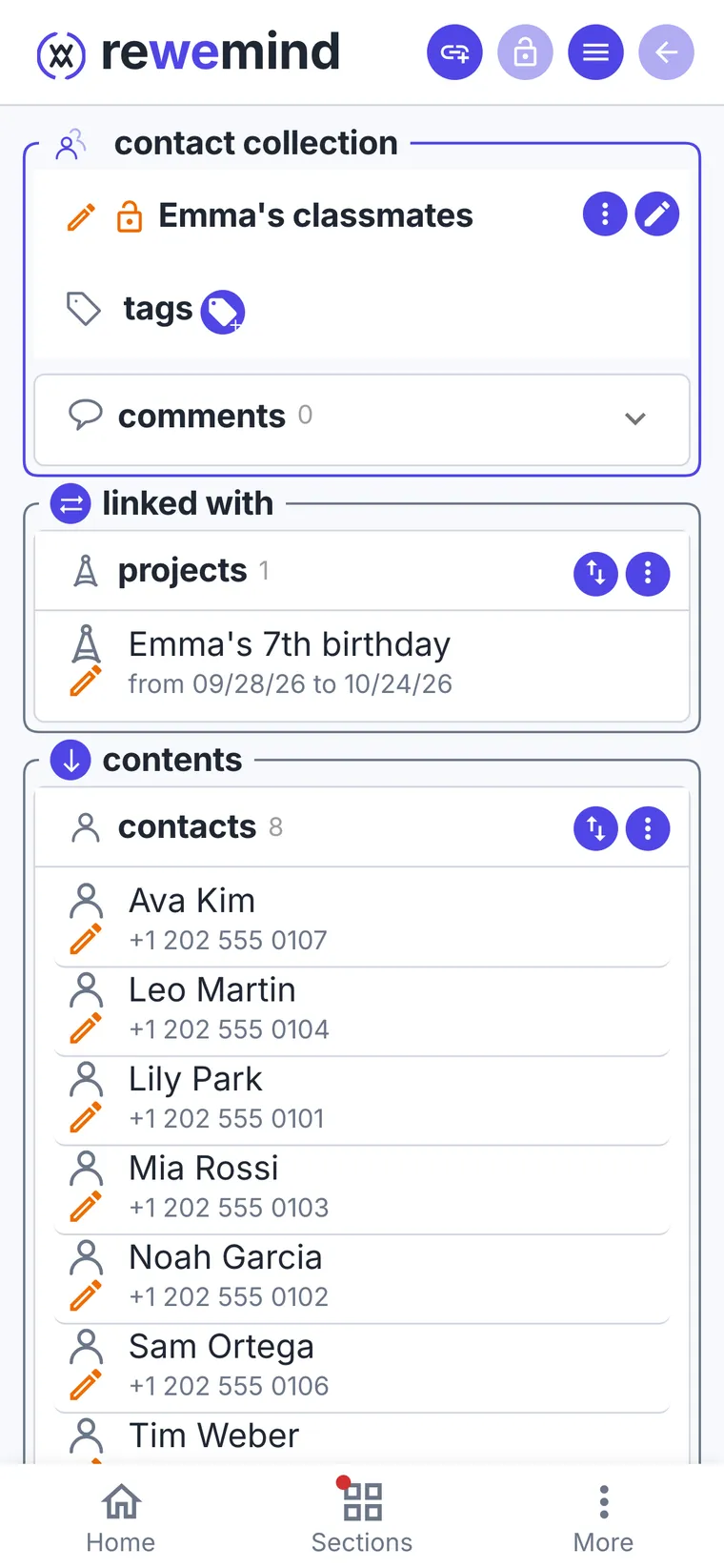
Emma's classmates live in one collection of contacts, with a parent's phone on each card. Alex and Maria see the same cards, not copies: if one updates a phone number, the other sees it.
Next year the list is already there. Who is coming this time gets a tag with the year: "coming to Emma's birthday 2026".
- 3
Who is coming is right in the party
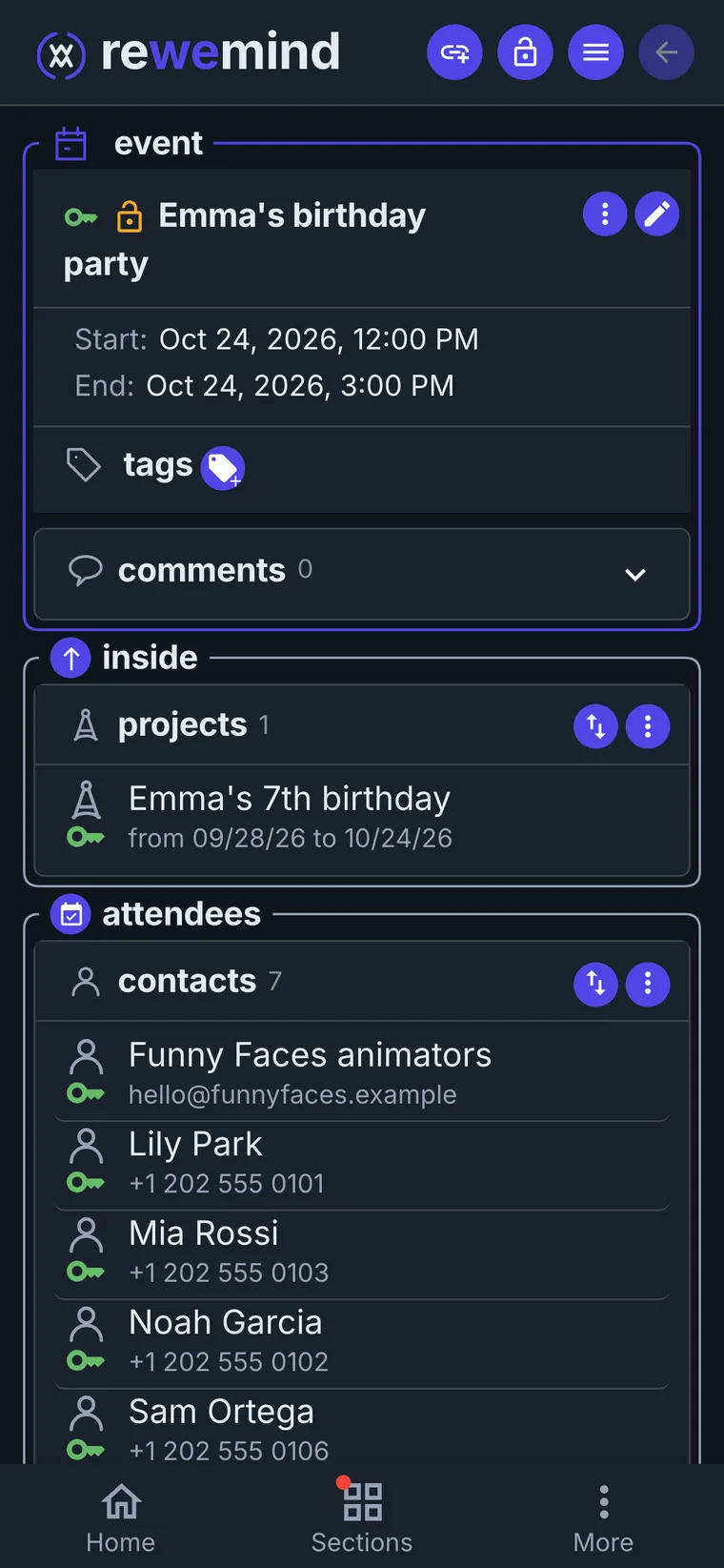
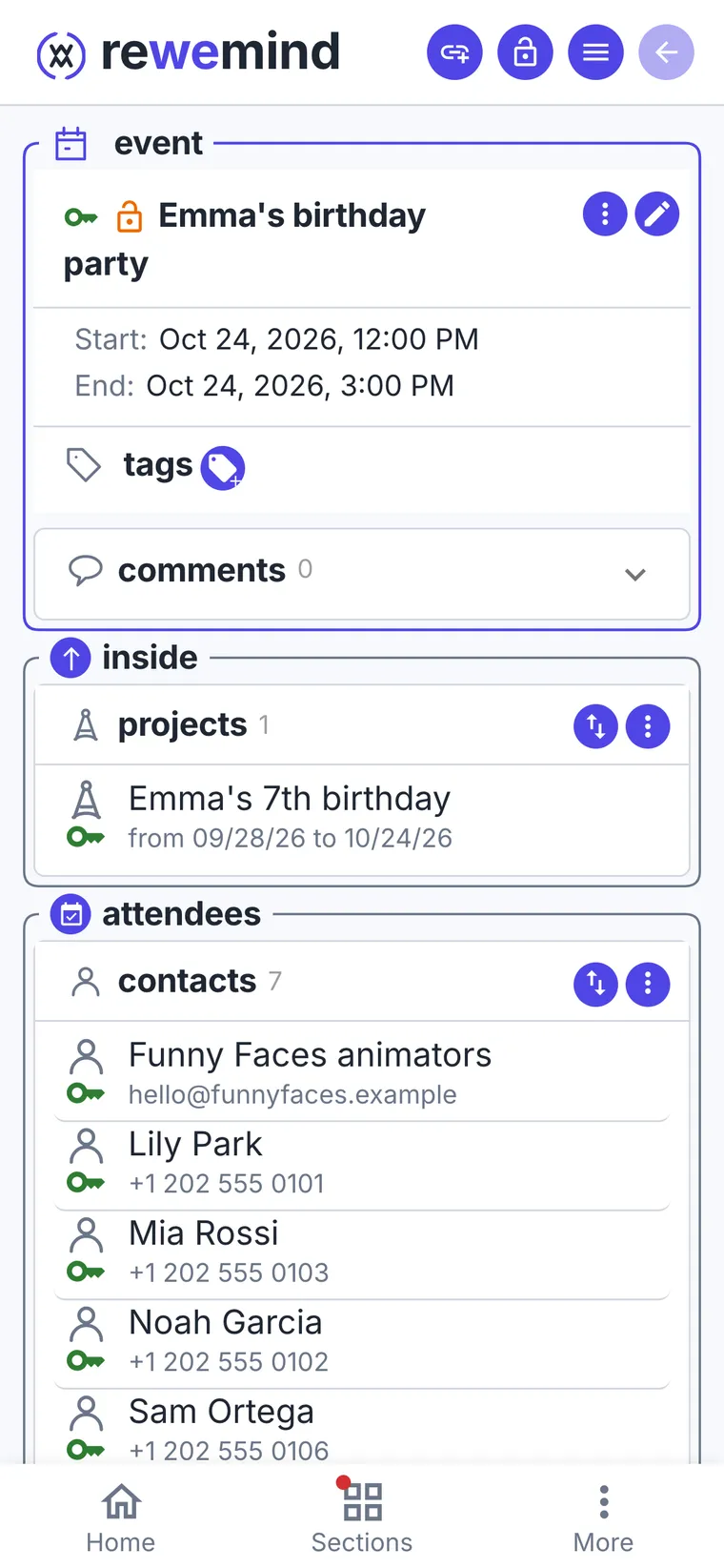
The guests who said yes and the animators are attendees of the event. On Saturday you open the party: phones, place and time on one screen.
- 4
One shopping list for two
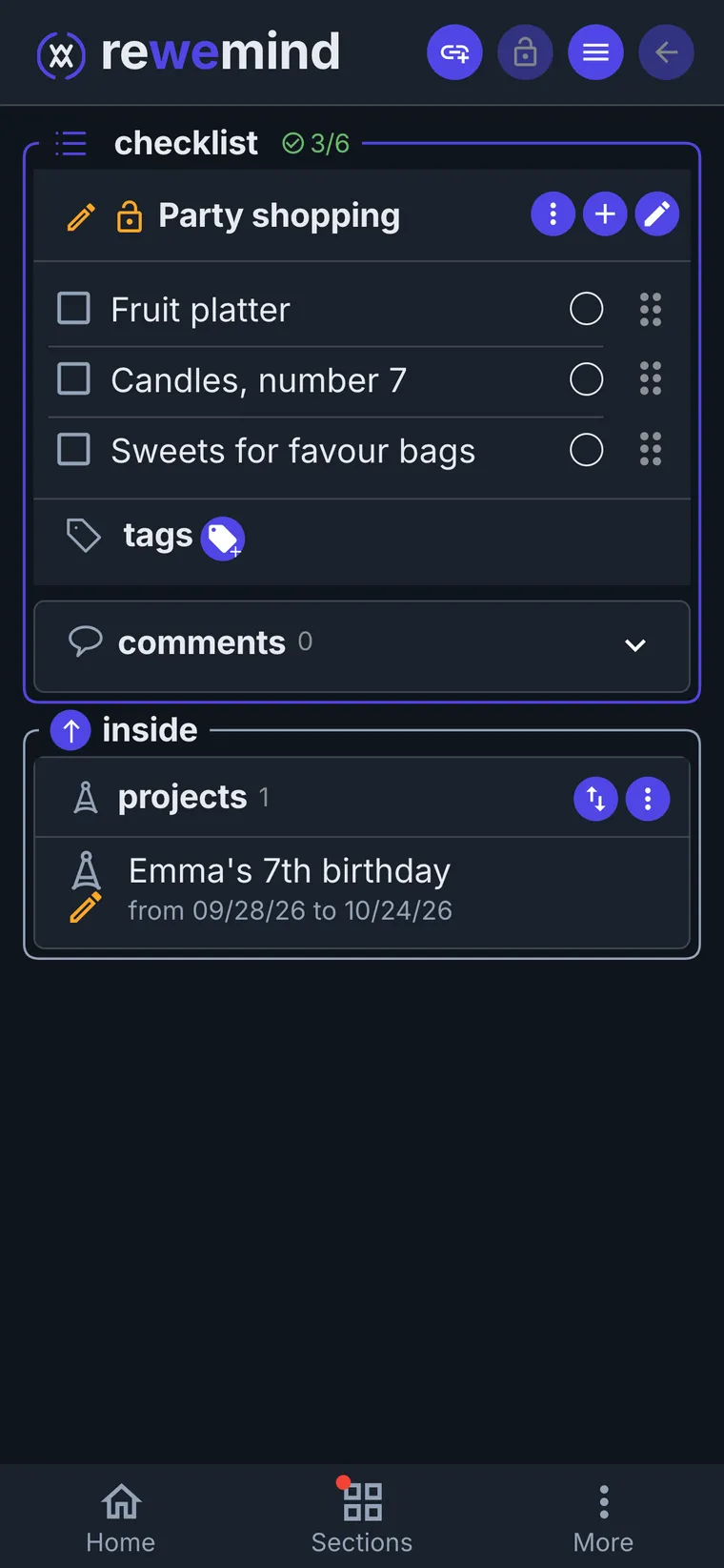
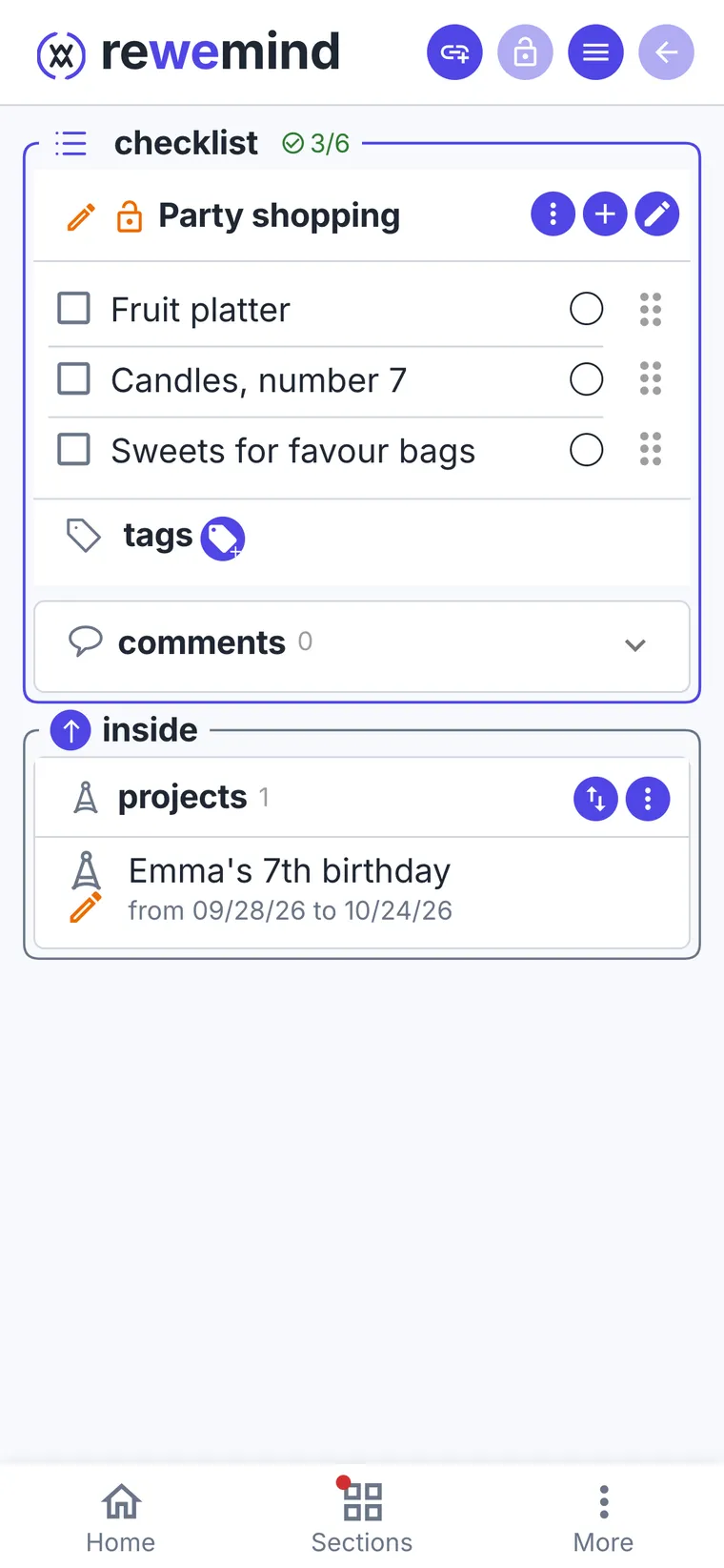
Juice, fruit, plates, candles: whoever is at the shop ticks things off, and the other sees at once what's left.
- 5
The plan for the day
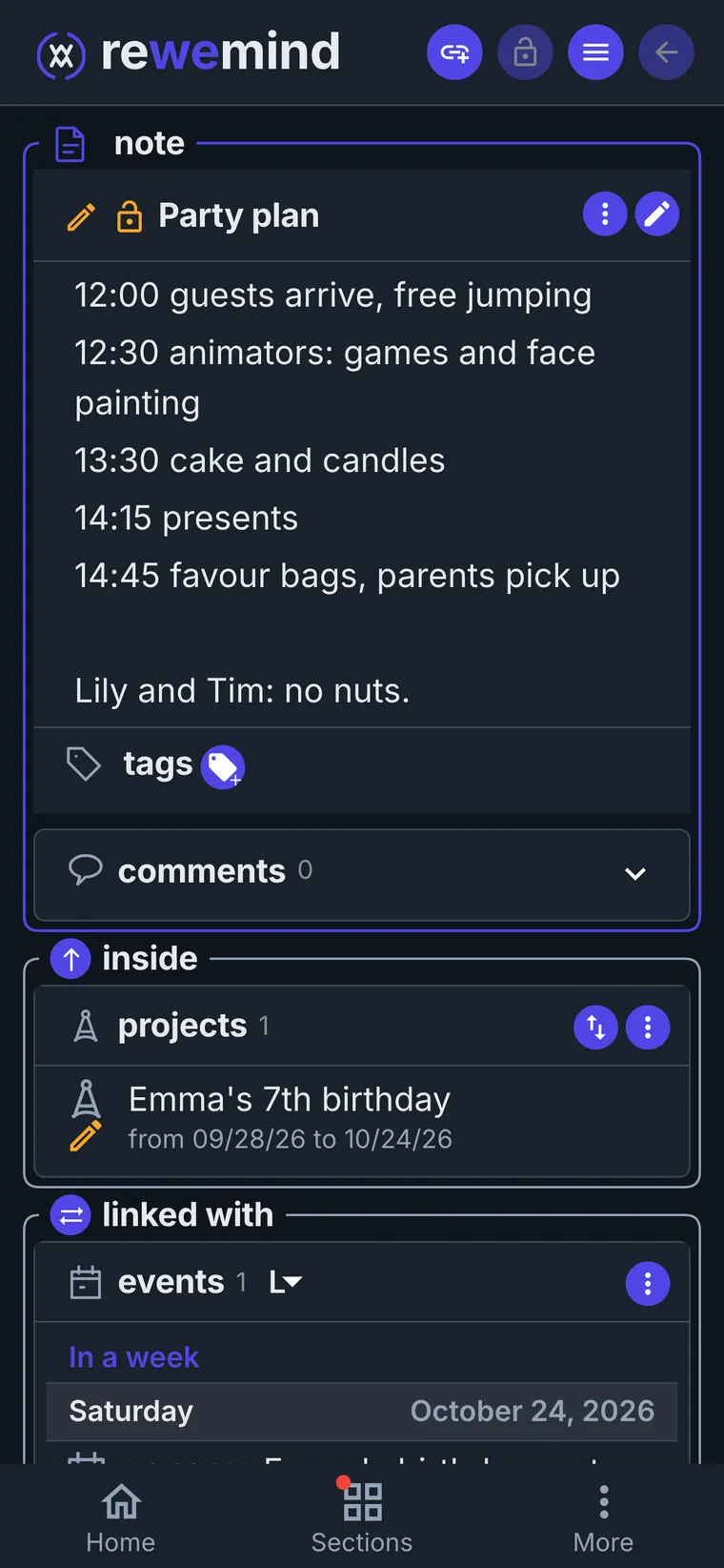
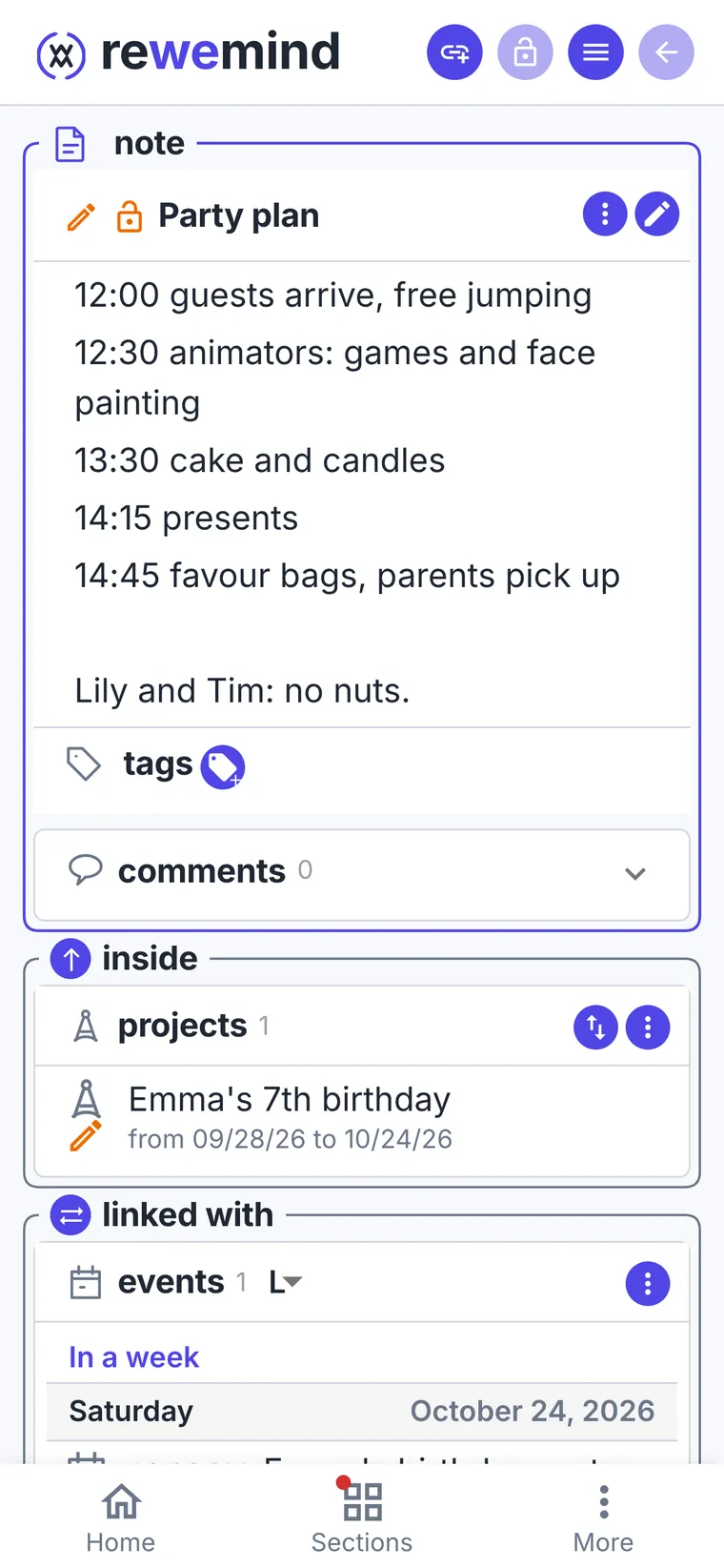
A note with the timing: guests, animators, cake, presents. And the important bit at the bottom: Lily and Tim, no nuts.
- 6
After the party, hide the project
Tasks, lists and the plan leave together. The classmates, the park and the animators stay: next year the party comes together in an evening.
Each parent's tasks, in one project
Alex books the park and the animators and orders the cake; Maria sends the invitations, buys the present and packs favour bags. Each task has its person and date: everyone sees their own, and the project shows them all.
A trip: tickets, addresses and a plan for every day
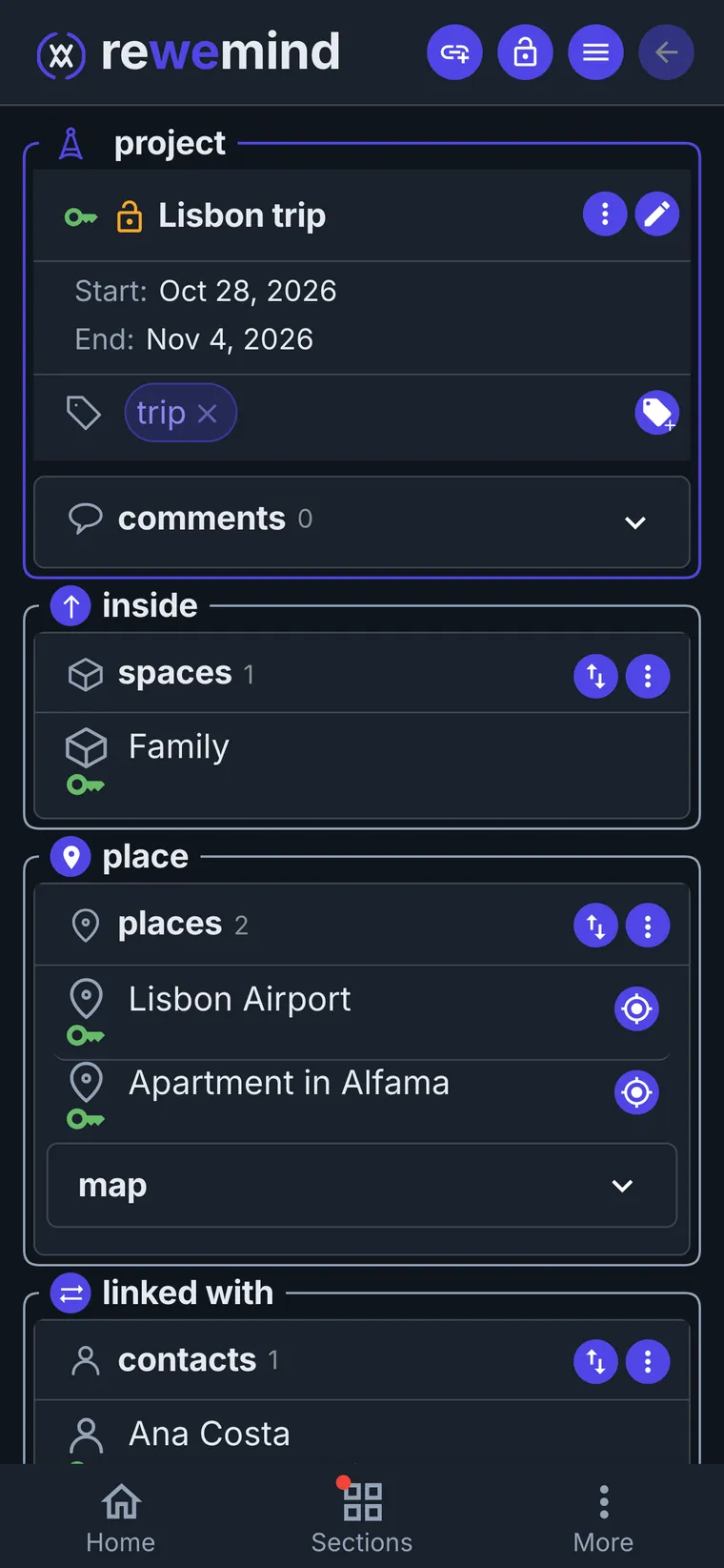
A week in Lisbon. Everything for the trip lives in one project: flights, where you stay, tickets, the plan. In Lisbon you open one screen, not five apps.
- 1
Start a project with dates
"Lisbon trip", from October 28 to November 4. The airport and the apartment in Alfama are places with addresses: the route opens right from them. Ana, the host, is a contact with her phone.
- 2
Museums with tickets and a time
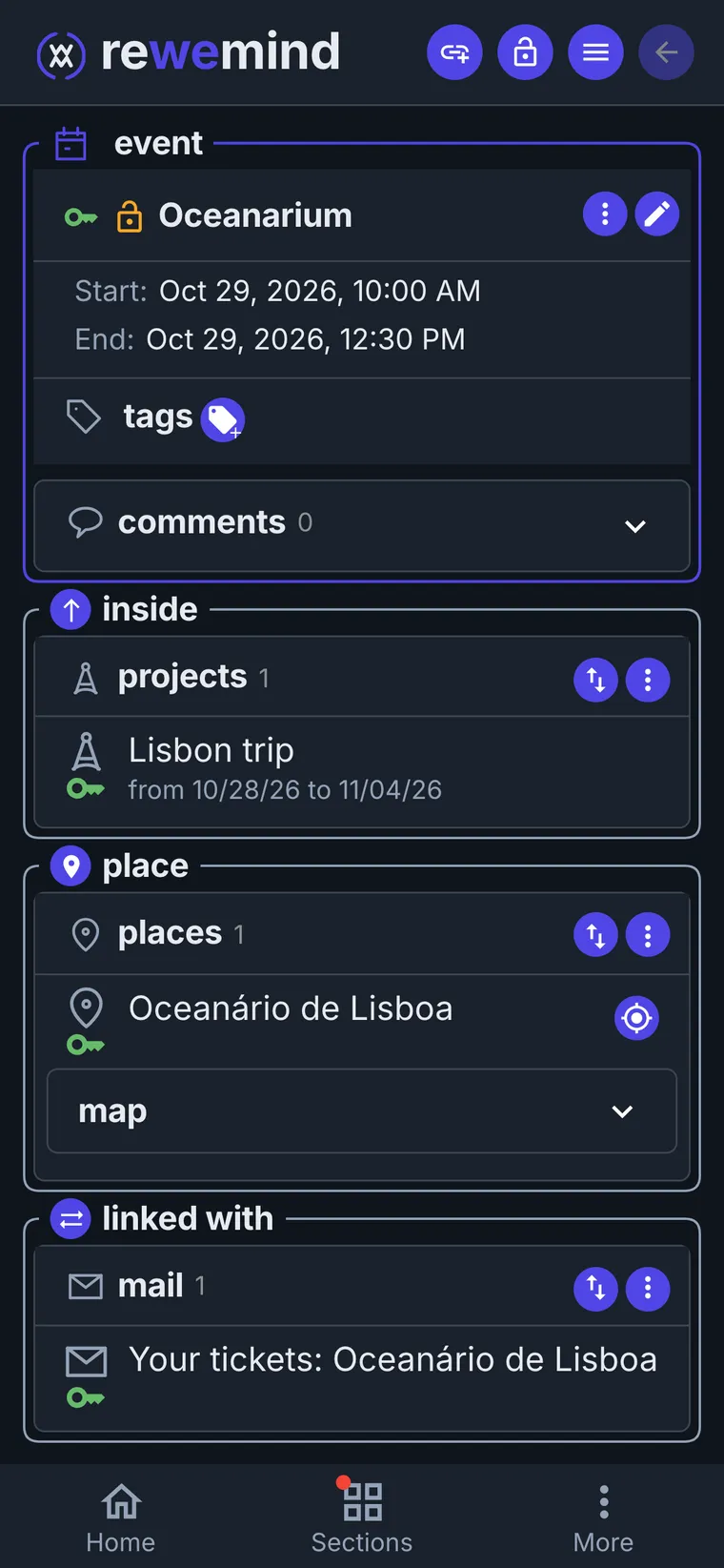
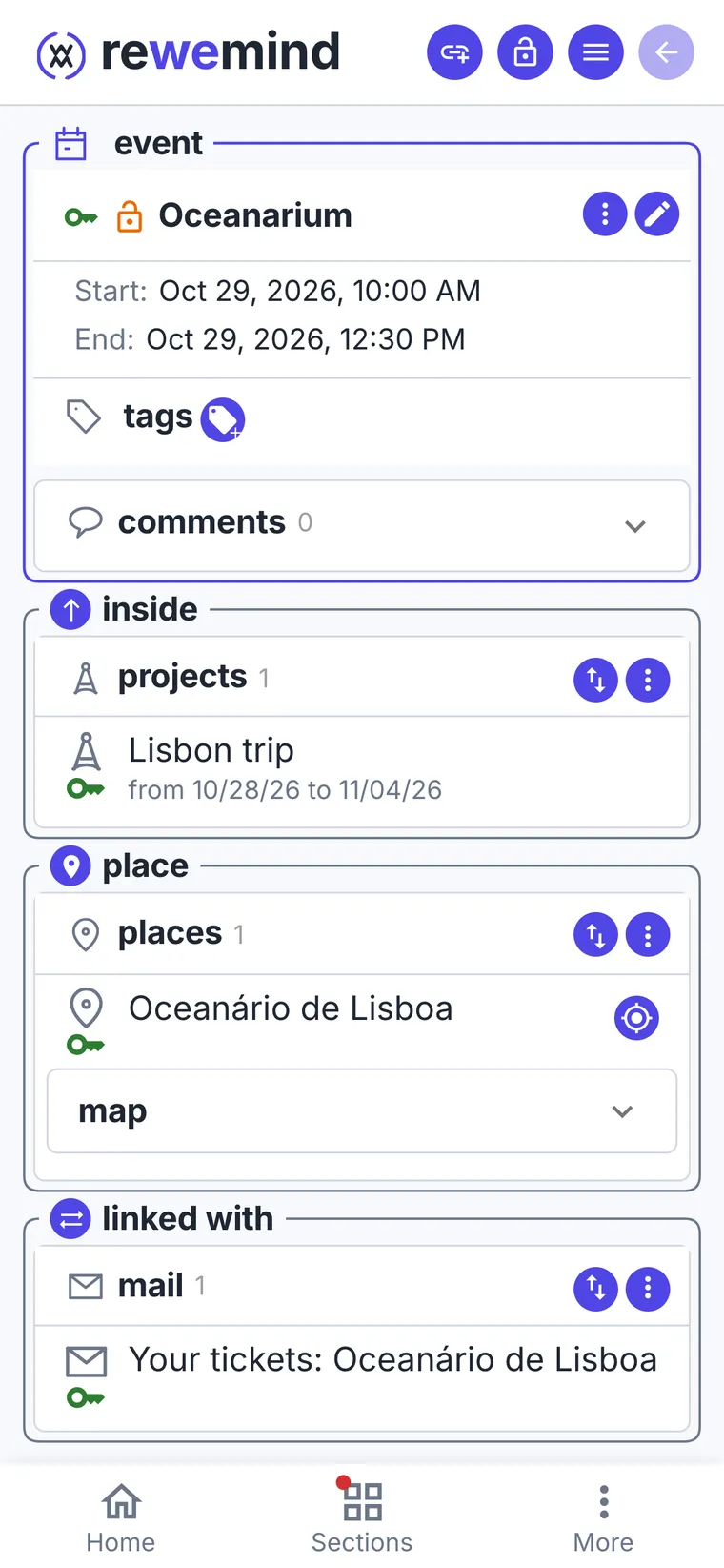
The Oceanarium is an event at 10:00 on the second day, with its place and the email with the tickets. At the entrance you open the event and show the ticket.
- 3
Shows and restaurants too
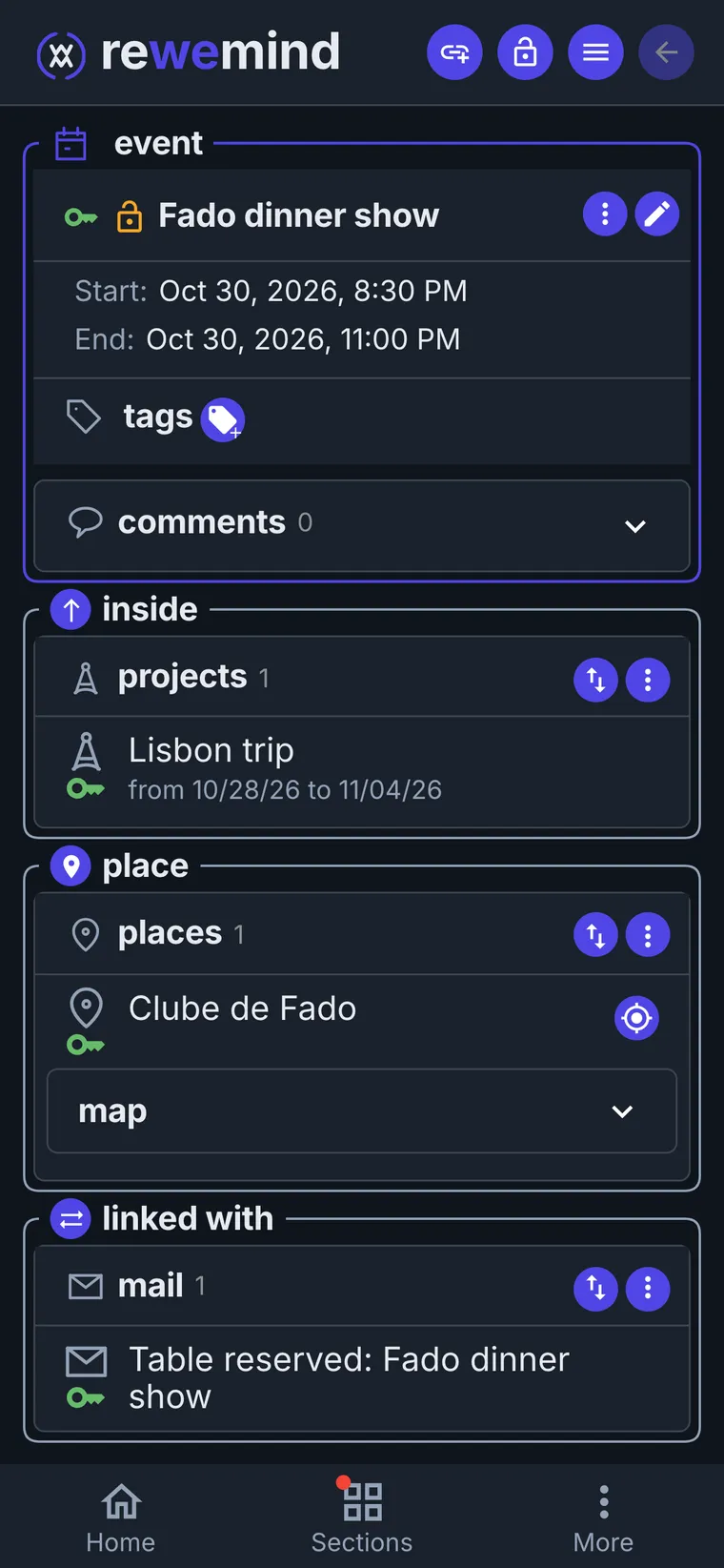
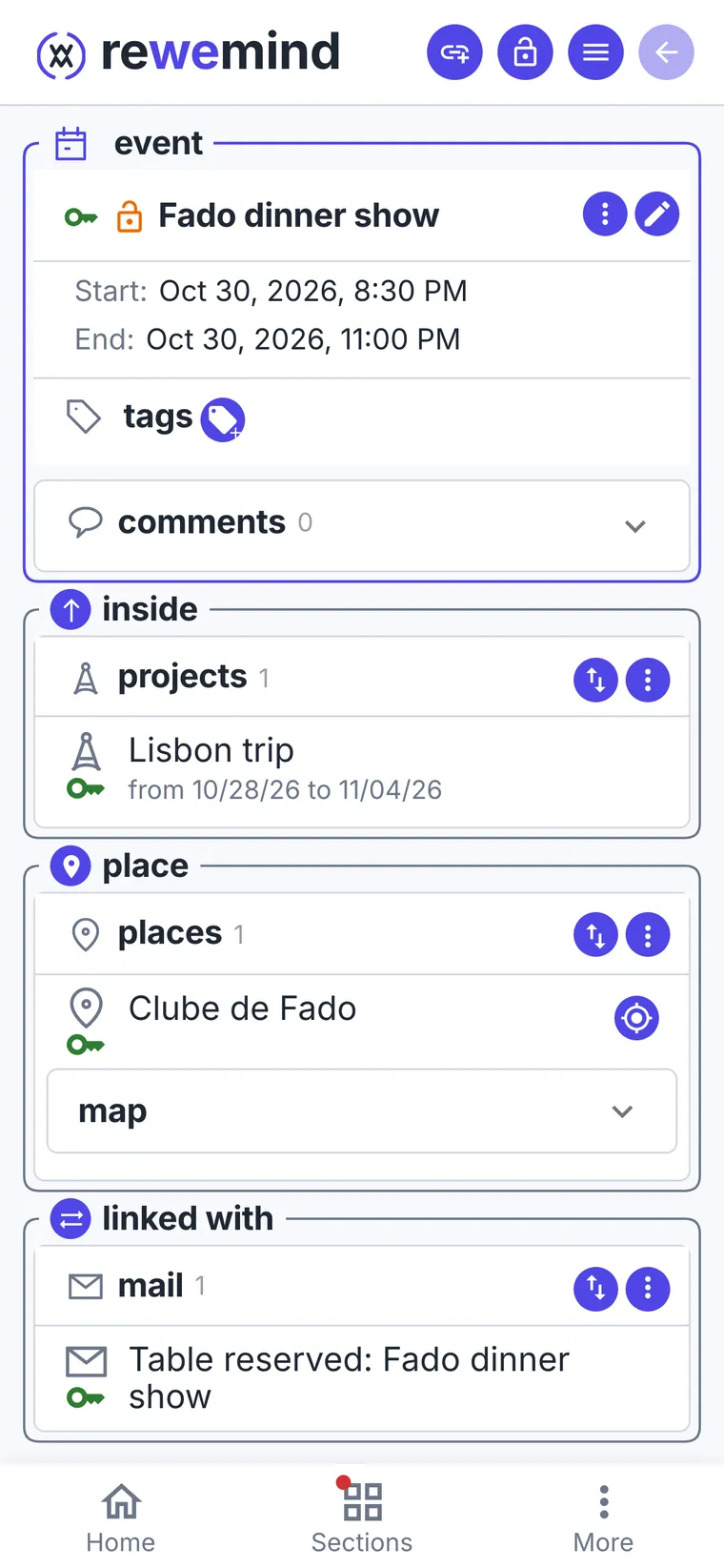
The fado dinner show on the third evening: the booking confirmation sits in the event, next to the club's address. Jerónimos and Tram 28 are on the same day, each at its own time.
- 4
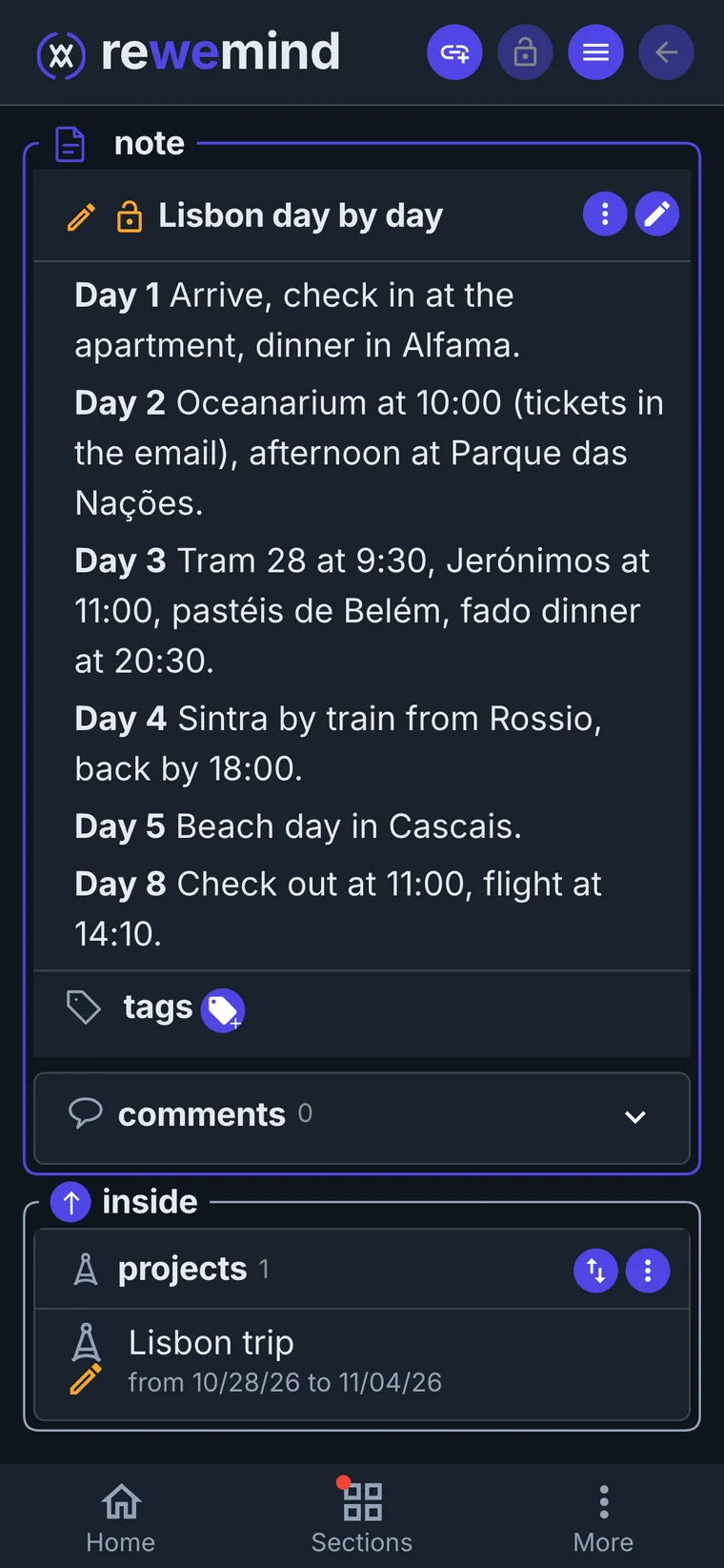
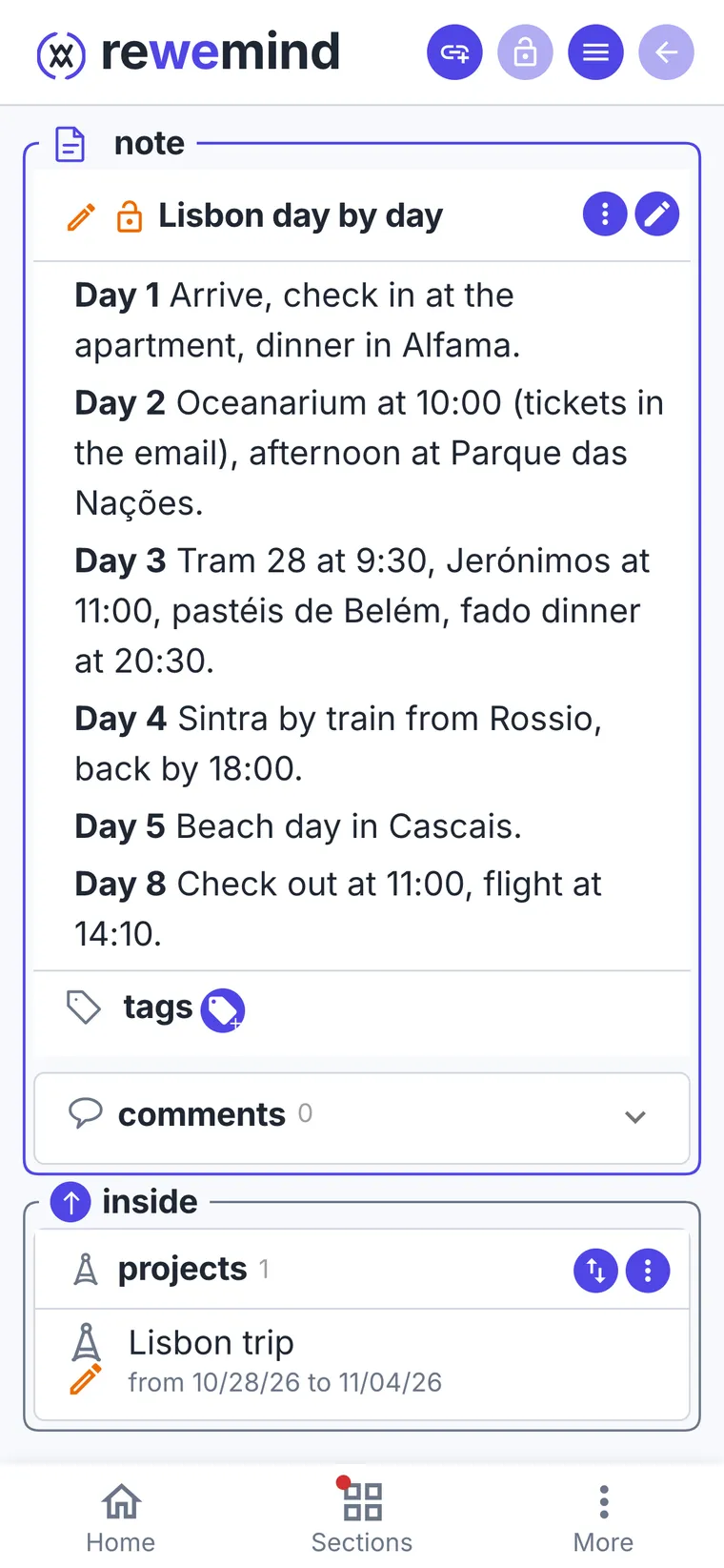
A plan for every day
A note with the schedule: day by day from arrival to the flight home. Maria can edit it too: if she moves Sintra to another day, Alex sees it.
- 5
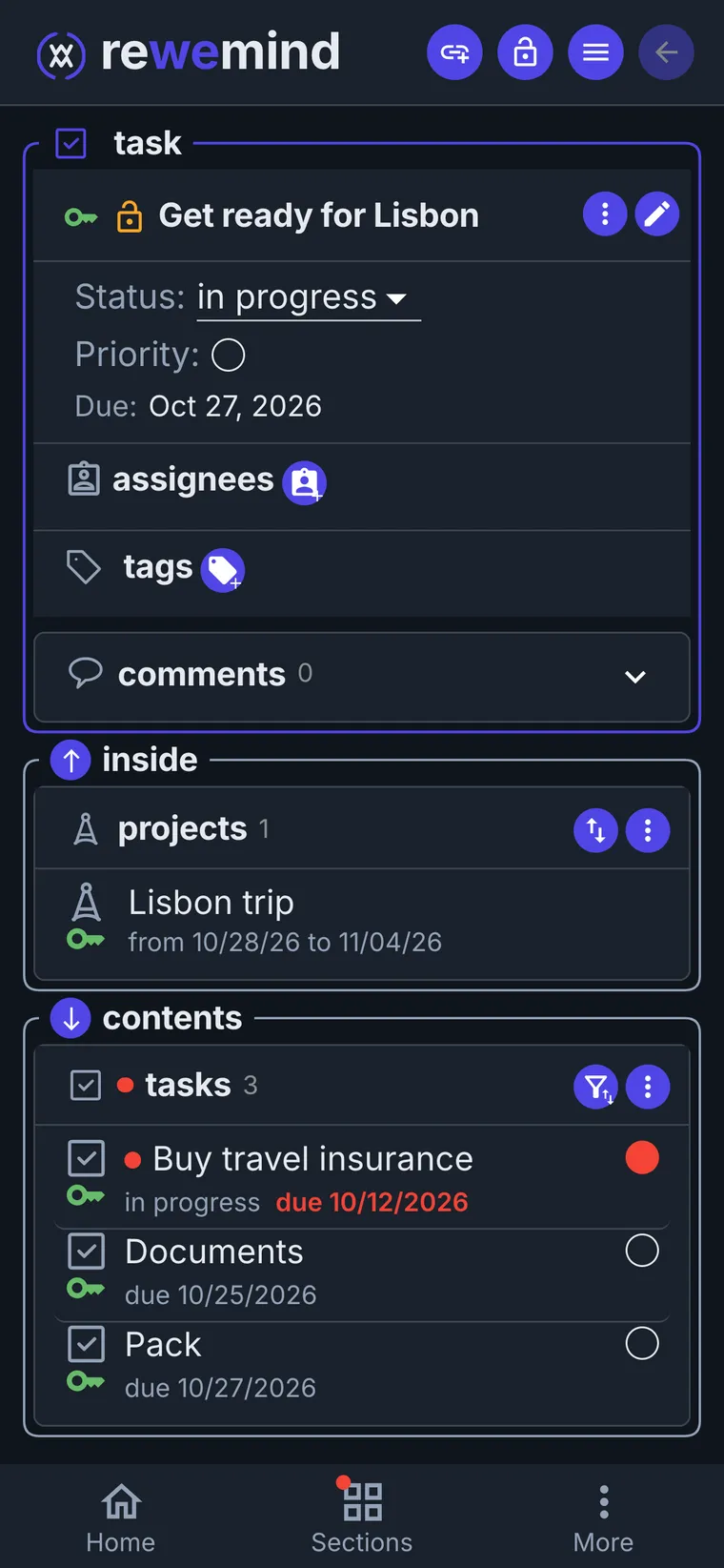
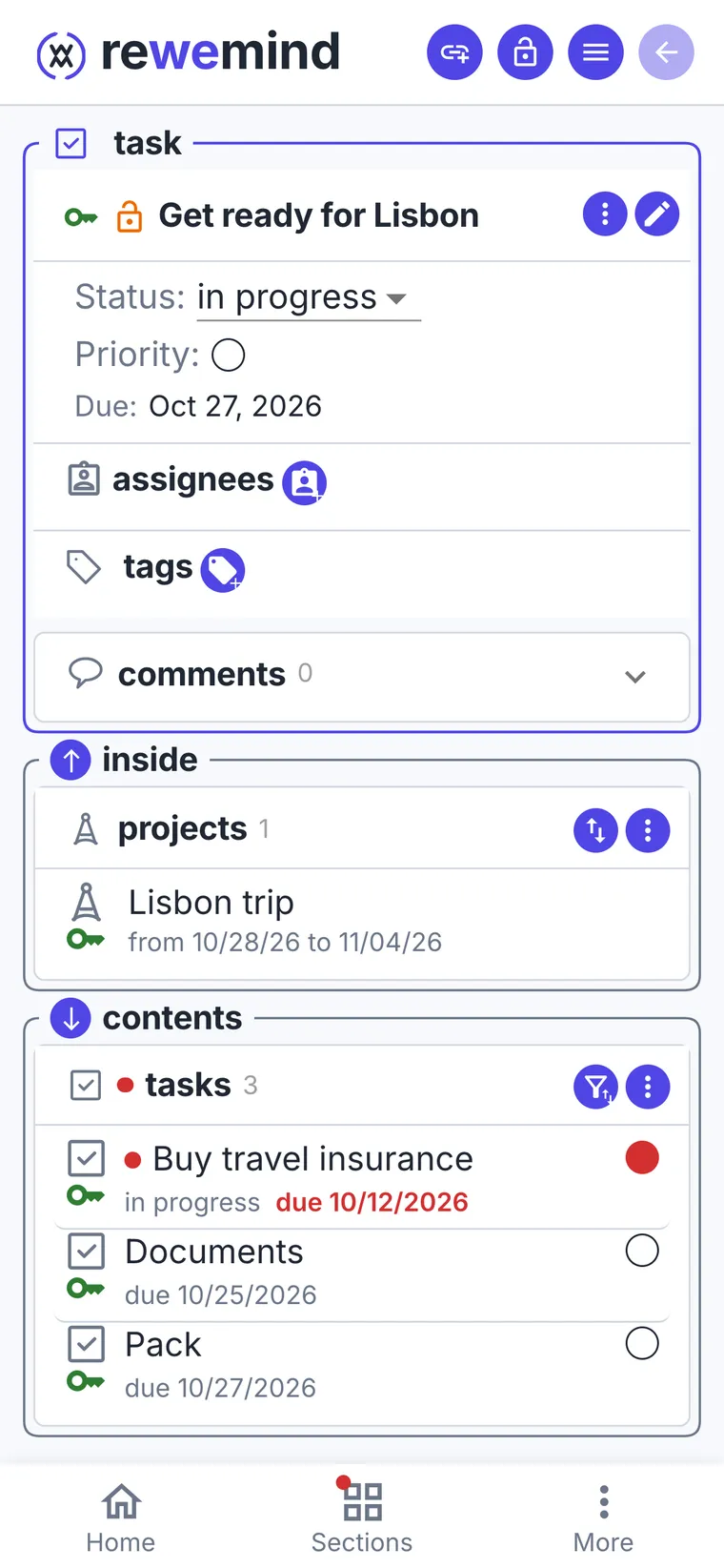
Getting ready is a tree of tasks
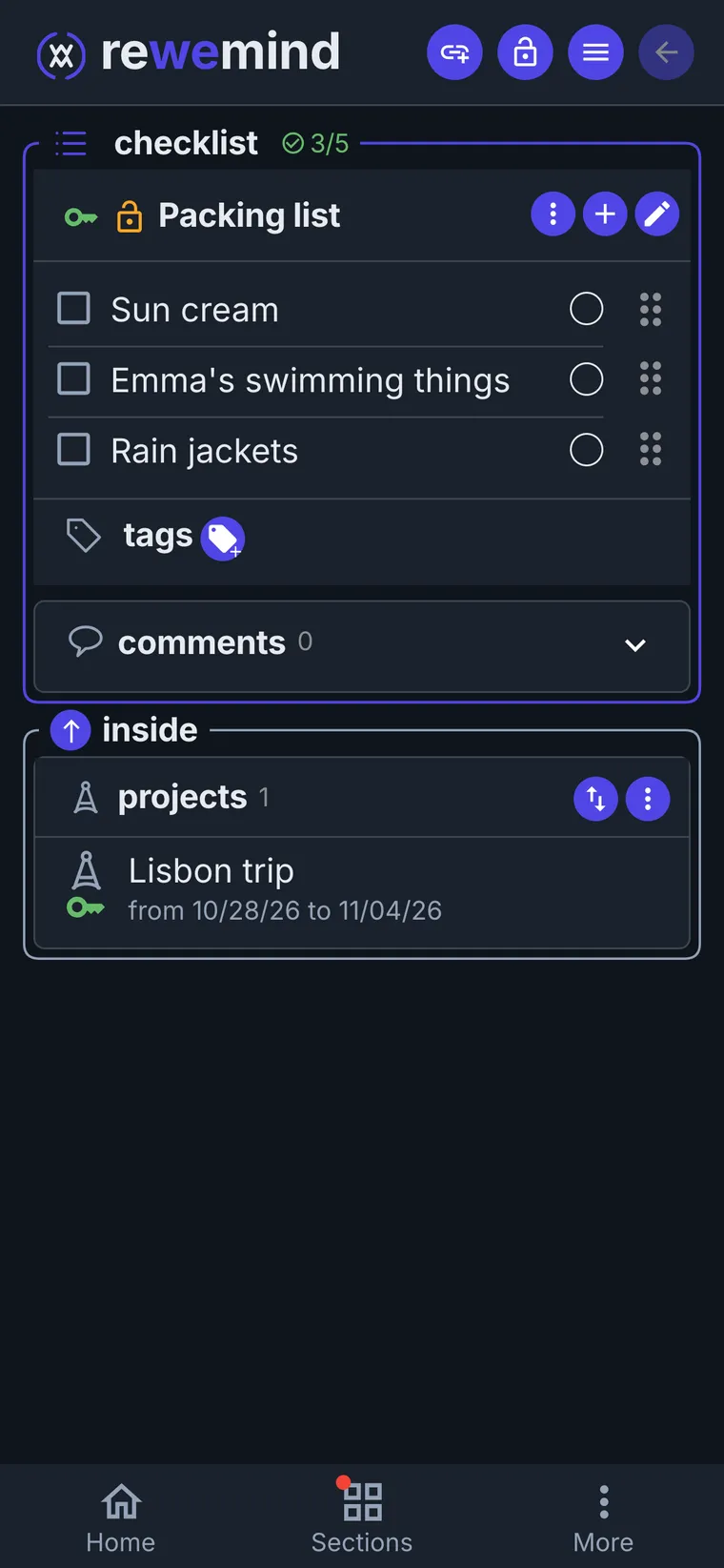
"Get ready for Lisbon" splits into smaller tasks, and those into smaller ones still: what's done is ticked off. What to pack is a checklist in the same project.
- 6
Back home, hide the project
Tickets, the plan and the tasks leave together. The places and Ana's contact stay: next time in Lisbon you already know where to stay.
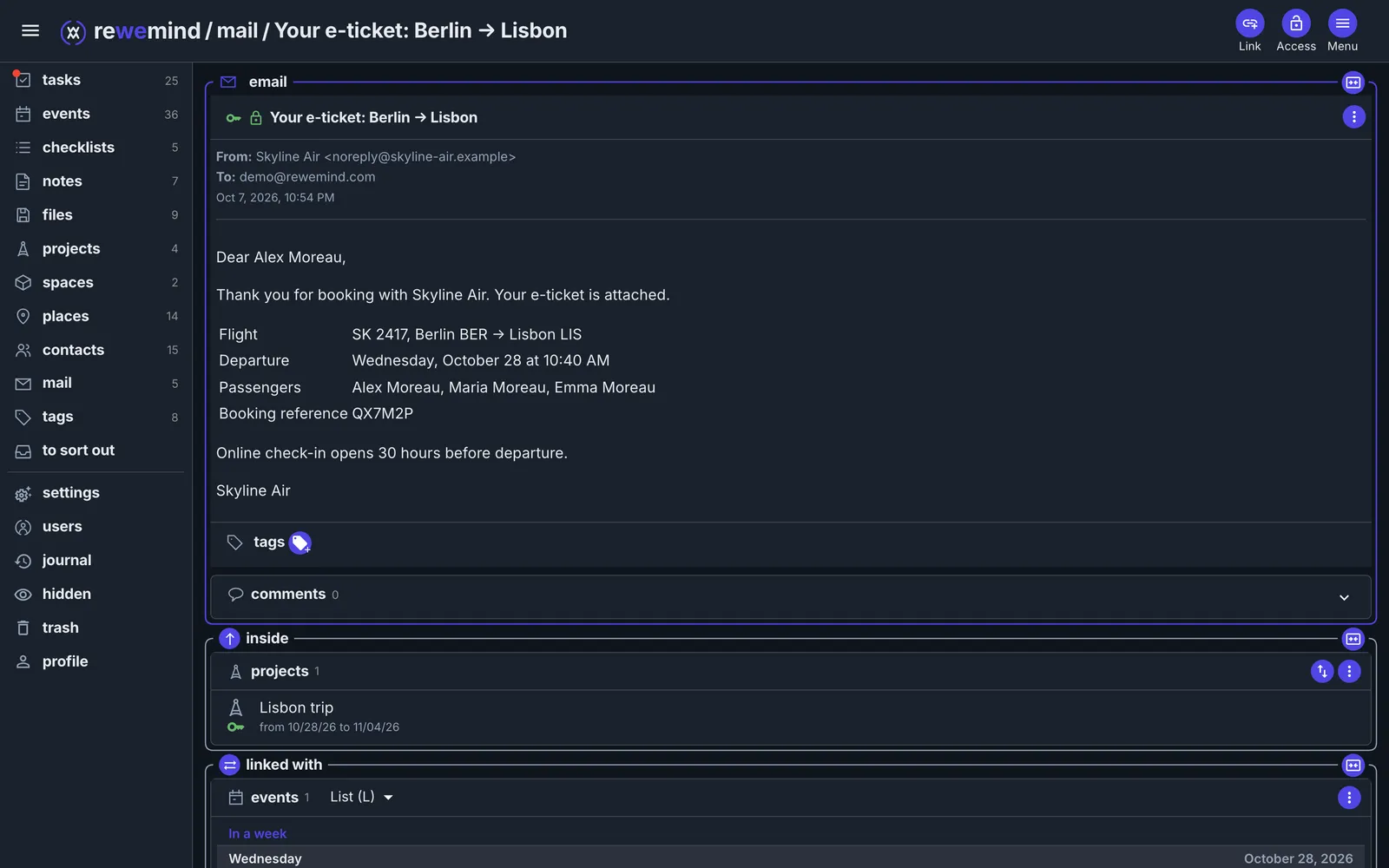
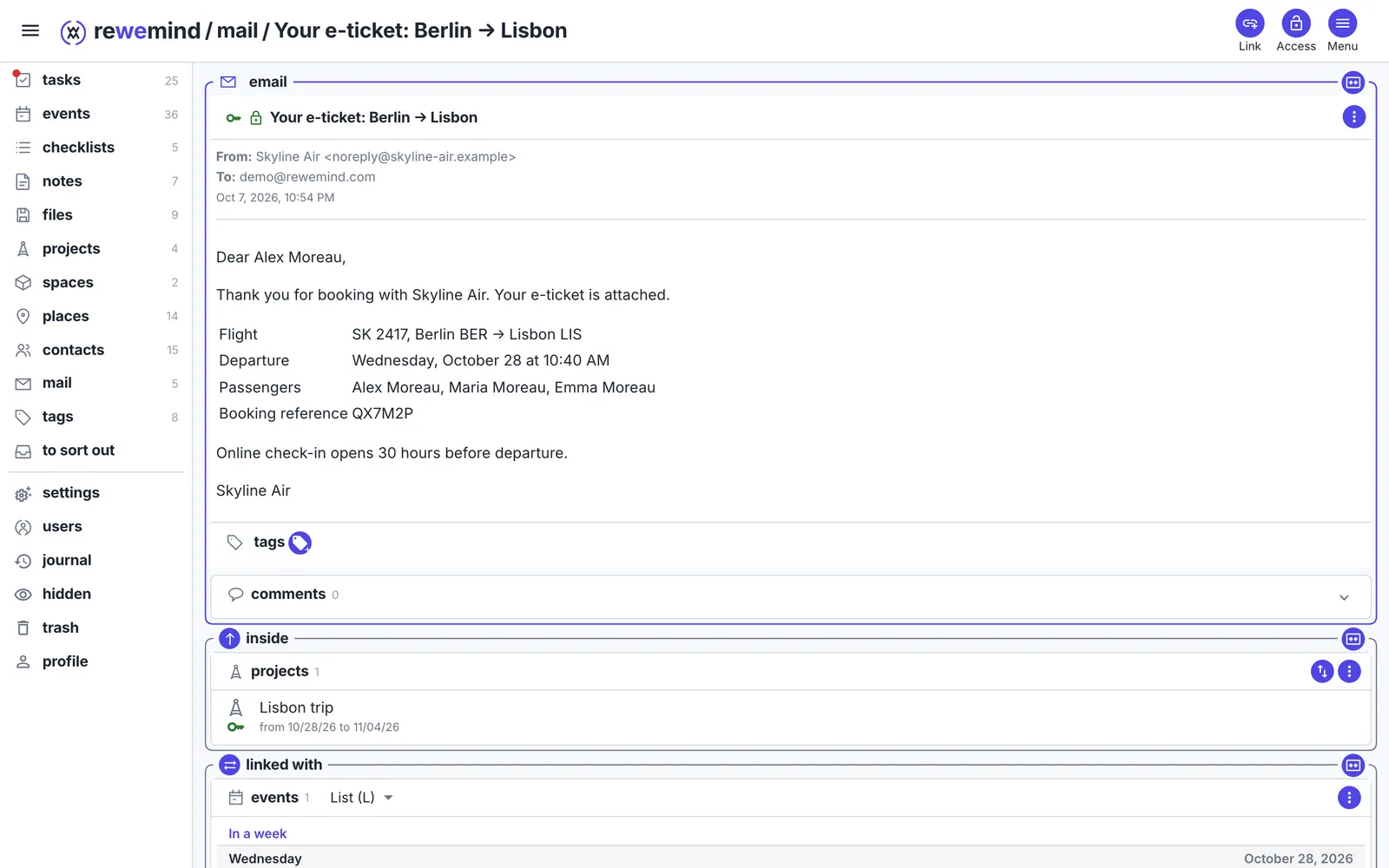
Tickets arrive by email
Forward the e-ticket to your rewemind address and put it in the trip, next to the flight. The PDF opens right from the email, even without the internet if you keep it on the device.
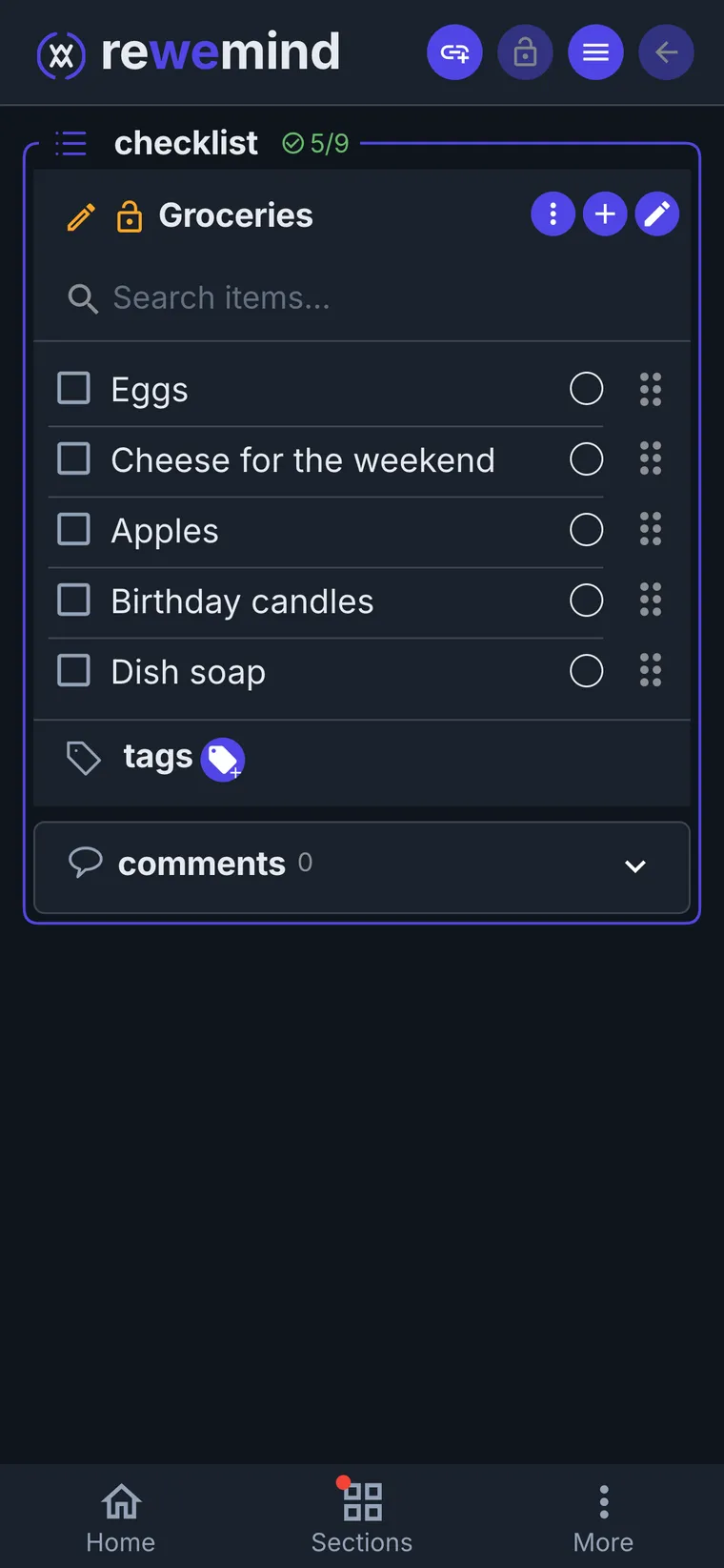
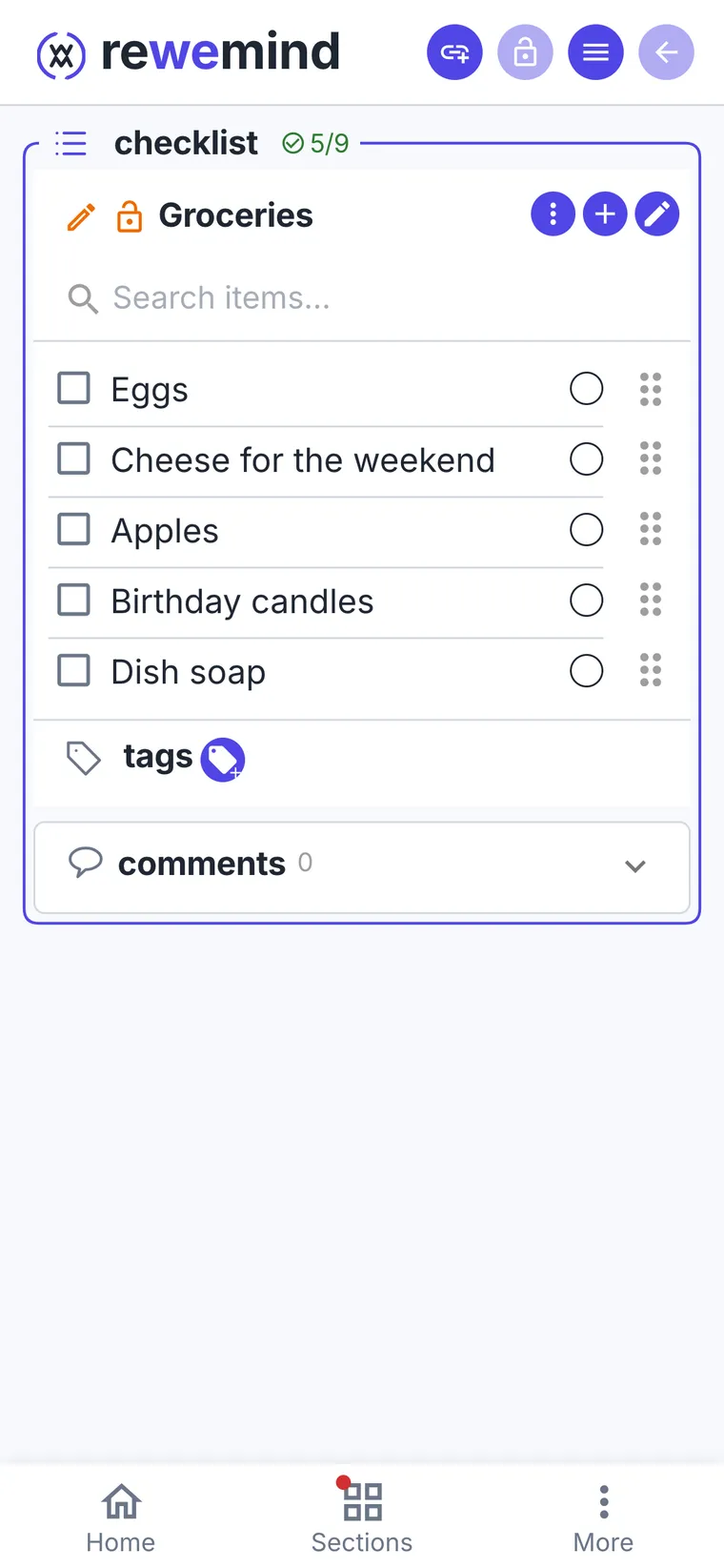
A shared shopping checklist
Maria keeps it, Alex can edit it too: whoever is at the shop ticks things off.
Packing for the road
Write the checklist once - see what's already packed.
The family's papers in one place
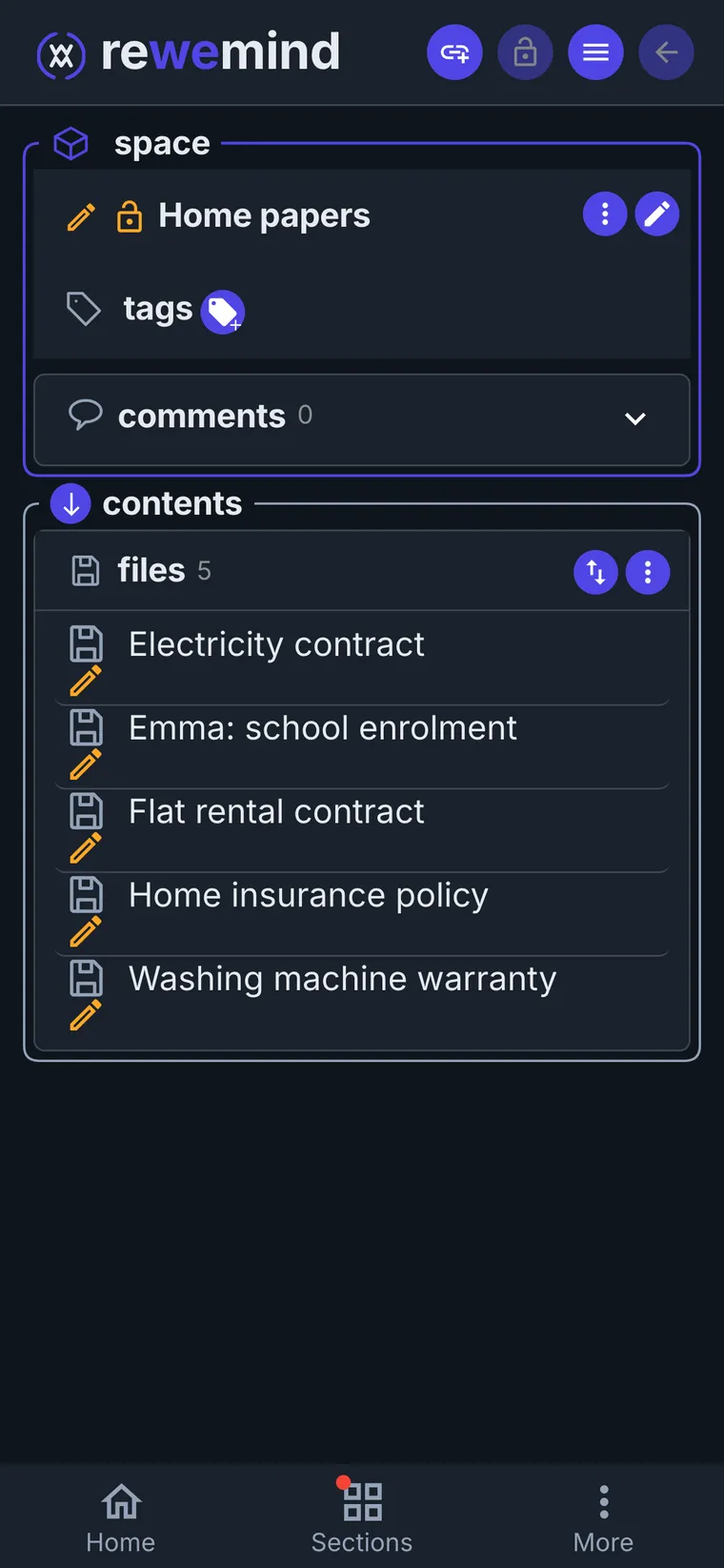
Warranties, the rental contract, insurance, the kids' school papers - shared between both of you. Alex keeps the archive, Maria can add and edit: whoever gets a new paper puts it in.
A family week without clashes
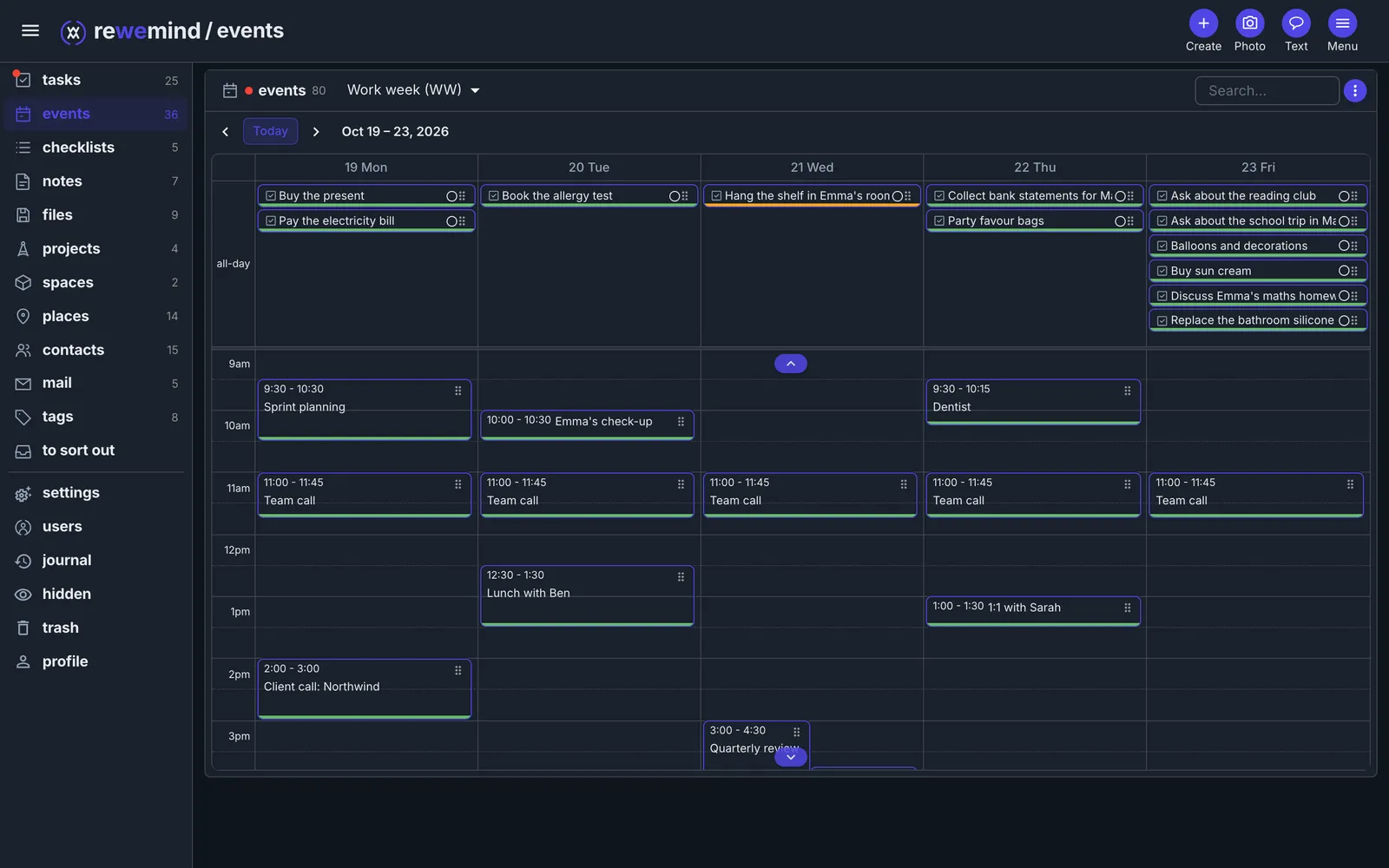
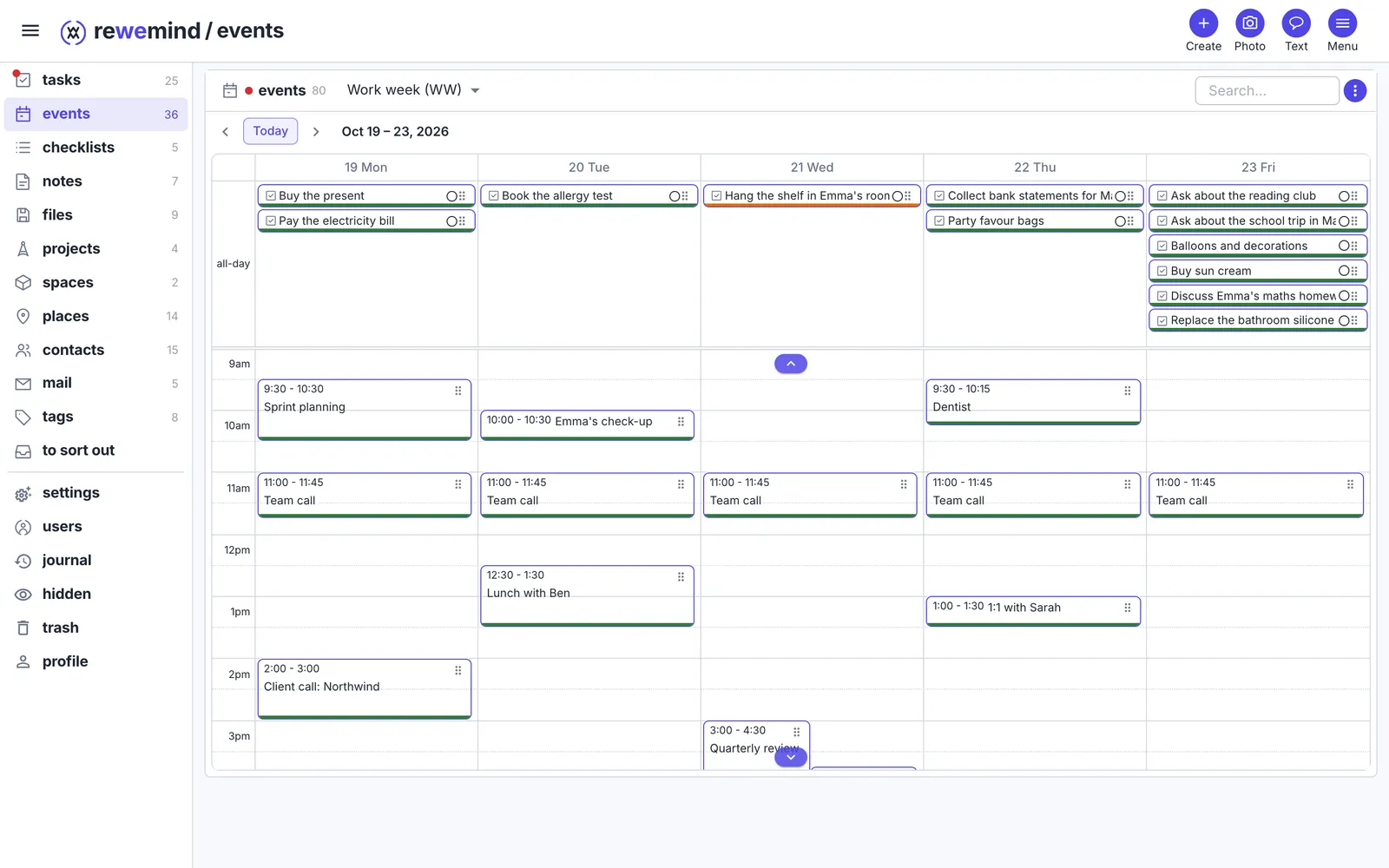
Everyone shares their calls and errands with the other - and sees who is busy when, without asking. Each sees only what the other chose to show. Clashes stand side by side: here a review call on Wednesday meets picking Emma up from school.
Kids' clubs and birthdays
Swimming and ballet repeat every week. Birthdays come from people's cards, and a present to buy is a task with a date - all in the same month.
A place remembers what's to do
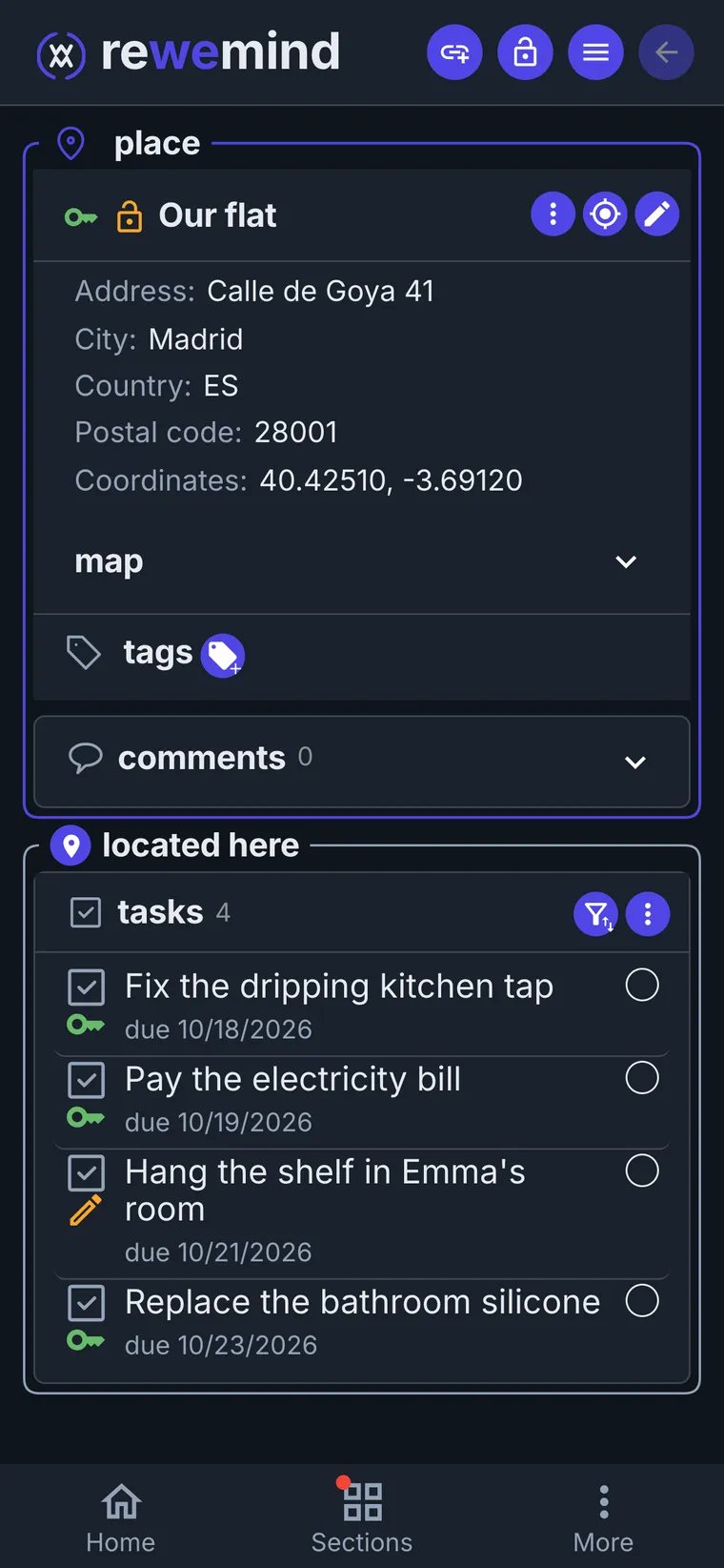
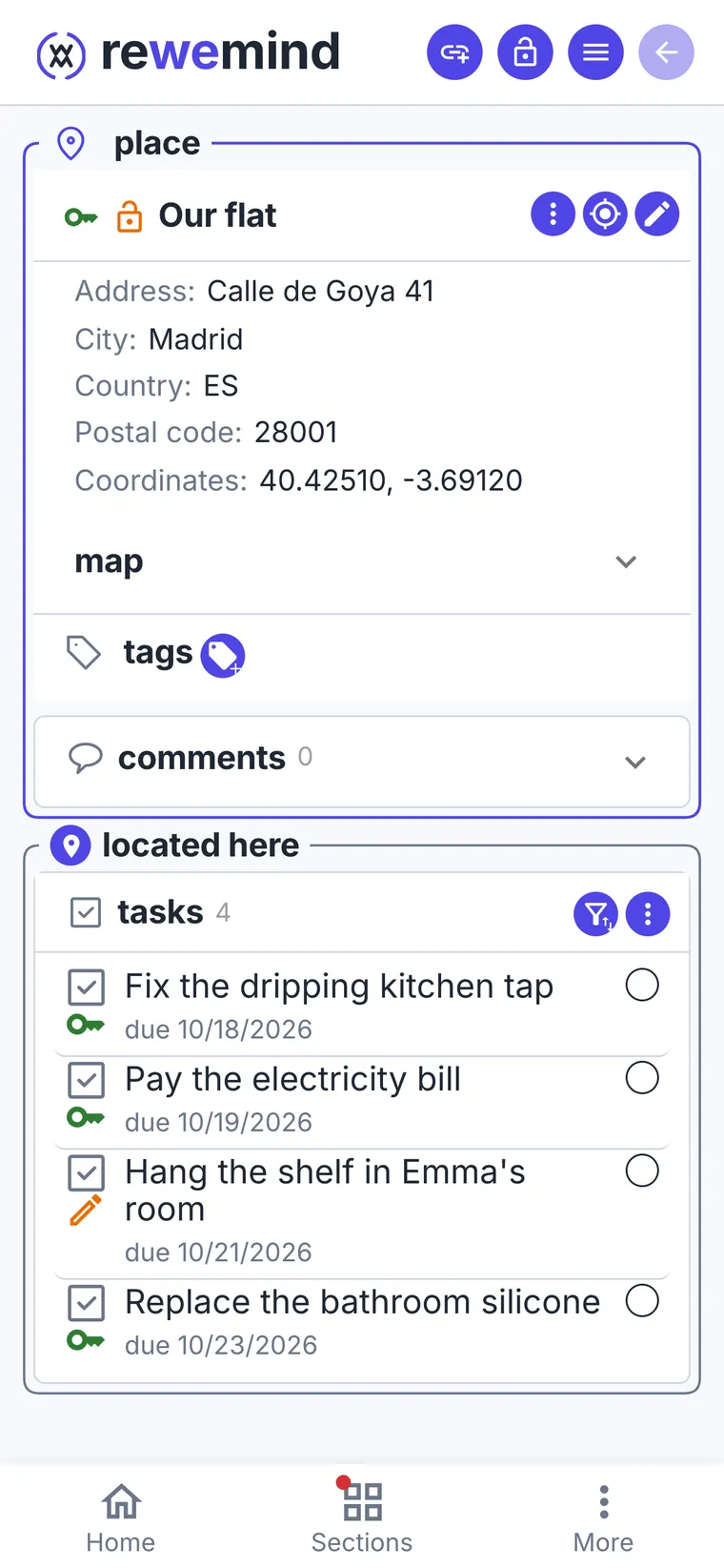
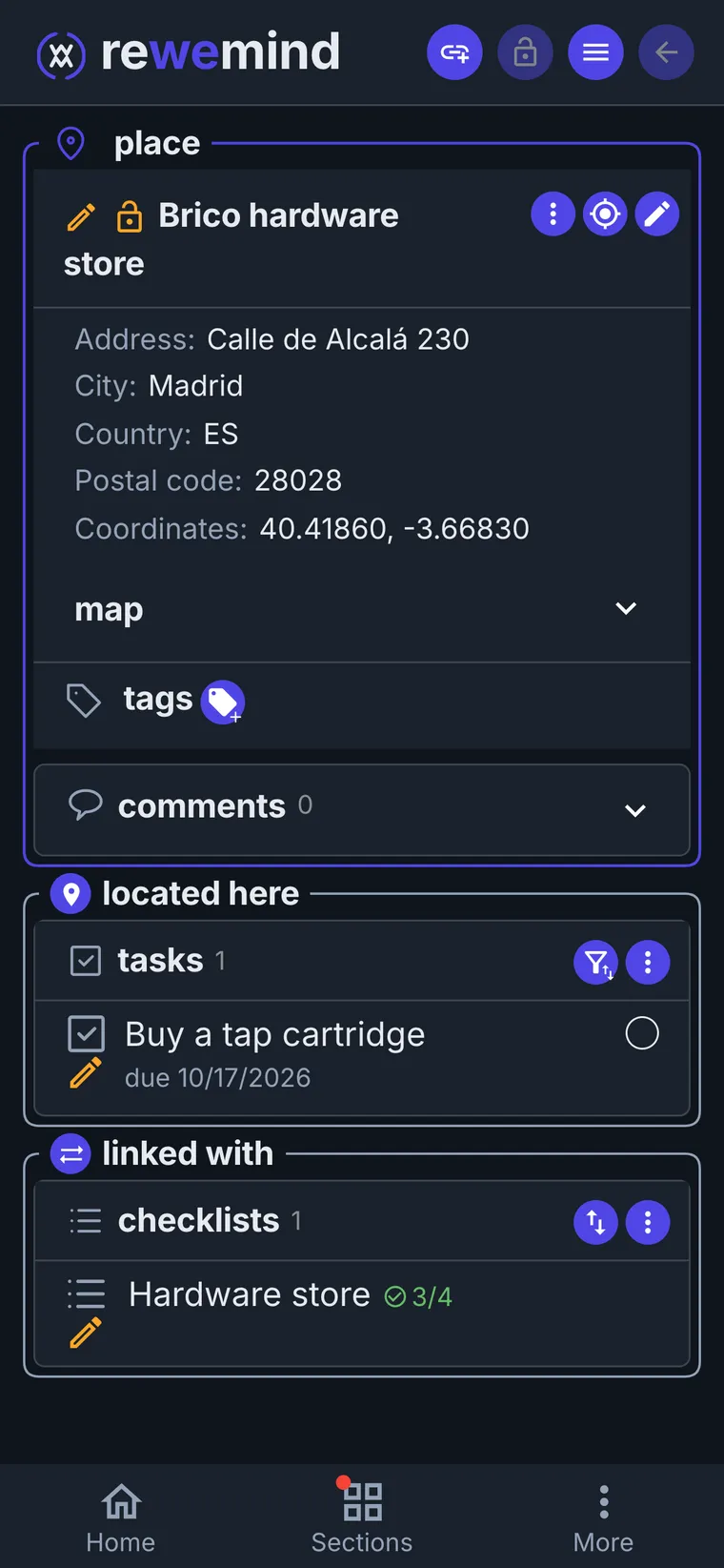
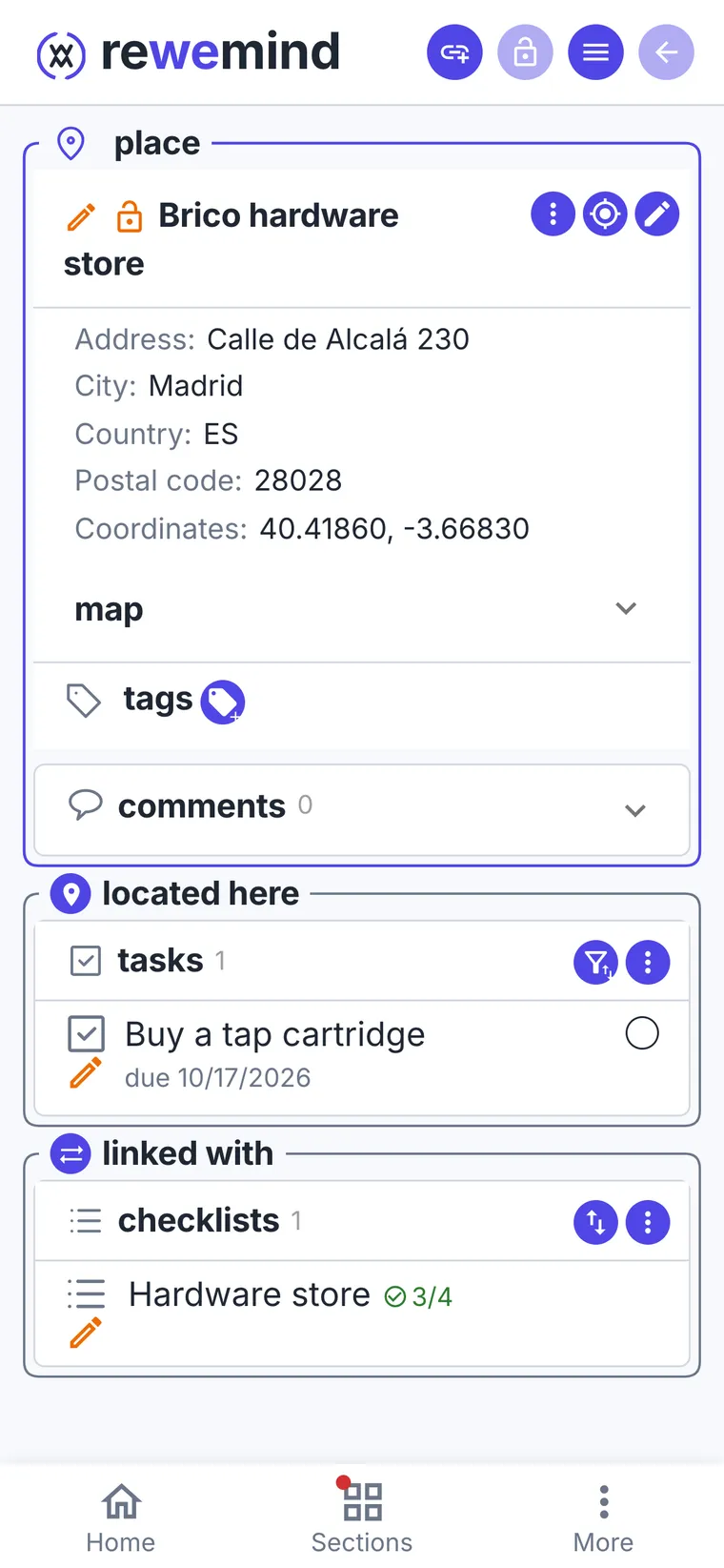
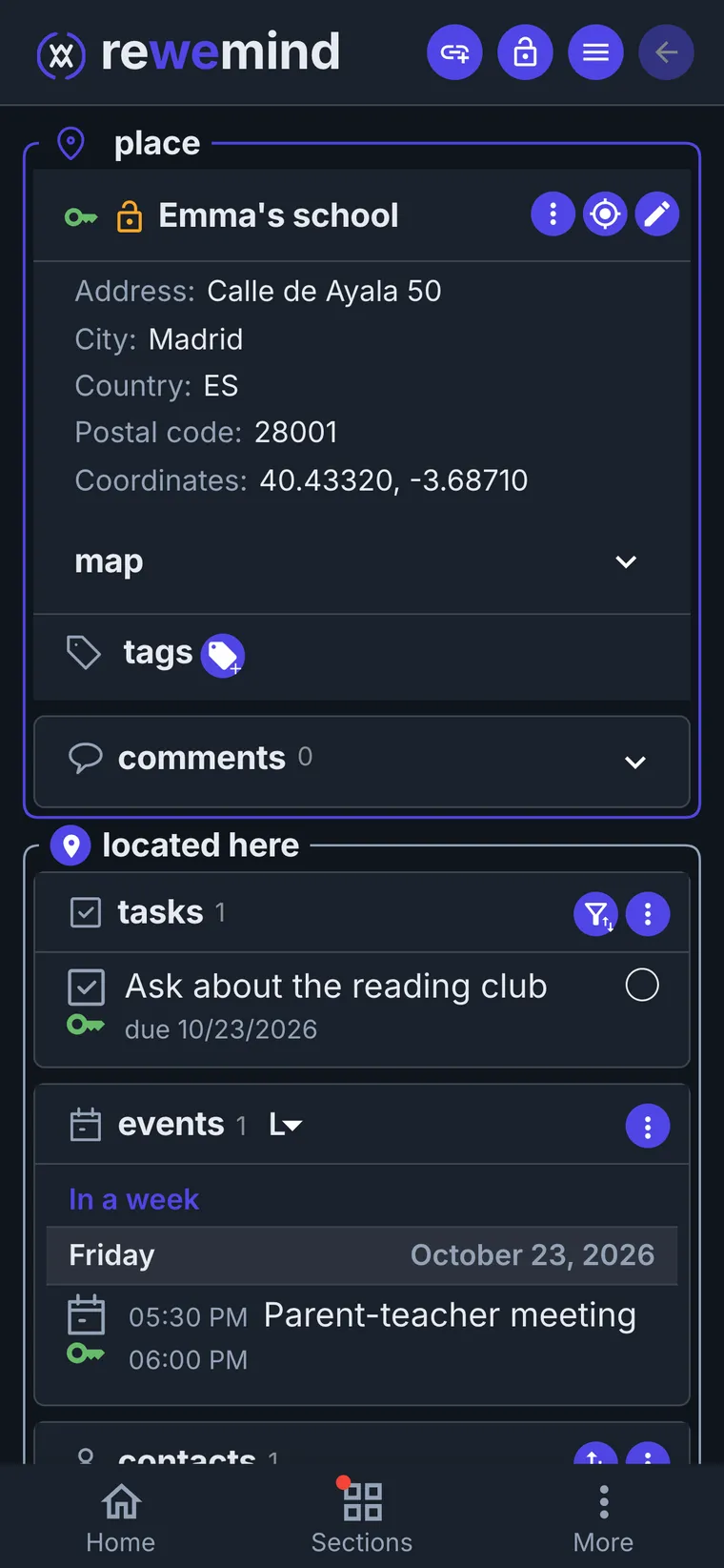
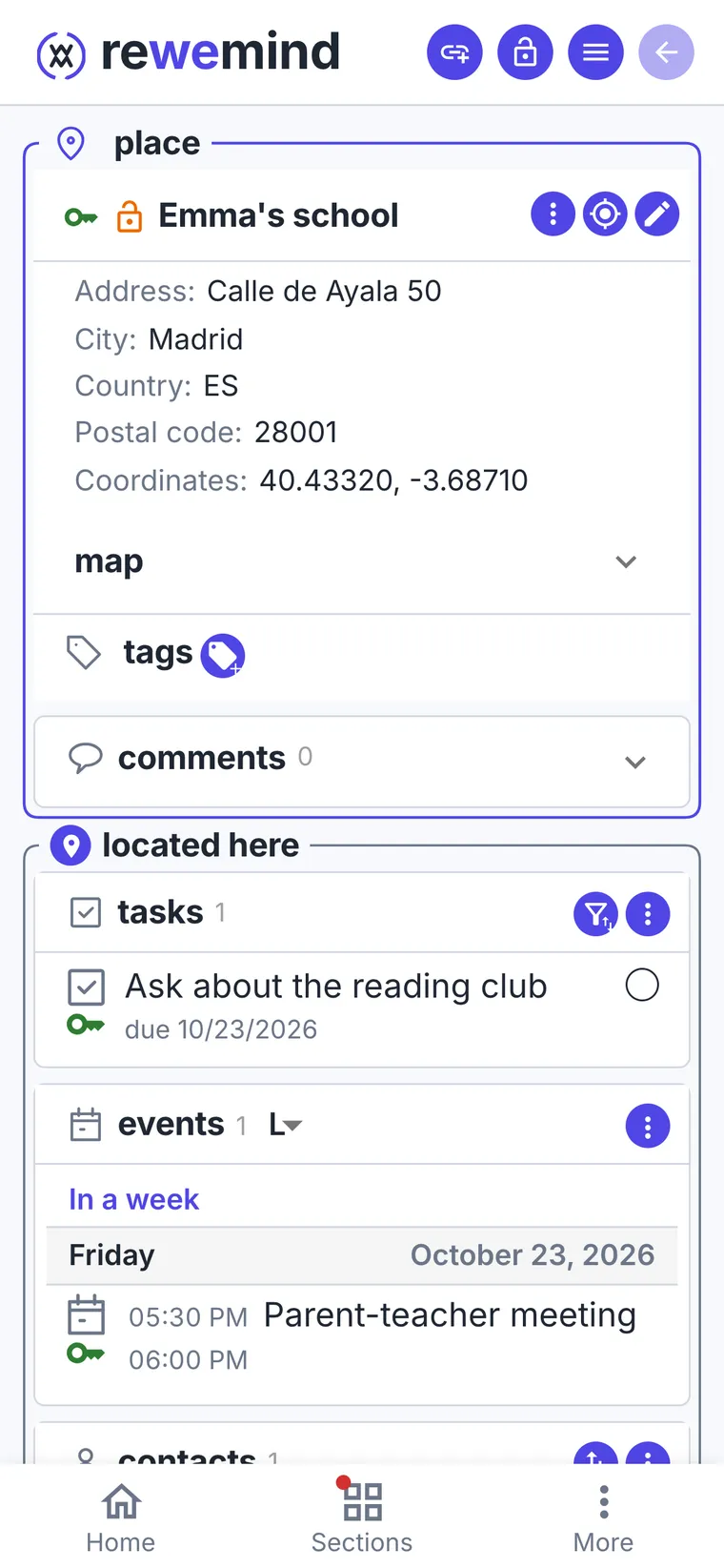
Things to do belong to places. Open the place and everything to do or buy there is in front of you, from both of you.
- 1
The flat: repairs and bills
A dripping tap, the bathroom silicone, the electricity bill due on Monday. Maria adds the shelf for Emma's room to the same flat.
- 2
The hardware store: what to buy
A tap cartridge for the leak and a shopping checklist: silicone, drill bits, bulbs. Whoever drops by the store sees it all.
- 3
School and clinic: what to discuss and book
The parent-teacher meeting is at the school, and so is the question about the reading club. The check-up and booking the allergy test are at the clinic.
A person remembers topics
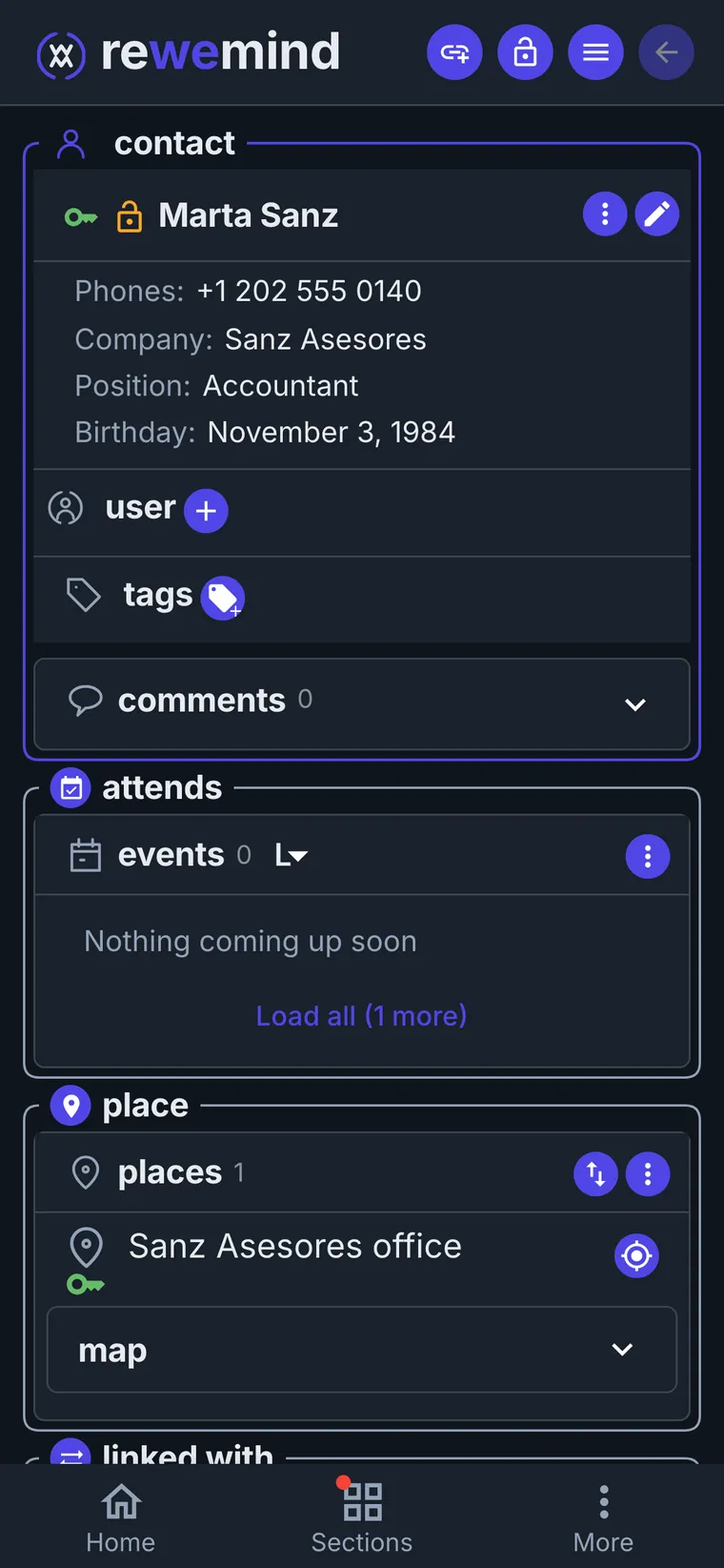
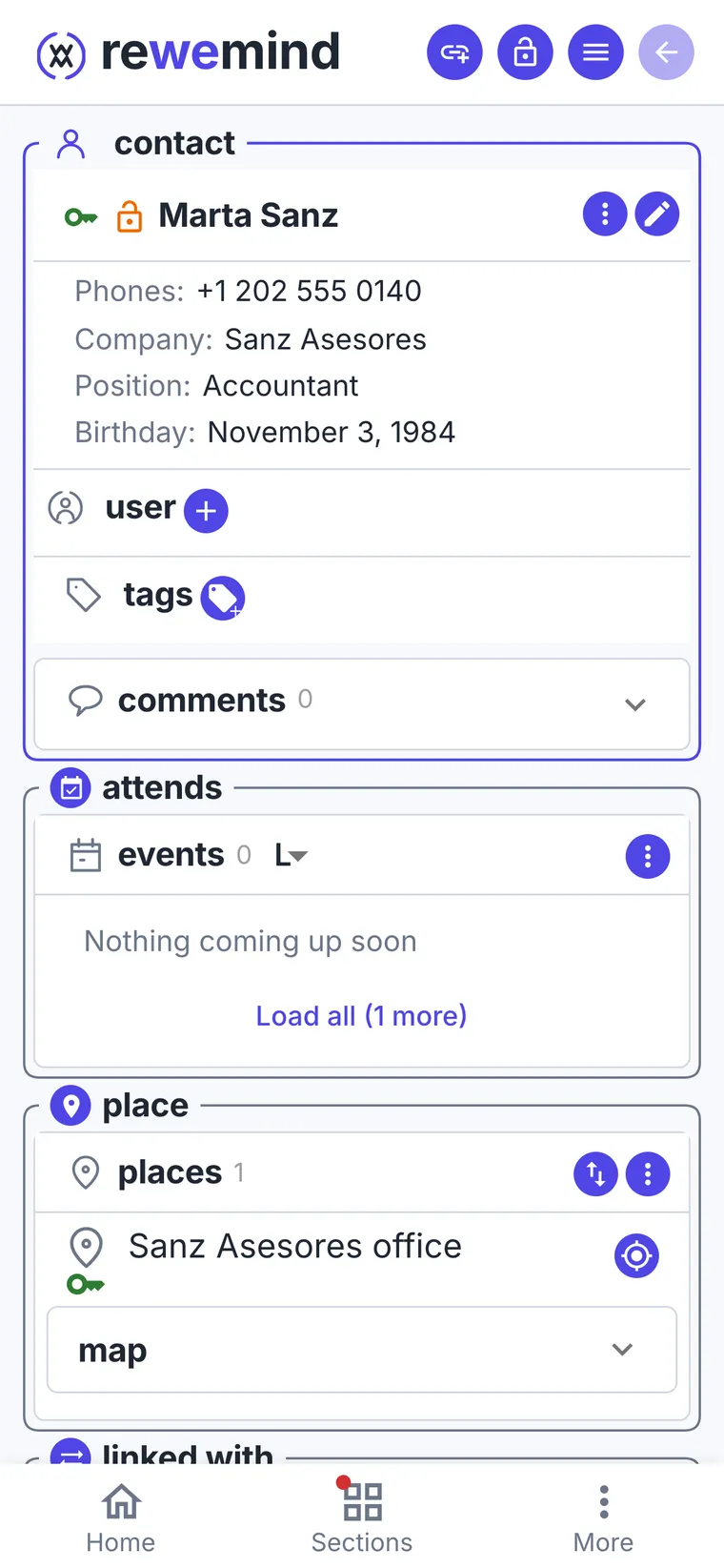
A person's card gathers everything about them: phone, address, birthday, and what you need to discuss next time.
- 1
The accountant: taxes and papers
Marta's card has her office as a place, her birthday (it shows in the calendar by itself) and the Annual taxes project you work on together.
Questions for the meeting are tasks linked to her: the renovation deduction, the rental income. The list of papers to bring is a note next to them.
- 2
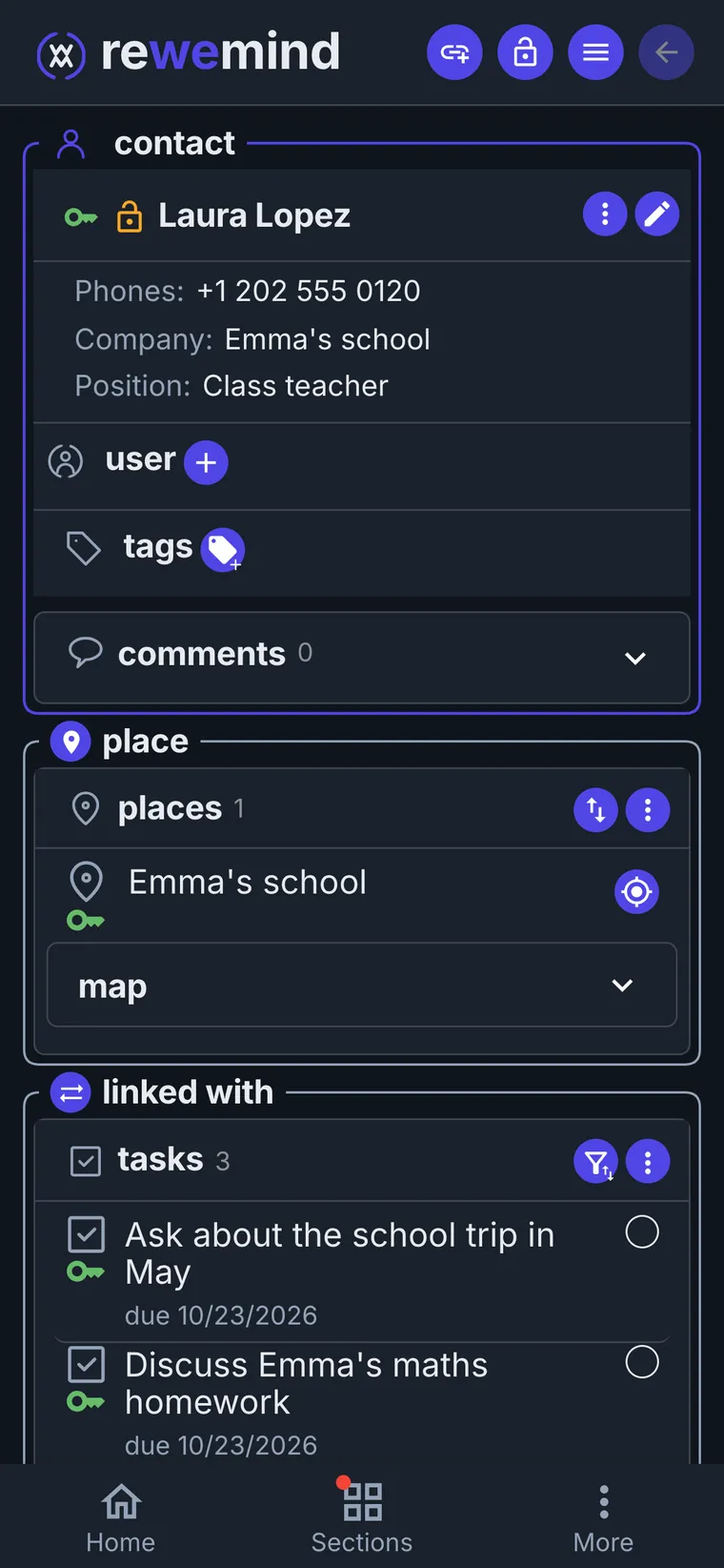
The teacher: topics for the next meeting
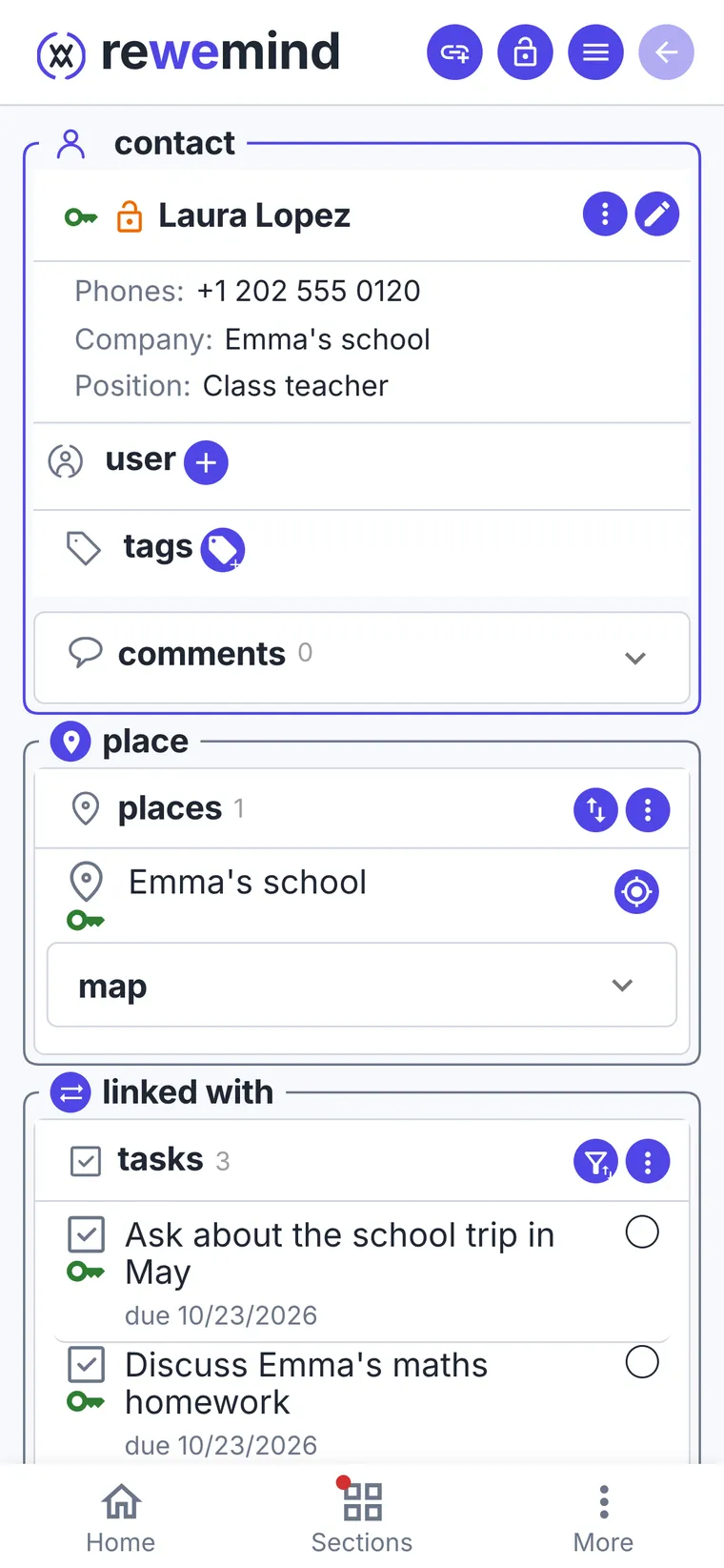
Emma's maths homework, the school trip in May, the reading club. And a note from the last meeting, so you remember what was agreed.
And you?
What's on your plate right now that takes more than one step?
Make it a project and put everything that comes up about it there. When you're done, clear it away in one move.
Open the app