rewemind
EN
Open the app
One space for everything you keep

Your data, finally connected

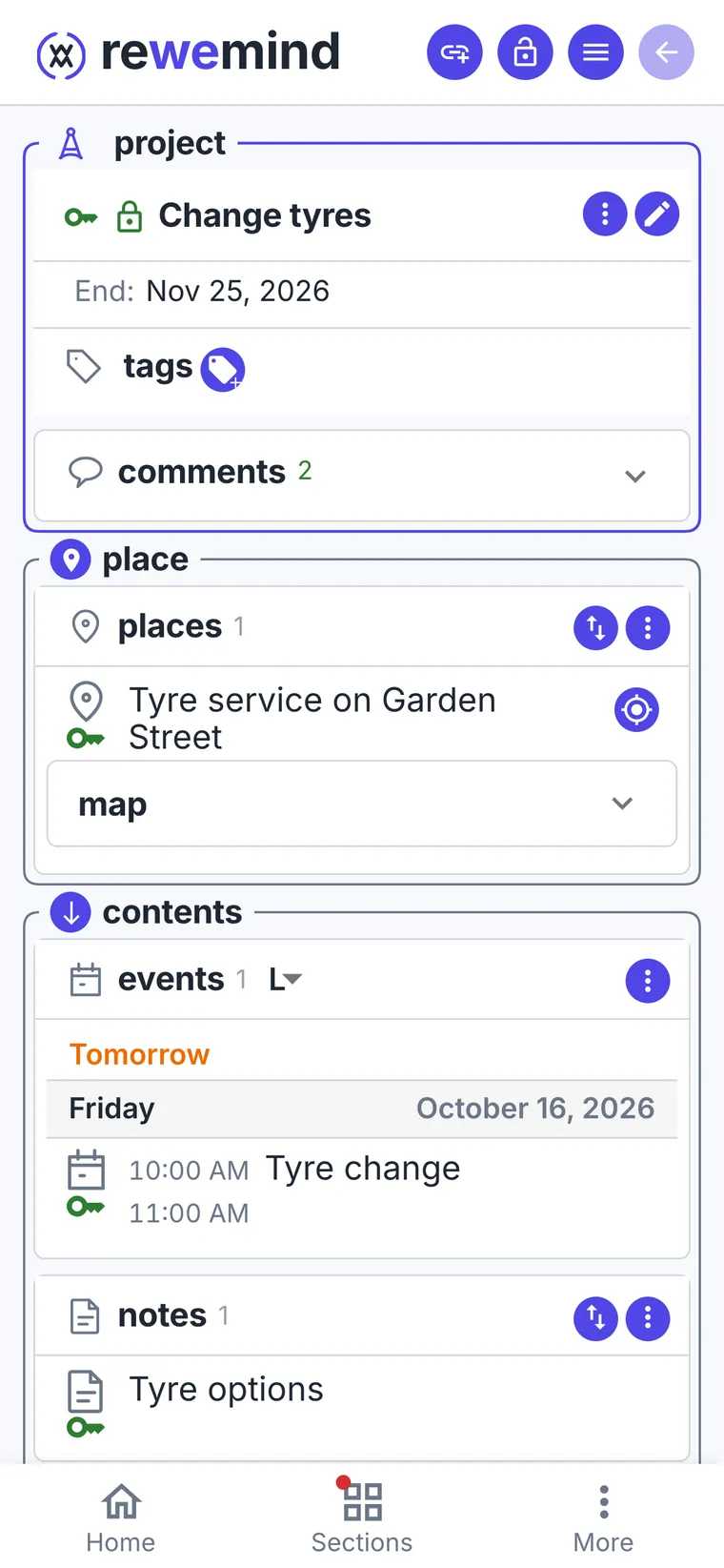
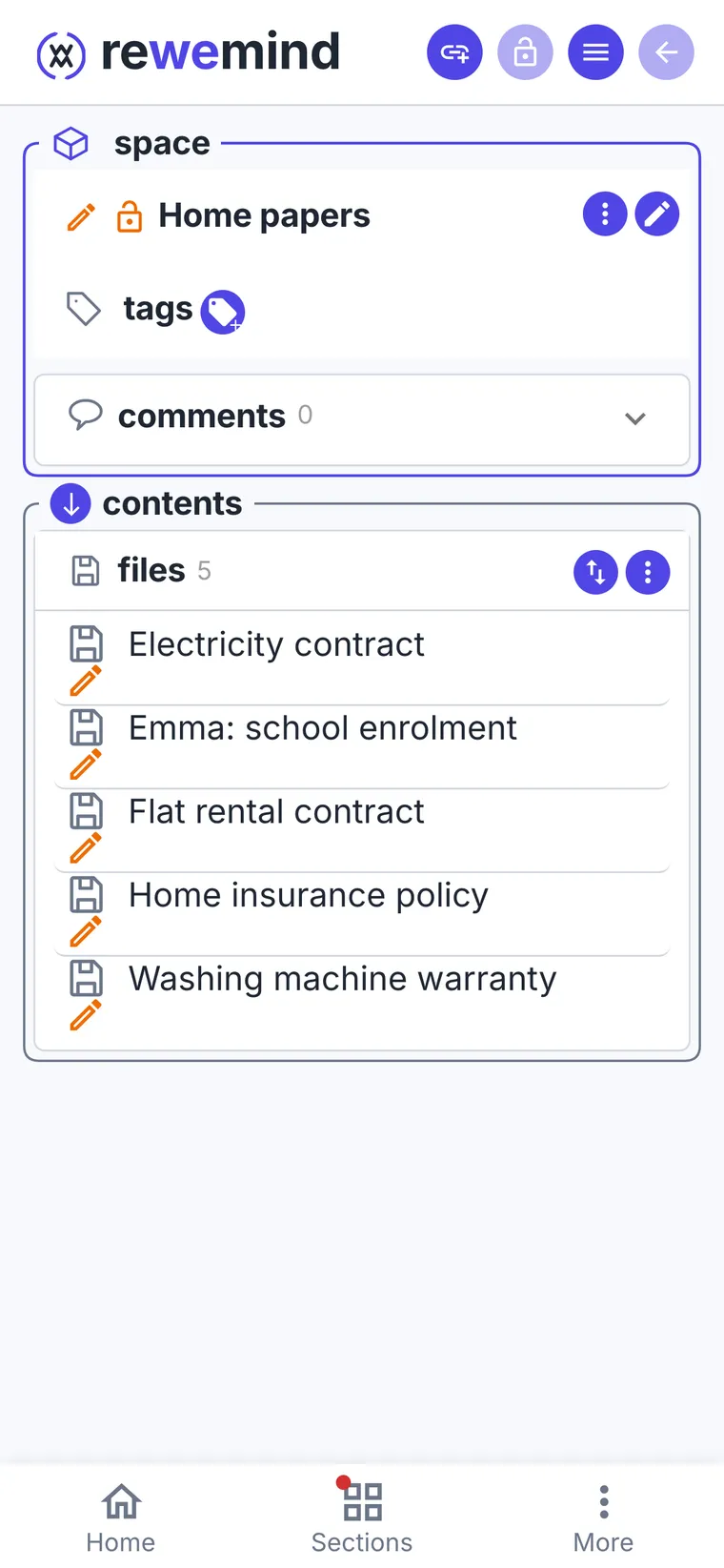
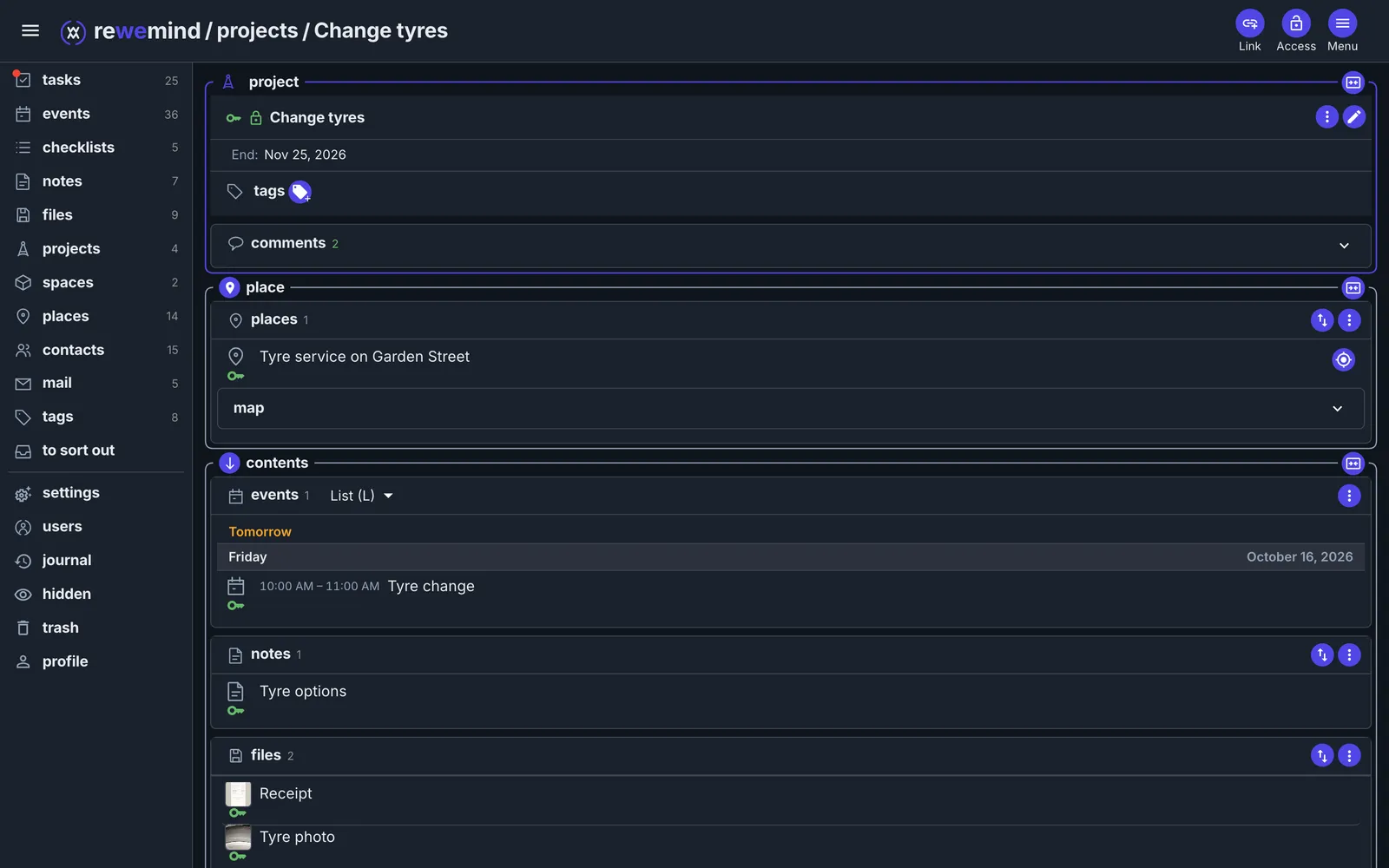
Notes, files, tasks, events, places, people and conversations live in a single graph. Open anything and its whole context is already there — and every single item carries its own access rights.

Web · iOS · Android · macOS · Windows
PersonEventPlaceTaskFileNoterewemind
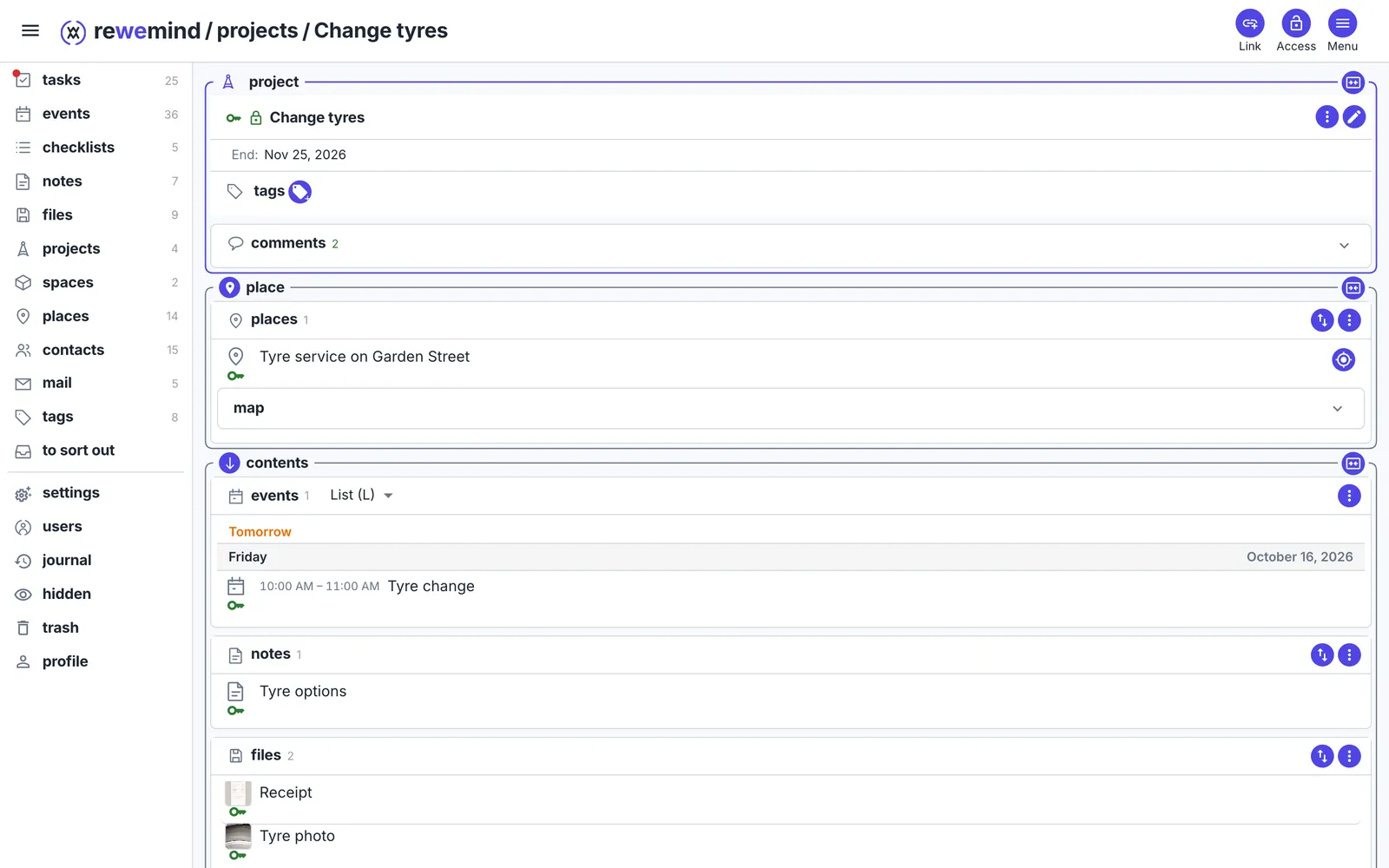
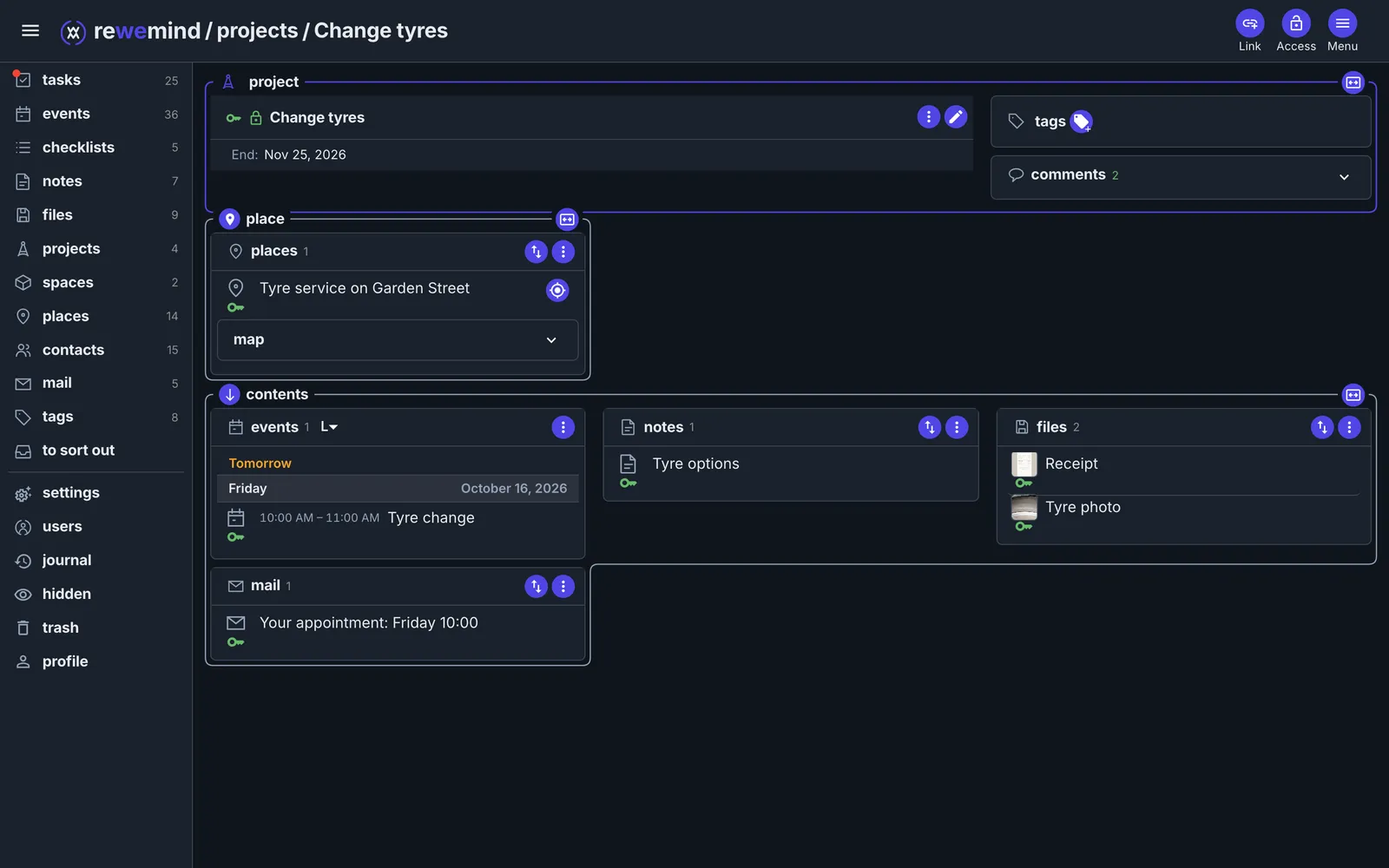
One item, its whole context
How this started

Every day something arrives and settles somewhere

Documents, scans, letters, tasks, meetings, projects. For years I kept all of it in different places — Evernote, Todoist, OneDrive, Google Drive — and I suspect most people live the same way.

Every app has its own structure, its own logic and its own rules, and between them there is a gap. That leaves three options, all of them bad. Make compromises: turn things you have to do into note files that say nothing and still lie around in a mess. Keep only some of it and hold the rest in your head or on paper. Or give up on it, which is what usually happens, and then every one of those places turns into a dump.

The expensive part is not the document you lost. The expensive part is the background hum: a dump in five places becomes a dump in your head. You are always half-remembering something, always slightly loaded, and there is far less left for the thing you were doing it all for.

I built this for myself

For years I looked for the thing that would fit me, and never found it. I tried to write it myself, but there was never enough time, or opportunity, or steam. Then the stars lined up — the technology and my own circumstances — and I could take it on properly. I have been using it myself, every day, for a second month now, and it feels like I do not need anything else: I know where things go, and I know it will not turn into a dump.

It was never about not having to think. Deciding whether something is a task, a note or an event is still yours to do — the app will not guess what you are up to. It is about those things no longer scattering into separate programs, and the connections between them no longer living only in your head.

Now it all sits in one place and holds on to itself. A person — and the meeting with them, the document that belongs to them, the list of what to raise when you meet. A trip — who is going, what to pack, where you are staying. Health — the test results, the chronology of a treatment, what the doctors answered, all on one thread. School — the messages from teachers and the list of what to buy. What stays visible to you alone, and what you hand to someone else, is yours to decide.

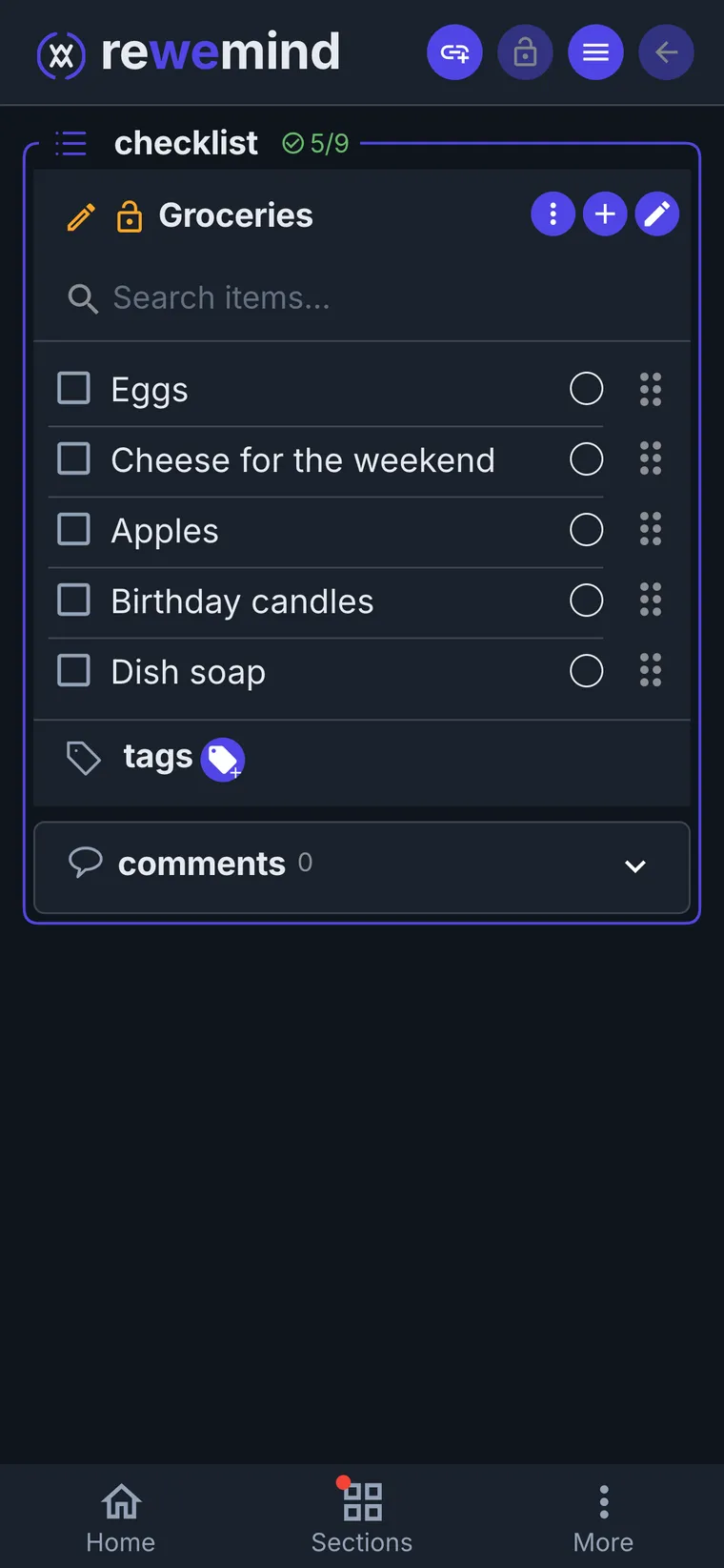
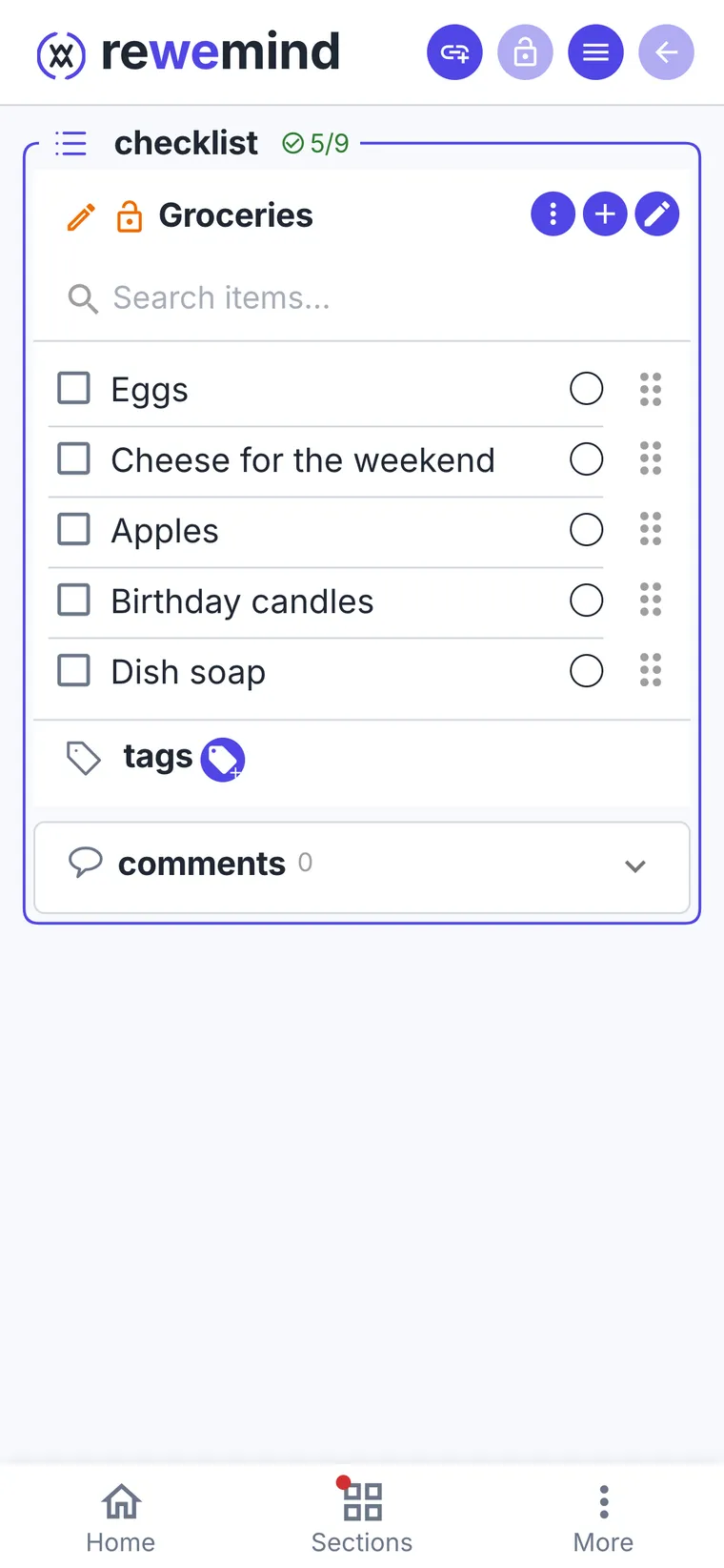
There is one place where you can throw things in without deciding: a list. The list is the way in — an idea you have no time for right now goes in as a line, and later becomes whatever it turned out to be, a task, a note, an event. Turning a line into one of those in a single move is something I am still building; for now it takes a couple of steps, but that is the idea. Links do not have to be made straight away either: often you only realise a link is missing much later — you come back, remember what is not there, find it and join the two. Nothing punishes you for the delay. Nothing burns down or turns red; you simply catch yourself thinking you forgot something. You did not — you can just do it now.

Coming back to a project after a pause is its own thing — a weekend, a holiday, a switch to something else. It costs more than the work itself: everything you were holding in your head is gone, and it gets rebuilt from five different apps, from scratch, every single time.

You open a person and see everything you have going with them. You open a project and see everything that belongs to it — the ideas, the discussions, the tasks, the documents. The context comes back on its own, instead of out of your memory.

Who this is for

The short version: for people who have outgrown paper and a single folder in the cloud.

This is for you if

  • A paper diary and notes on your phone no longer cope: there is too much of it, and it is of too many kinds.
  • You want all of it kept digitally and in one place, instead of scattered across five services.
  • You need the same thing on a computer, a phone and a tablet — the same thing, not a stripped-down mobile version of it.
  • You have worked through the tools one after another, found something in each of them, and still not found one that answers everything.
  • You would like to try a product early on and perhaps have a hand in what it becomes: an idea that suits you can well end up being part of it.

And probably not for you if

  • A diary, a sheet of paper or one folder in the cloud gets you through the week — then this is needless complexity, and that is a perfectly good place to be.
  • You want one narrow tool — only tasks, or only notes. I am doing my best to bring mine to perfection, but it may well turn out that some particular product suits you better and satisfies you completely.
  • You would rather not live with a product that is still changing and still rough in places.

Four ideas hold the whole thing up

Everything else in rewemind follows from these.

A graph, not folders

The same thing takes part in several processes at once, and these are not copies: it is one and the same item, simply involved in different matters. A contract sits in the project, on the person, and in the meeting where it was signed; fix it in one place and it is fixed everywhere. Folders cannot do that: there you either pick one branch or make duplicates that drift apart later.

Rights per item, not per workspace

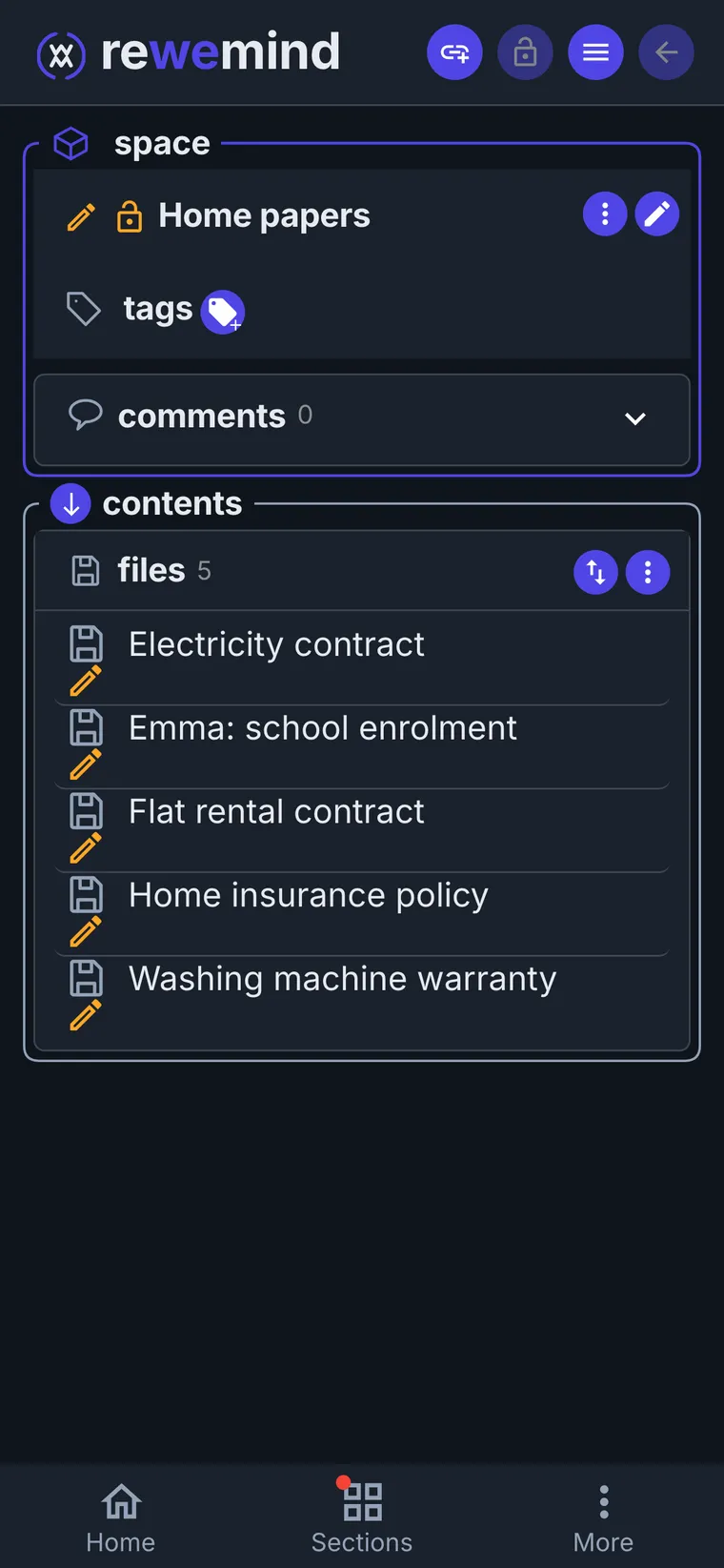
Access is granted on a single object to a single person, and revoked the same way. Work, family and studies share one account and never leak into each other.

All together, each still itself

Twelve kinds of item, each with its own role and its own behaviour. Not one of them lives alone: they refer to each other constantly and work together.

When it is over, it goes as a whole

When something stops being current — a project wraps up, say — you do not hide one line: the whole cluster goes, the tasks, the files, the correspondence, the meetings, every type at once. You see exactly what will go before it does. Nothing is deleted; it just stops catching your eye every day, and comes back when you need it.

See what's inside →

Where this is going

Built in the open. Here is the honest state of it.

Working today

  • The graph and all item types
  • Per-item access and sharing
  • File versions
  • Chats and notifications
  • Three languages, five platforms

Almost certainly coming

  • Push notifications and reminders
  • Timeline
  • Importing calendar and contacts
  • Storage plans

Maybe, maybe not

  • End-to-end encryption
  • An assistant in Telegram
  • A public API

The whole story and what comes next →

Pricing

A testing period is on — everything is free.

Testing period

0

Every feature of the app is available; only the amount of storage is capped.

Start here

Later

What becomes paid and what stays free is mine to decide, and it is not decided yet.

To be decided

Nothing you create now will be taken away once the plans arrive. · Pricing details →

Put everything in one place

Create an account and see how much of your life is already connected.